
Camunda BPMN DMN Editor
Open a process or a decision table from any of your Camunda 7 engines, edit it in the real bpmn.io modeler, and deploy it back — without leaving Odoo.
All your engines in one list
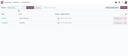
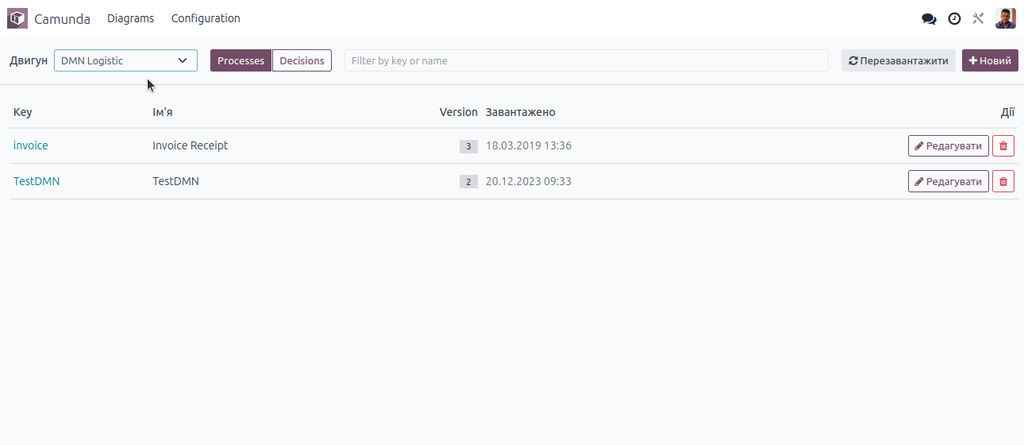
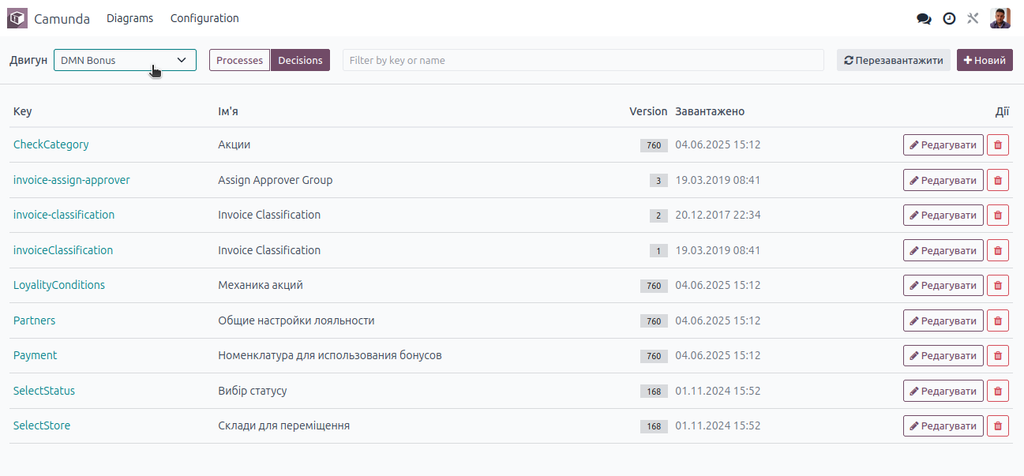
Register as many Camunda engines as you run — development, staging, production — each with its own URL and, where the engine asks for it, HTTP Basic credentials. Pick one from the toolbar and you get everything deployed on it: process definitions under Processes, decision definitions under Decisions, each with its version and the date it was deployed. Click a key and the list narrows to every version of it, newest first, so you can see how a diagram has moved over time.
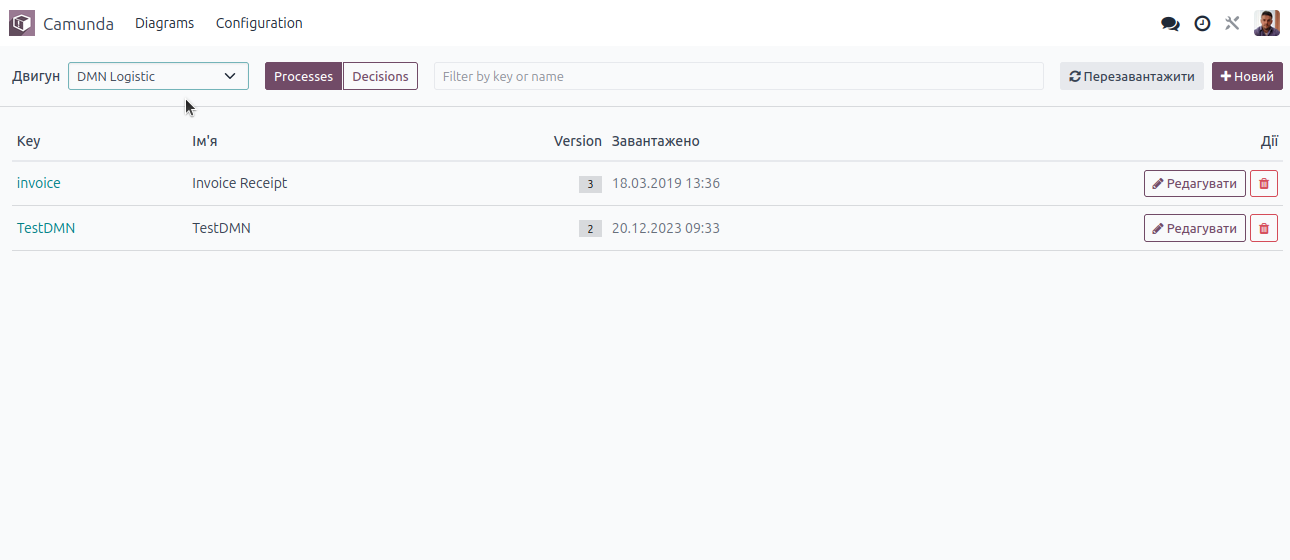
Switch engine, switch between processes and decisions, filter as you type.
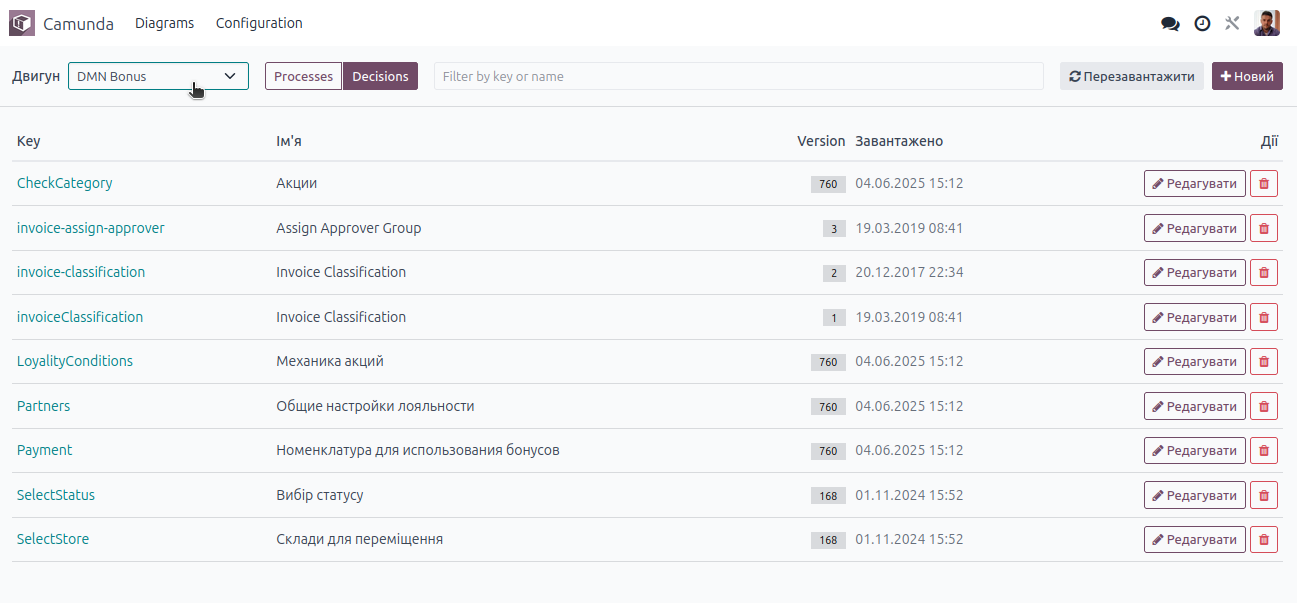
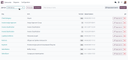
The same screen on a second engine, showing its decision definitions and the version each one is on.
The modeler you already know
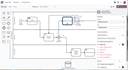
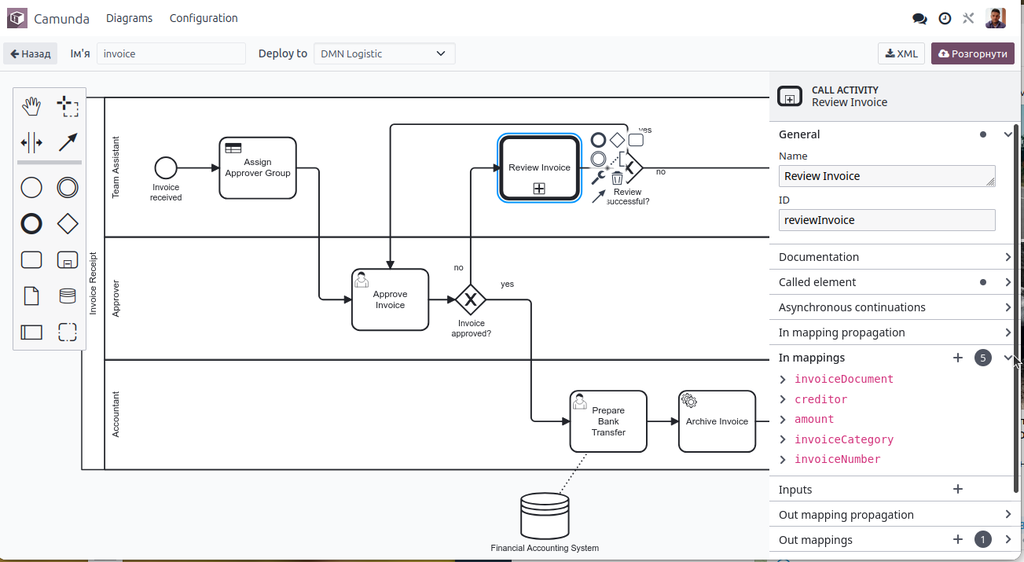
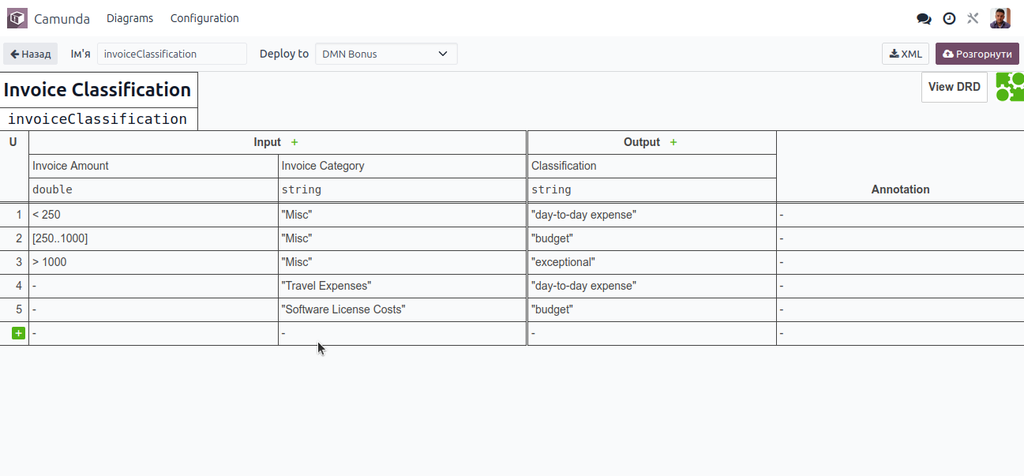
Diagrams open in bpmn-js and dmn-js, the same editors that power the Camunda Modeler, embedded in an Odoo screen. The Camunda properties panel comes with them, so the fields that actually make a diagram executable are all there: external task topics, delegate expressions and classes, execution and task listeners, form fields, asynchronous continuations, retry cycles. On the DMN side you get the decision requirements diagram, decision tables and literal expressions.
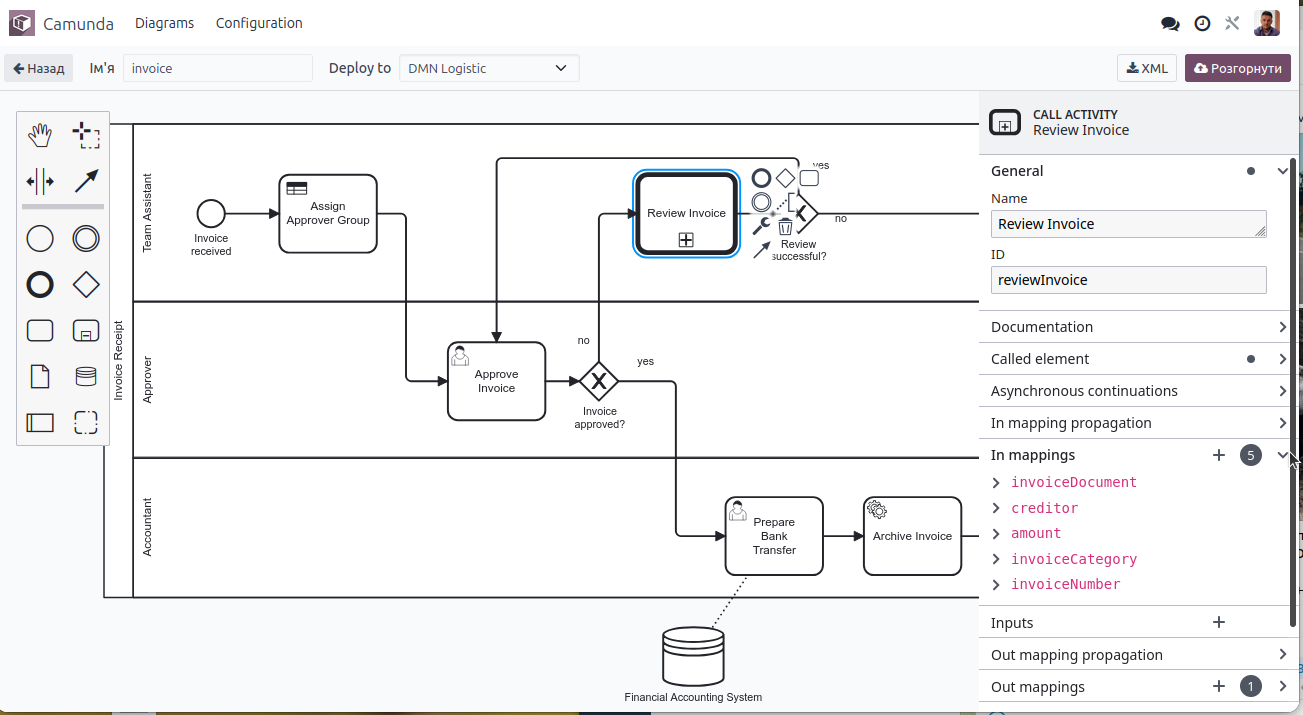
A call activity selected, with its in and out mappings on the right.
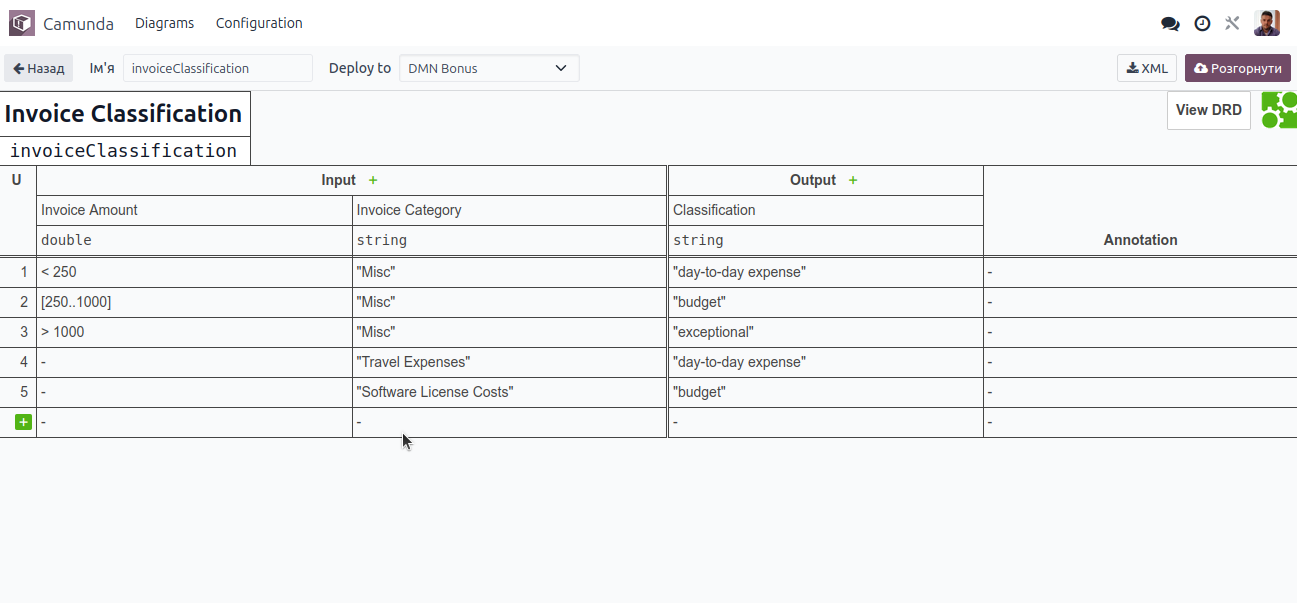
Decision tables are edited in place, rule by rule.
Promote a diagram in one step
The engine you deploy to is a separate choice from the engine you opened the diagram on. Open a process on staging, satisfy yourself it is right, pick production in the Deploy to box and push it. Engines you have marked as production ask for confirmation first, so nobody promotes a draft by reflex. Deployments use Camunda's own duplicate filtering, so re-deploying an unchanged diagram does not pile up versions.
Access that belongs to Odoo
Every request to an engine is proxied through Odoo. Two things follow from that. Your engines need no CORS configuration and are never contacted by the browser directly — only by the Odoo server. And who may open, deploy or delete is decided by two Odoo groups, Camunda Editor and Camunda Administrator, instead of by who happens to reach the engine on the network. Odoo administrators get both automatically. Each deploy and each delete is written to the Odoo log together with the user who did it.
What else is in it
- Filter the list by key or name as you type.
- Start a new process or decision from a blank diagram.
- Download the raw XML of whatever is on screen.
- Delete a deployment, with a warning that running instances go with it.
- A Test connection button on each engine that reports the Camunda version it answers with.
- Unsaved changes are flagged in the toolbar and confirmed before you navigate away.
Before you buy
- Built for Camunda 7 and its REST API. Camunda 8 uses a different protocol and is not supported.
- DMN diagrams are handled in DMN 1.1, which every Camunda 7 release reads and writes.
- The Odoo server must be able to reach the engine's
/engine-restendpoint over the network. - No Python packages beyond what Odoo already ships.
- The bpmn-js and dmn-js libraries are bundled with the module; nothing is fetched from the internet at runtime.
Support
Written and maintained by Svyatoslav Nadozirny. Questions, bug reports and feature requests are welcome at info@many2one.online.
bpmn-js and dmn-js are open-source projects of Camunda Services GmbH, redistributed here under their licence. Camunda is a trademark of Camunda Services GmbH. This module is an independent product and is not affiliated with or endorsed by Camunda Services GmbH.
Technical details
| Technical name | camunda_editor |
|---|---|
| Odoo versions | 20.0, 19.0, 18.0, 17.0 |
| License | OPL-1 |
| Required Odoo apps | base, web |