


Chatter Width & Filters
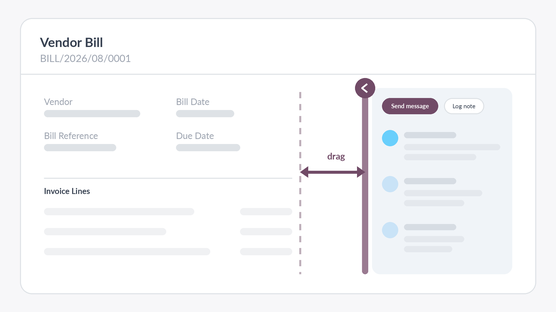
Drag the chatter to the width you want, fold it away entirely, or filter its feed down to what you came for — on every form in Odoo, remembered for you, and back on its own when someone writes.
See it working
Resizing, folding, and the chatter coming back by itself when a new message arrives.
530 pixels, whatever the screen
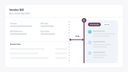
Odoo gives the chatter a fixed width on every form and every monitor. On a laptop it takes a third of the form; on a wide screen it is too narrow for the conversation it holds, so long messages fall down the column five words at a time while half the desk sits empty.
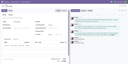
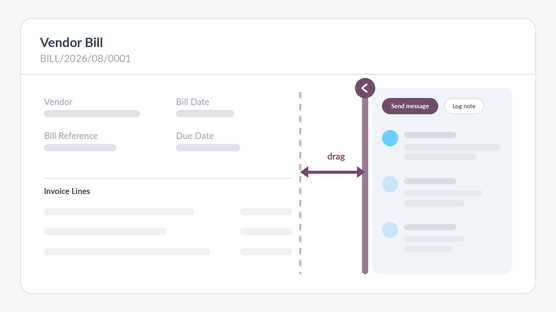
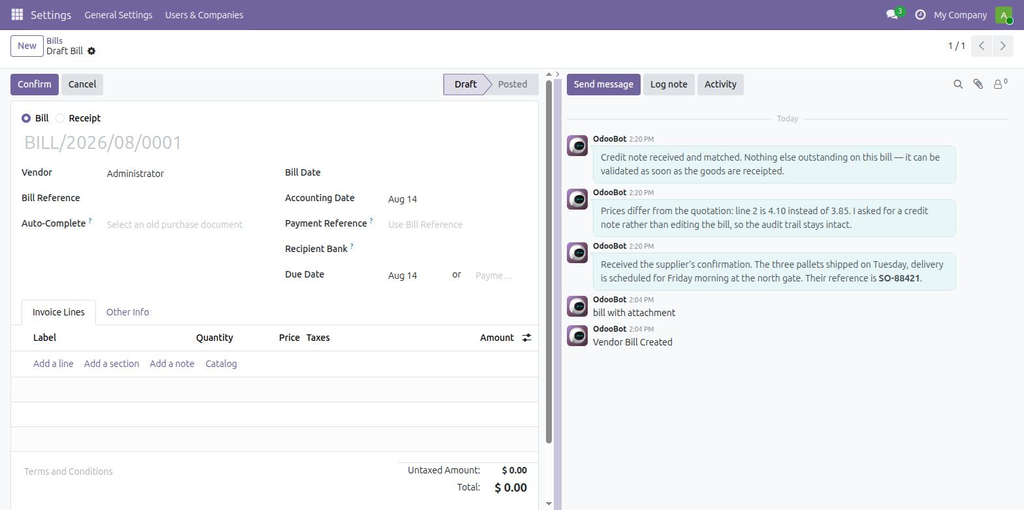
This module puts that width in the hands of the person reading it. Grab the left edge of the chatter and drag: the form gives way, the chatter grows, and the messages become readable. Drag the other way and the form gets the room instead.
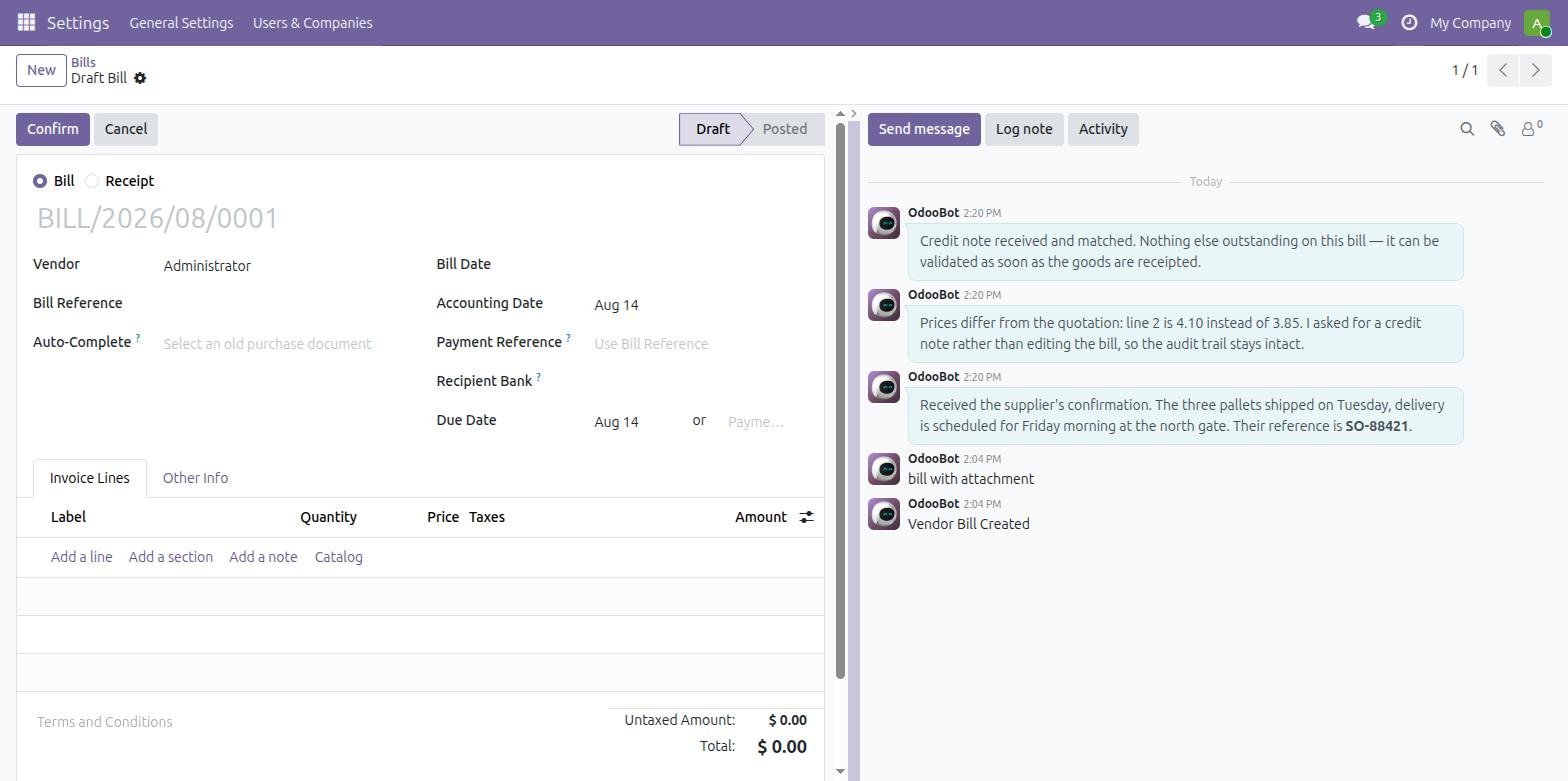
The same conversation, given the width it needed.
Or fold it away
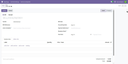
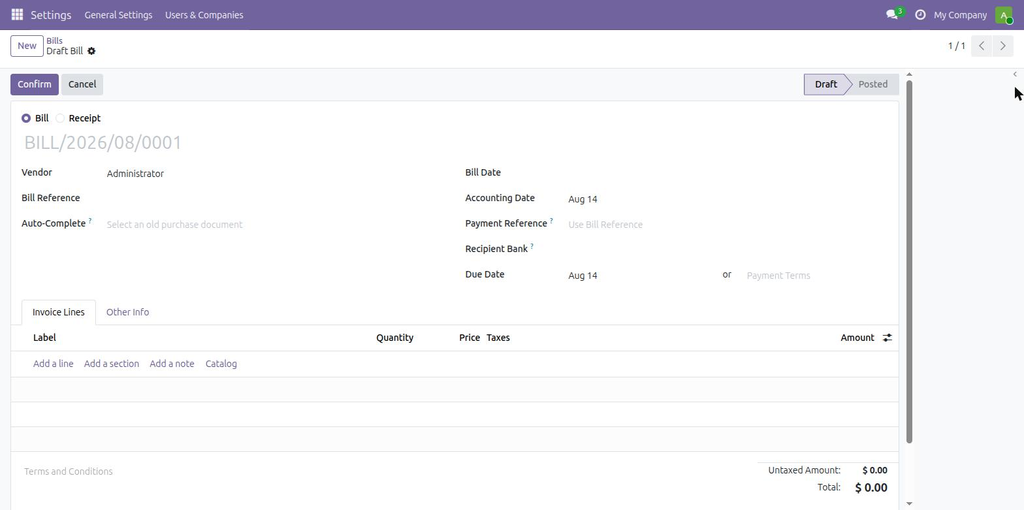
Some screens are for reading conversations. Others are for entering data, and the chatter is only in the way. One click on the chevron folds it into a thin rail and hands the whole width to the form — wide enough for an invoice with twenty lines, a long product name, a table that used to need horizontal scrolling.
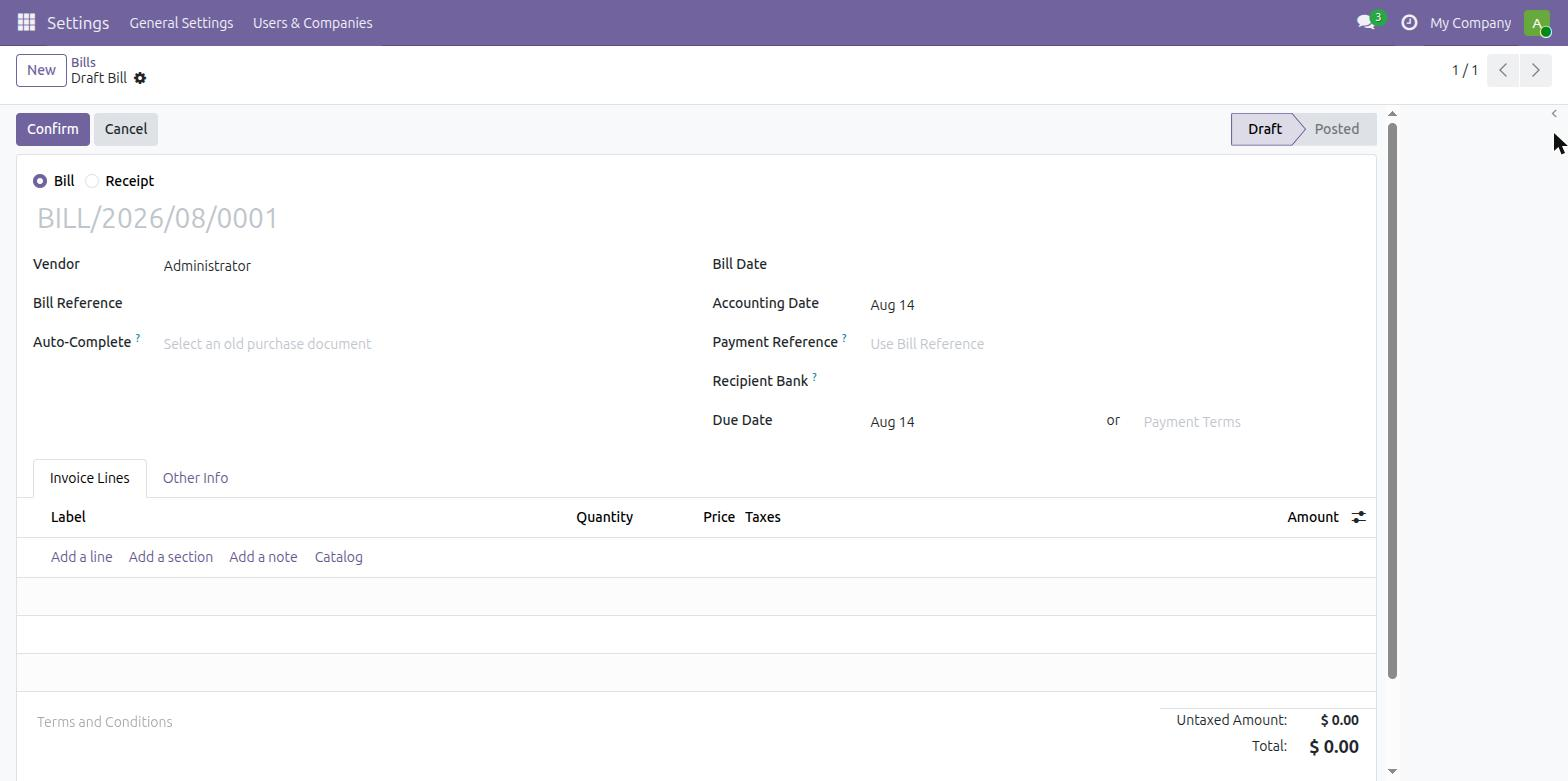
Folded. The rail on the right brings it back.
Filter the feed
A busy record collects everything: the emails with the customer, the notes your team leaves for each other, and a long tail of Stage → Won, Salesperson → … lines from every field that ever changed. Finding last week's email means scrolling past all of it.
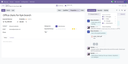
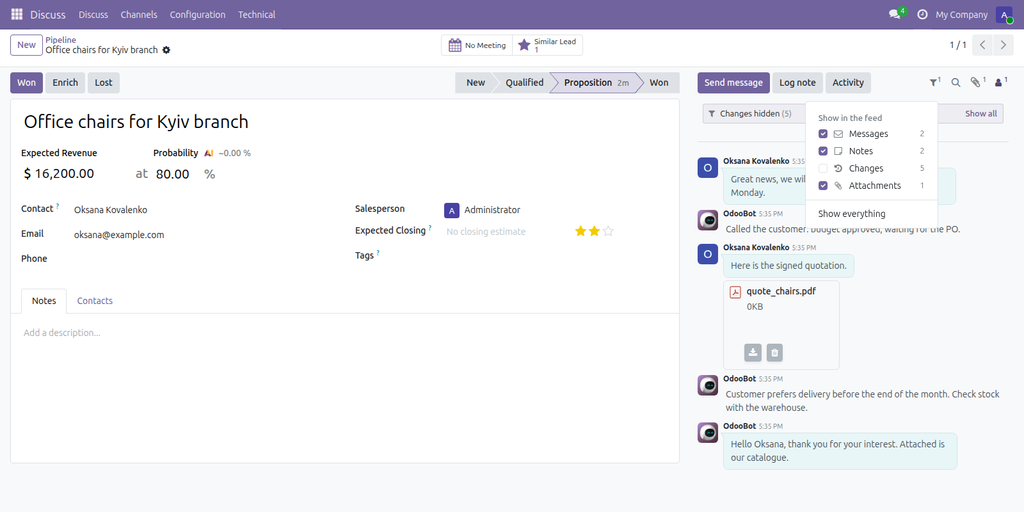
The funnel next to the search icon in the chatter switches each kind of entry on or off: Messages, Notes, Changes and Attachments, with the number of each next to it. A thin line above the feed says what is hidden — Changes hidden (14) — with a Show all link, so a filtered chatter is never mistaken for an empty one.
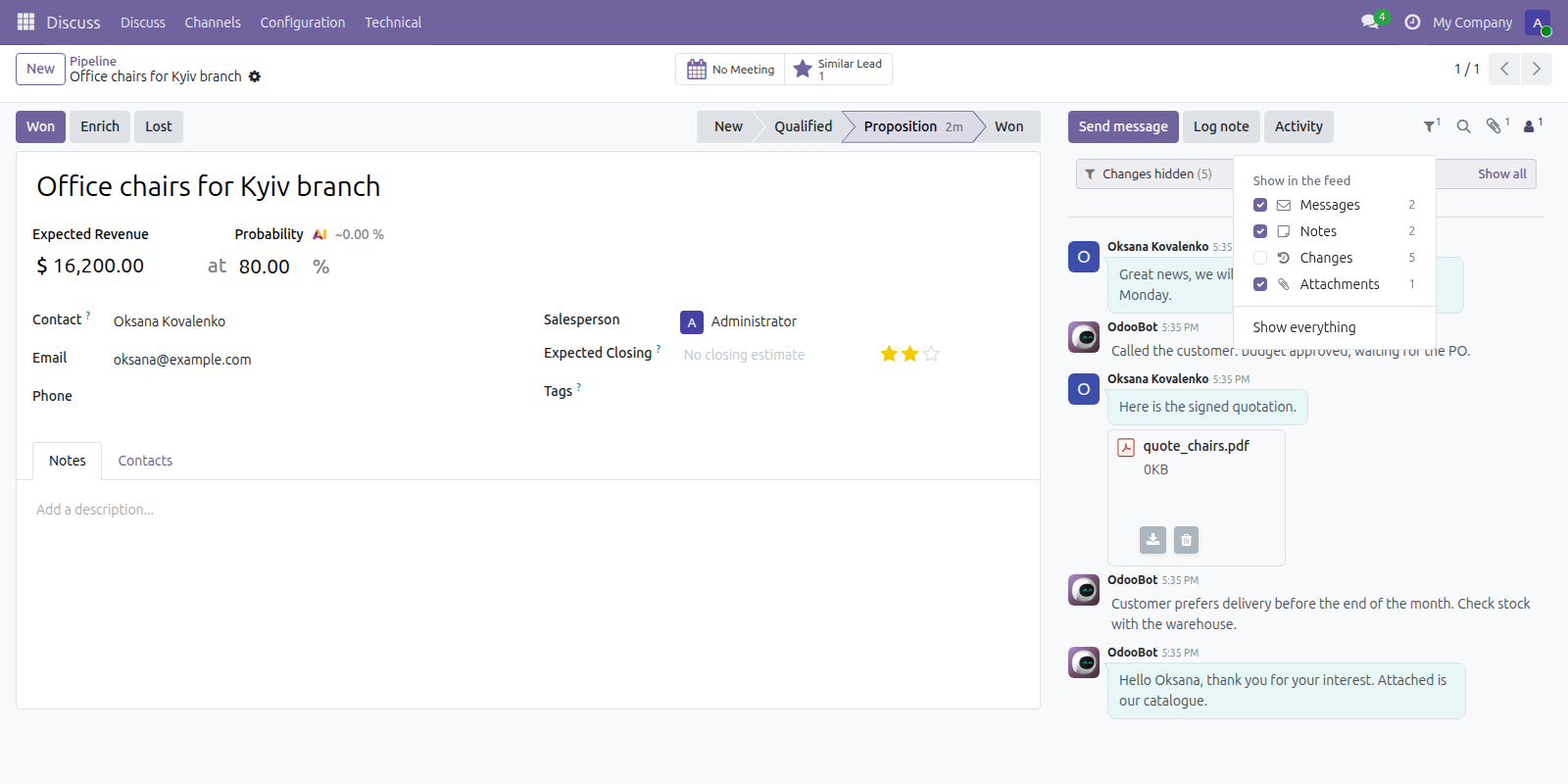
Field changes hidden: what is left is the conversation.
- Remembered per user, on every record: hide the changes once and every chatter opens without them.
- Keeps working as the feed grows — older messages loaded on scroll and new ones arriving live are filtered the same way.
- Sensible about mixed entries: a note that also changed a field stays a note; only entries that are nothing but field changes count as Changes. Anything carrying files counts as Attachments.
- A message you jump to from a search or a link is always shown, whatever its type.
Each screen keeps its own answer
The width and the folded state are remembered per screen, in the browser. Vendor bills can run with a folded chatter while the CRM pipeline keeps a wide one; each screen opens the way it was left, today and next week.
- Stored against the action, so every user chooses for themselves — no setting to roll out, nothing an administrator has to decide.
- Nothing is written to the database: no new model, no new column, no configuration screen.
- Preferences a browser has not seen in six months are cleared on their own.
It comes back when it matters
A folded chatter is the one real risk of a feature like this: fold it on Monday, miss a message on Thursday. So folding is remembered with the moment it happened. Open the record again, and if anything has been written to it since — a message, a logged note, a tracked field changing — the chatter is already open, and stays open until you fold it again.
Nothing is polled and nothing extra is fetched to make that work: the chatter loads its thread exactly as Odoo already does, folded or not.
Every form, no configuration
Install it and it is there: contacts, leads, quotations, invoices, tasks, employees, purchase orders, tickets — and the forms of your own modules. No view has to be inherited, no field added, no menu visited. There is nothing to set up, so there is nothing to maintain.
It applies where it makes sense and stays out of the way everywhere else. On a narrow screen, where Odoo already moves the chatter under the form, there is nothing to resize and only the feed filter is there. On a form showing an attachment preview beside the record, it leaves Odoo's own layout untouched.
Technical notes
- No model is added and no existing model is modified. The module is JavaScript, templates and stylesheets.
- Nothing is stored server-side — preferences live in the user's own browser: width and folding per action, the feed filter per user.
- Filtering happens in the browser on the messages already loaded: no extra request, no change to what Odoo fetches.
- The chatter itself is untouched: the module drives the width of the container Odoo already puts it in, and reuses Odoo's own rule for deciding whether the chatter sits beside the form.
- Width is bounded, so a preference saved on a wide monitor cannot swallow the form on a laptop.
- Depends on
mailonly. - No data is collected, sent anywhere or stored outside your database.
- No activation key, no external service, no licence check.
- Available for Odoo 17.0, 18.0, 19.0 and 20.0, Community and Enterprise, the feed filter included.
Also part of NDev Theme
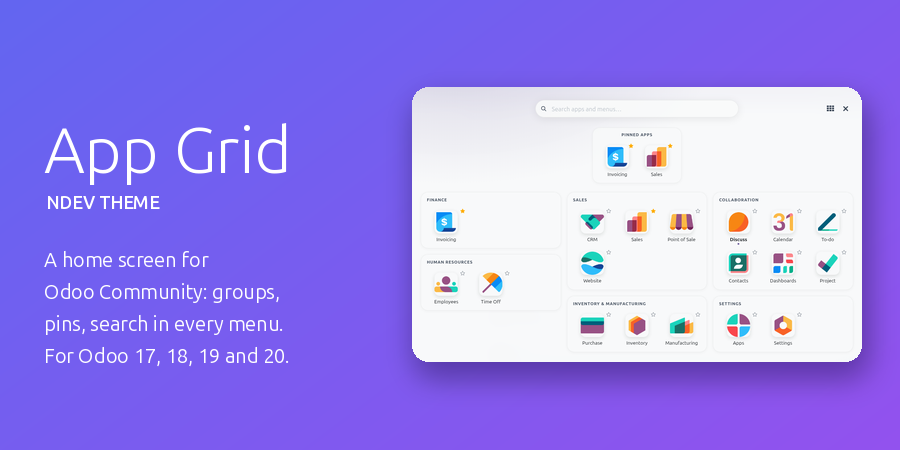
This module comes included in NDev Theme - App Grid, our complete look-and-feel pack for Odoo Community: a full-screen home menu with app groups, pinned and recent apps and a search over every menu, a start app per user, your own brand and menu colours (a red menu on staging, so nobody mistakes it for production), a dark mode, plus Chatter Width & Filters, Kanban Swimlanes & Sort and List Power Tools. Already have the theme? Then you already have this module.
Support
Written and maintained by Svyatoslav Nadozirny. Questions, bug reports and feature requests are welcome — answered directly by the author.
Technical details
| Technical name | chatter_flex_width |
|---|---|
| Odoo versions | 20.0, 19.0, 18.0, 17.0 |
| License | OPL-1 |
| Required Odoo apps |