

List Power Tools
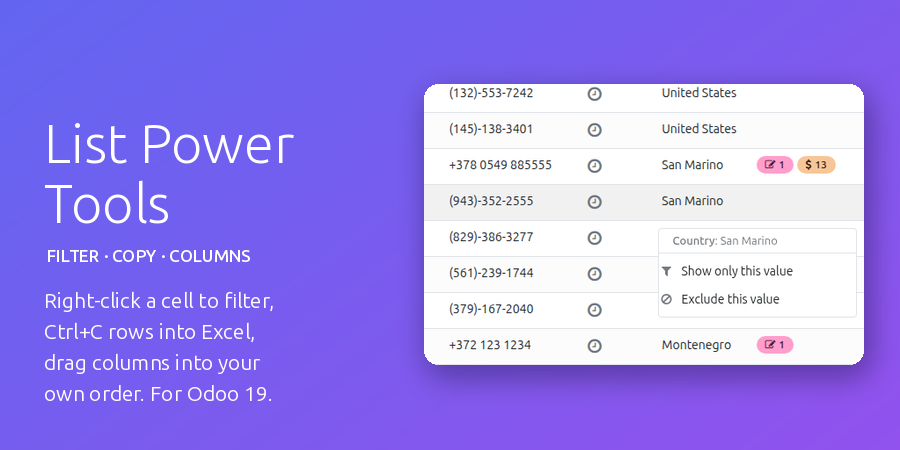
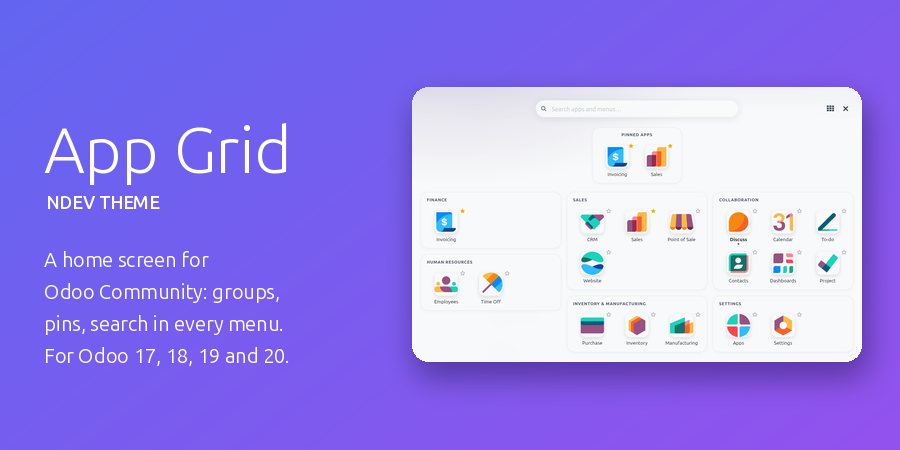
Three things every Odoo list should do. Right-click a cell to filter by its value, press Ctrl+C to paste the selected rows straight into Excel, and drag the columns into your own order and widths, kept for you on every device.
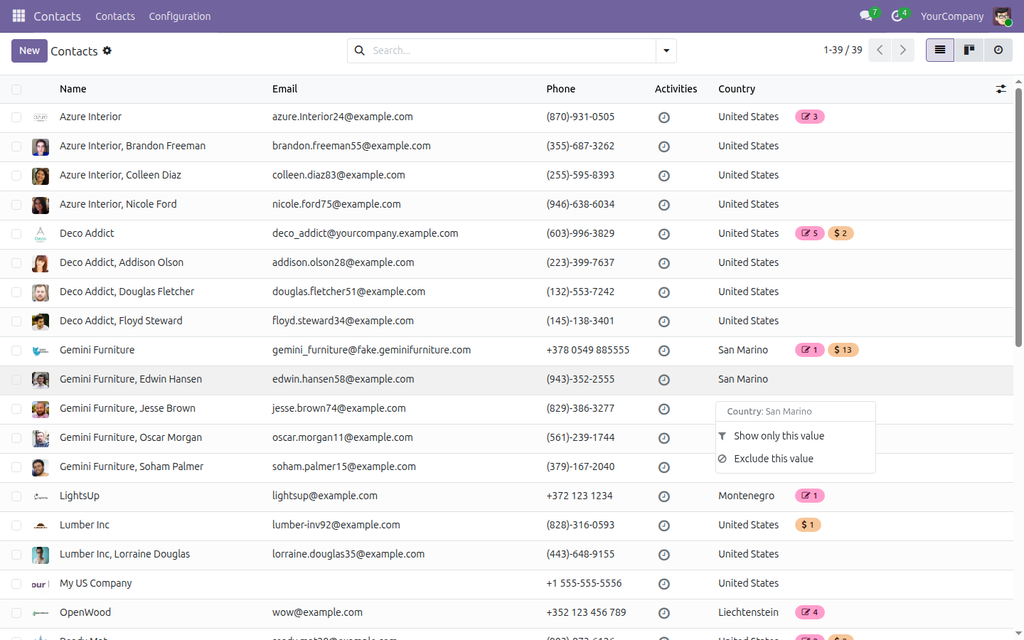
Filter by cell value
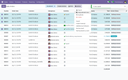
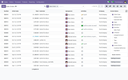
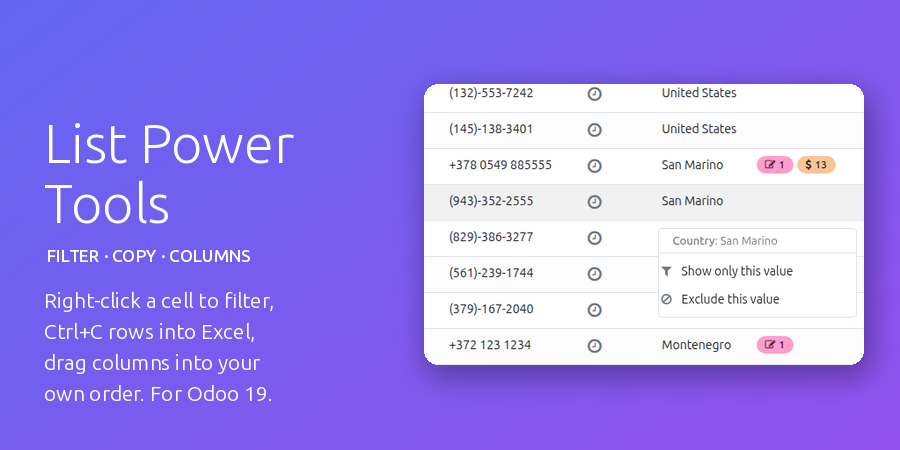
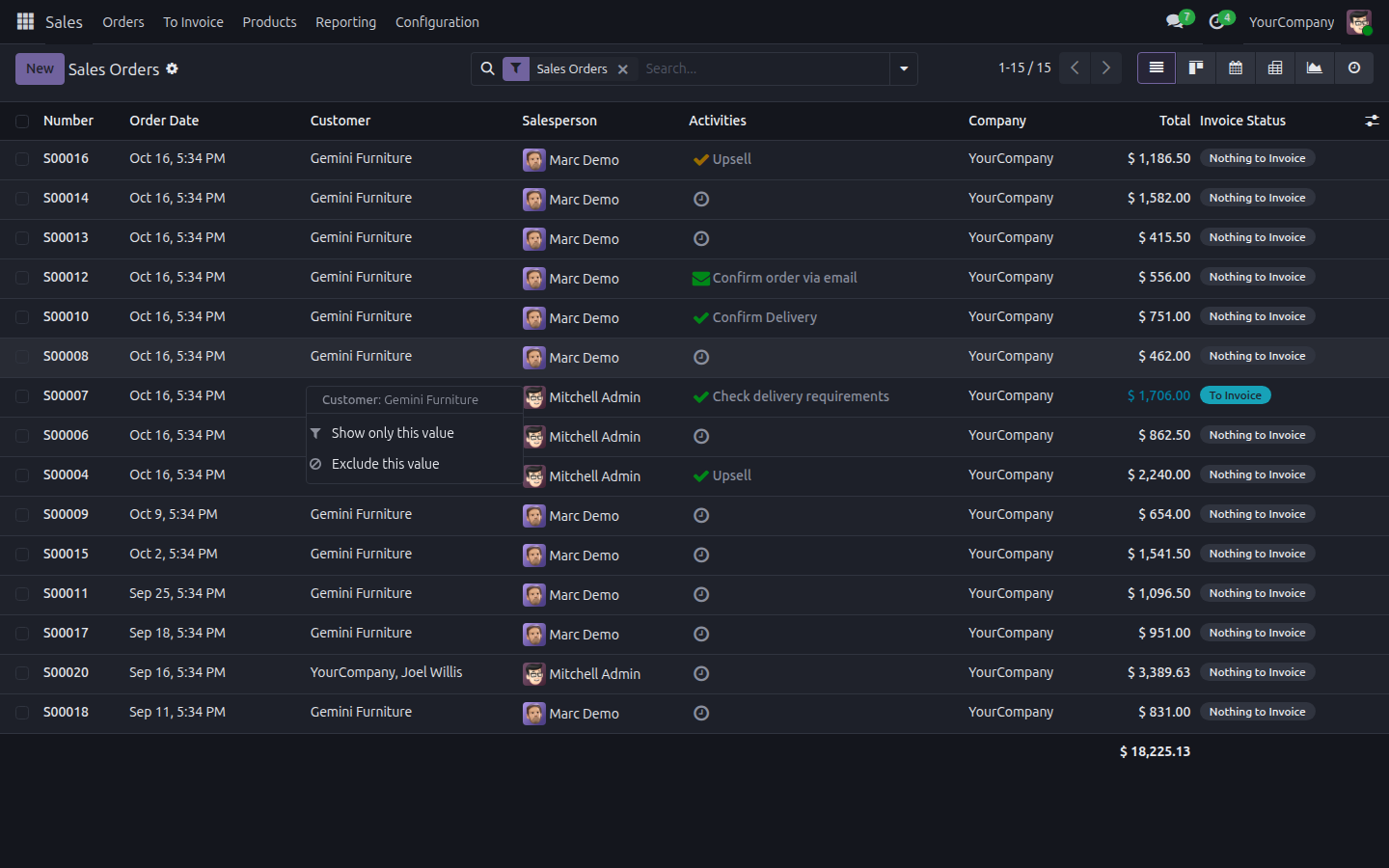
Right-click any cell of a list: Show only this value, Exclude this value, and for numbers and dates Greater than or equal and Less than or equal. An empty cell offers Is set and Is not set. Works on text, selections, customers and other many2one fields, tags, check boxes, amounts, quantities, dates and date-times, in grouped and editable lists alike.
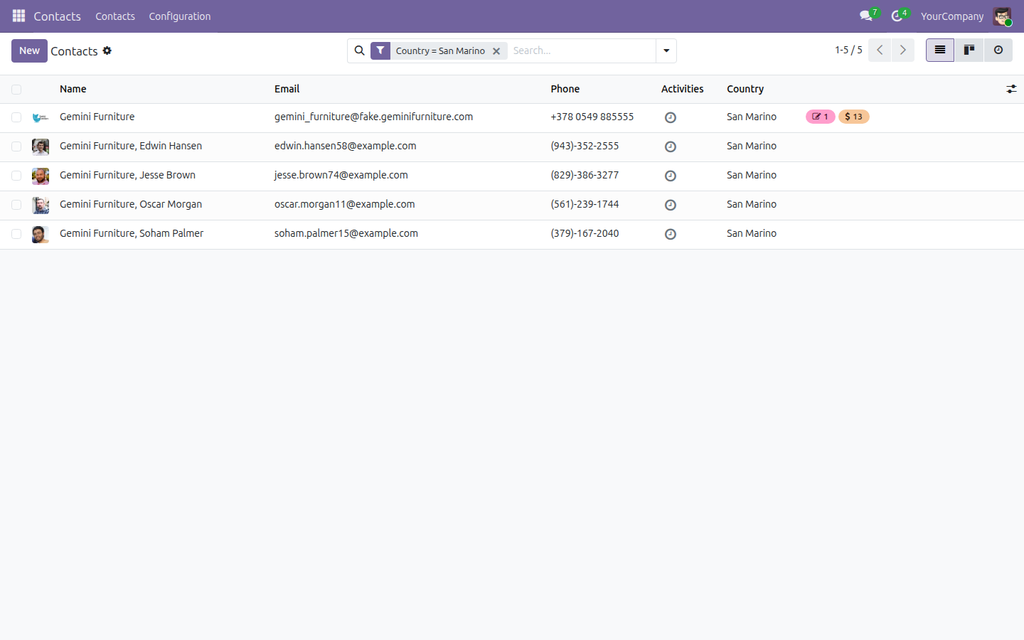
A normal search filter, removed with one click
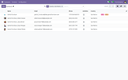
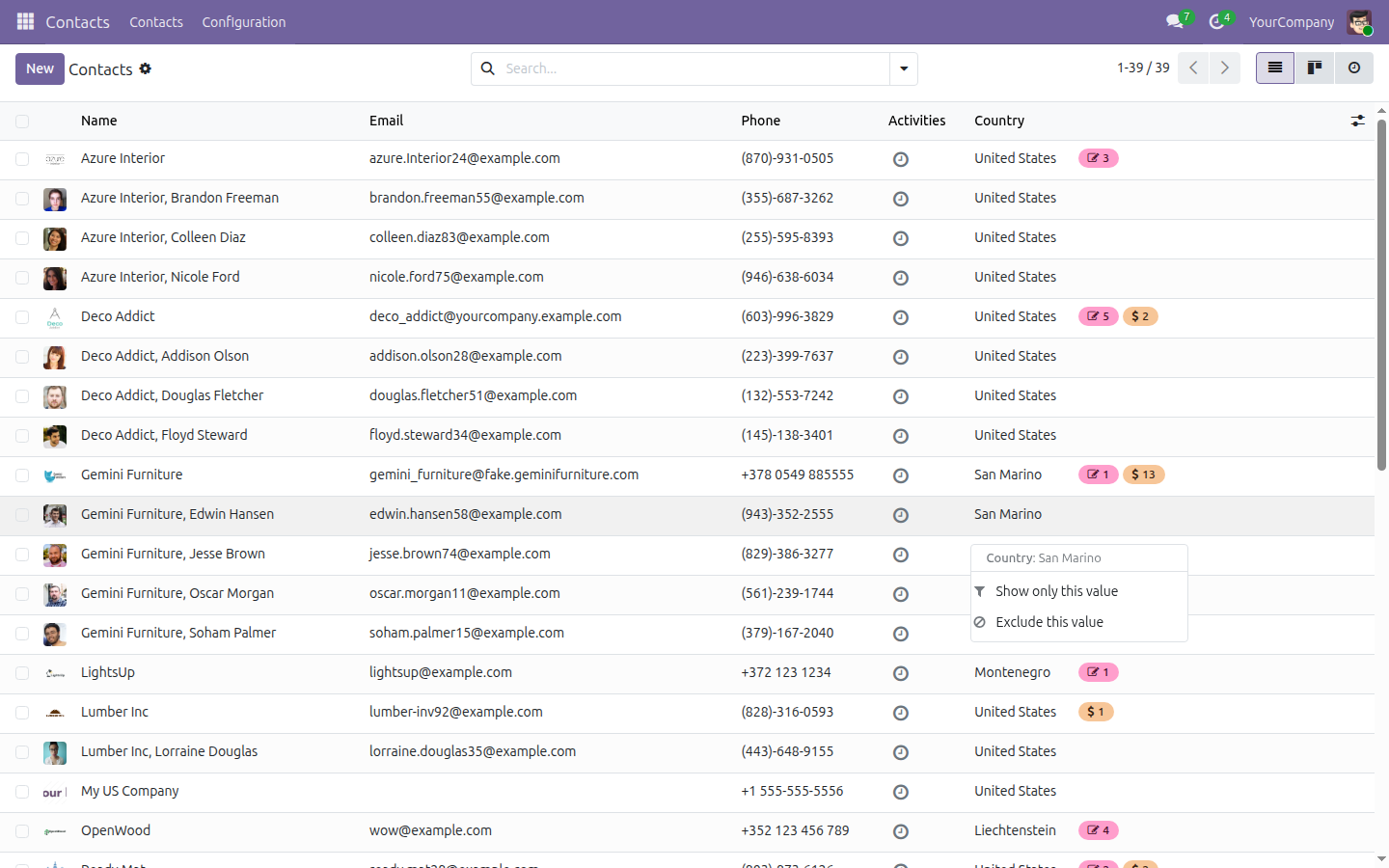
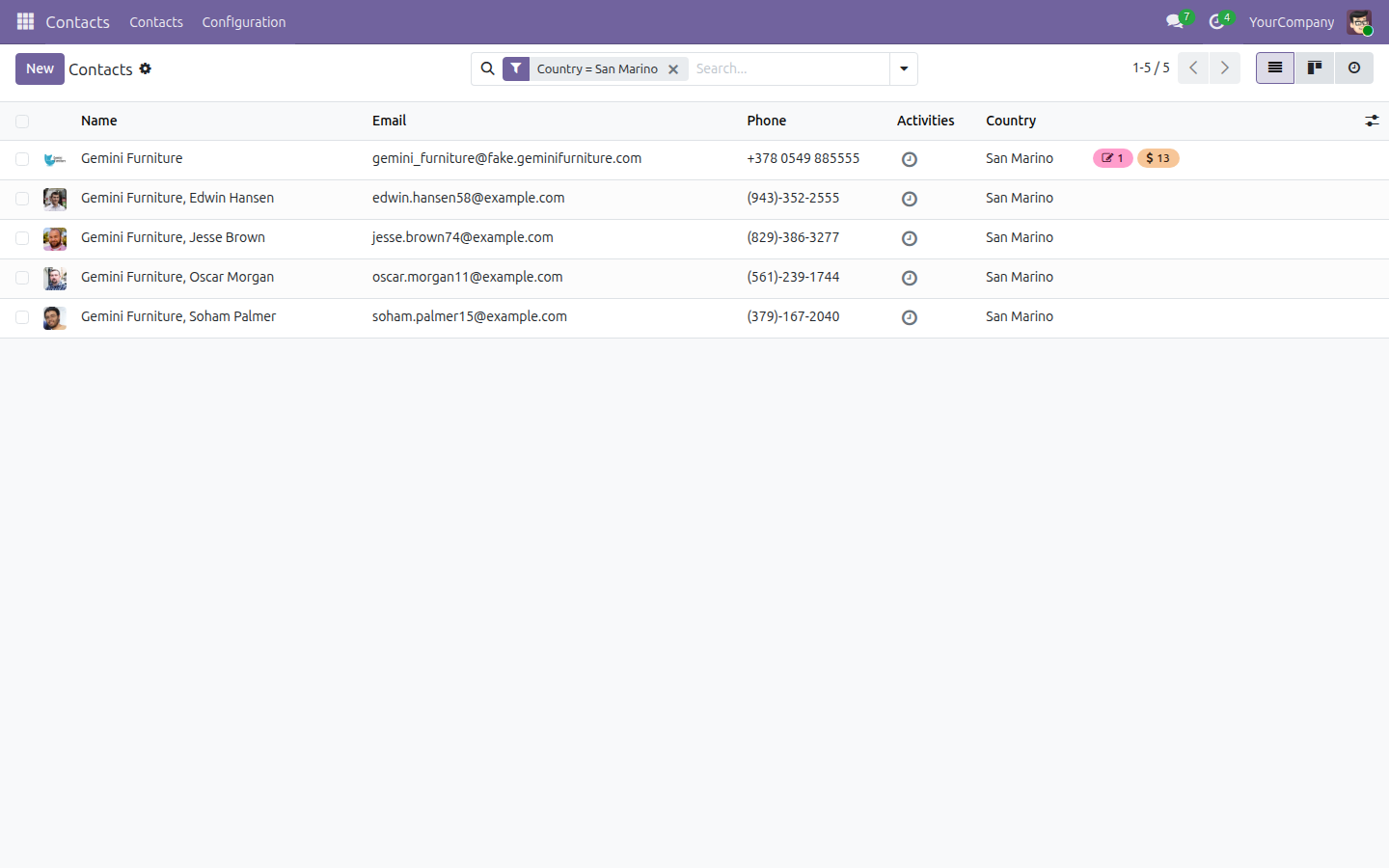
The filter lands in the search bar as a regular facet, such as Country = San Marino. Combine several, group the result, save it as a favorite, or click the cross to drop it. Shift + right-click still opens the browser's own menu, and the header row keeps its usual behaviour.
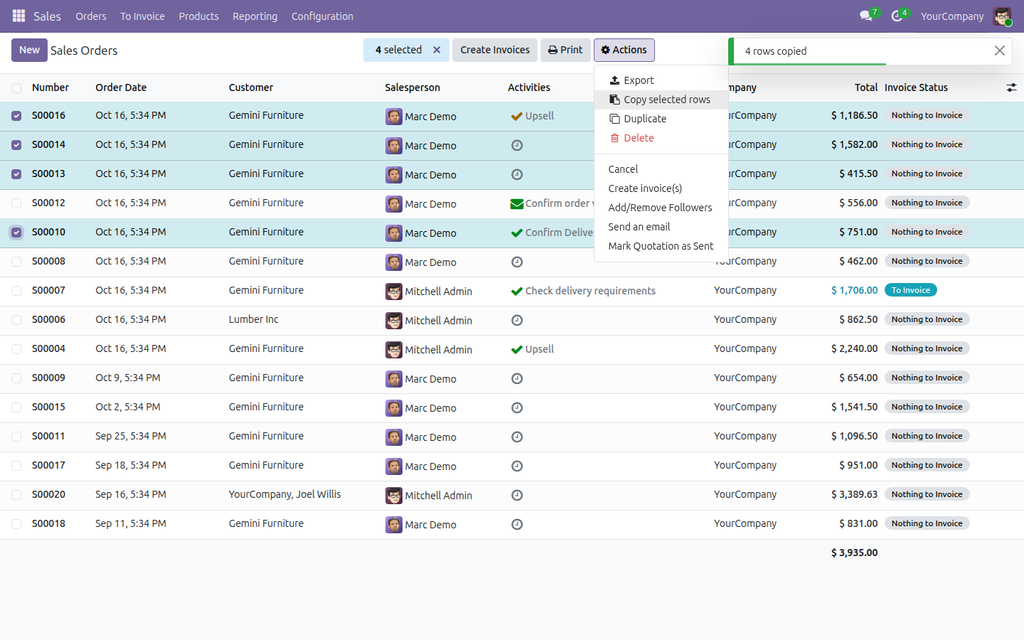
Copy to Excel
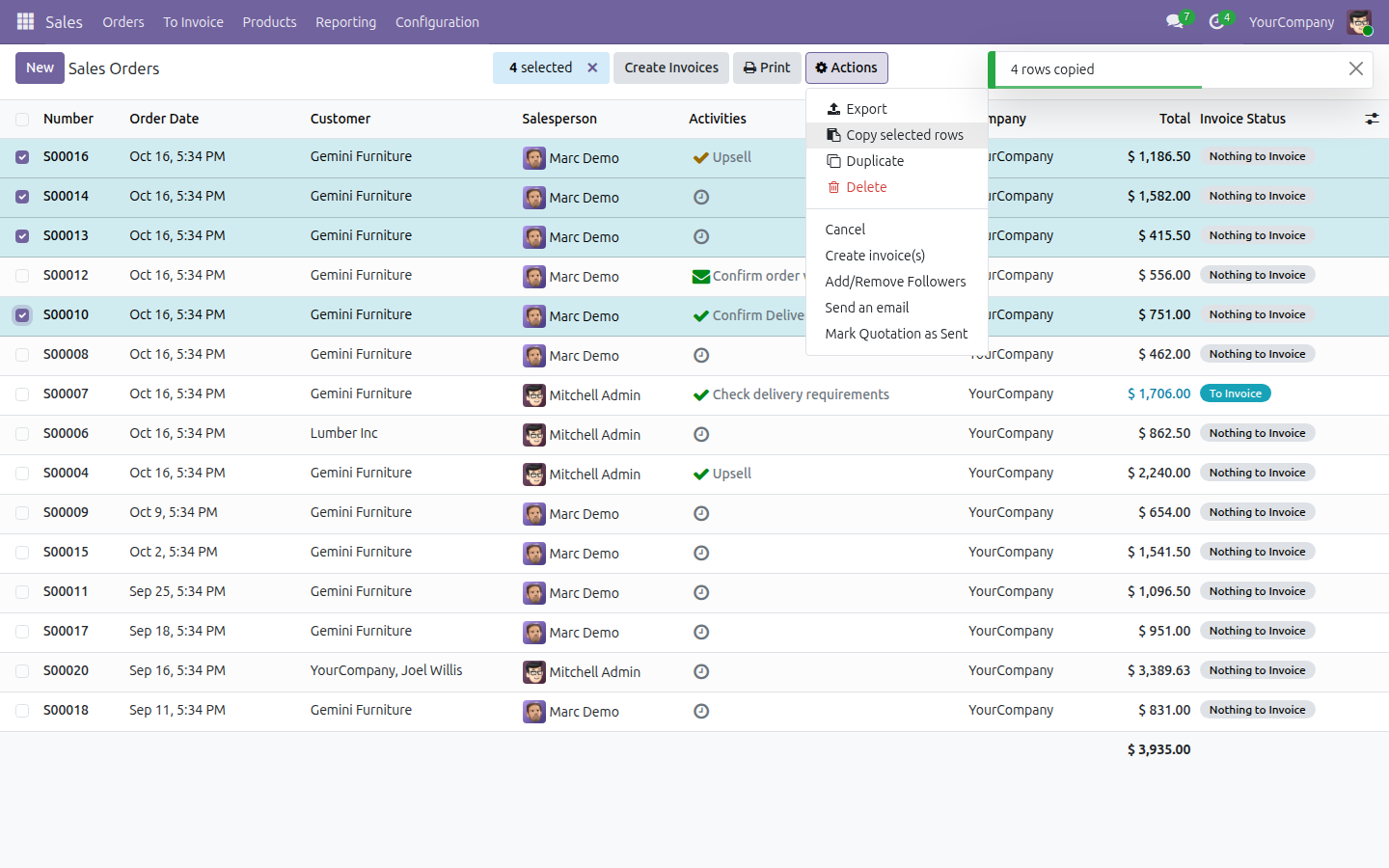
Tick the rows and press Ctrl+C (Cmd+C on a Mac), or pick Actions > Copy selected rows. The visible columns go to the clipboard as a table with a header row, ready to paste into Excel, LibreOffice Calc or Google Sheets. Numbers stay numbers (no thousands separators, a dot for decimals), dates are ISO dates (2026-10-16), check boxes become TRUE / FALSE, and text with tabs, line breaks or quotes is quoted so that it stays in its cell.
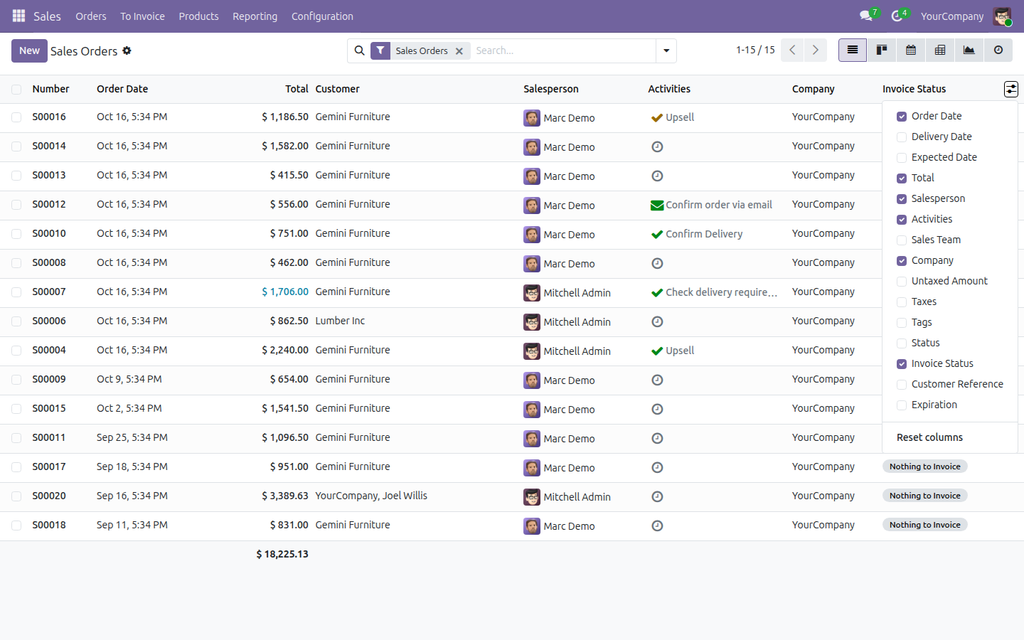
Your column order and widths
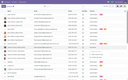
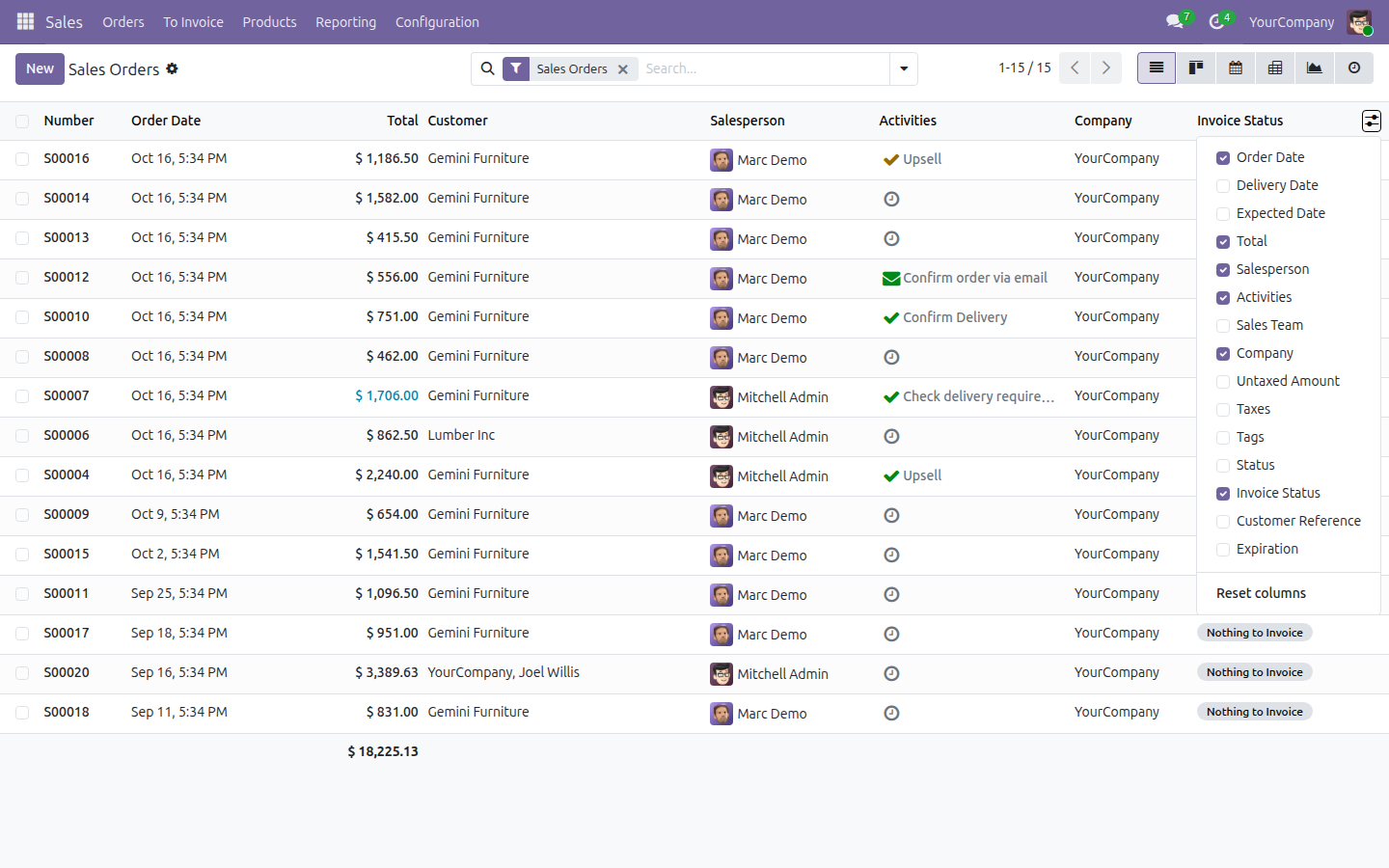
Drag a column header to move the column, drag its edge to resize it. The layout is saved on the server for each user and each list, so it is there after a reload, in another browser and on another computer. Columns added to the view later simply appear where the view puts them. Reset columns in the optional columns menu brings back the original layout; a double click on a column edge forgets only the widths.
Light and dark
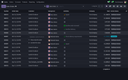
The menu, the drop markers and the notifications take their colours from the Odoo theme, so they follow a dark mode too (shown here with our NDev Theme).
Good to know
- Works in every list view of every app, with nothing to configure and no view to edit. Lists inside forms (order lines and the like) are left as they are.
- Made for desktop browsers; on phones Odoo shows lists differently and the module stays out of the way.
- Copy takes the rows loaded on the screen. After Select all on a long list, use Odoo's Export for the rest.
- Date-times are copied in the user's time zone; Show only this day on a date-time cell keeps the whole day.
- Column layouts are stored per user in the database; a user never sees another user's layouts. Nothing leaves your Odoo.
- For Odoo 17, 18, 19 and 20 (tested on Community). Depends only on the web module. Interface in English and Ukrainian.
Also part of NDev Theme
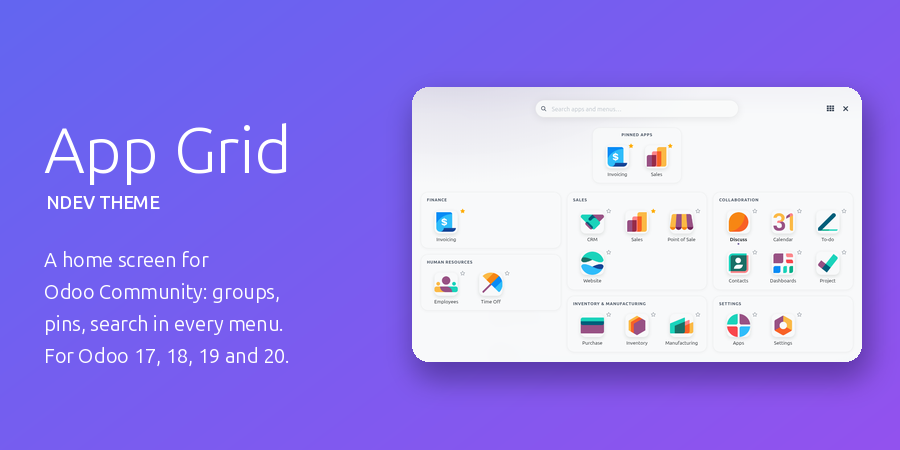
This module comes included in NDev Theme - App Grid, our complete look-and-feel pack for Odoo Community: a full-screen home menu with app groups, pinned and recent apps and a search over every menu, a start app per user, your own brand and menu colours (a red menu on staging, so nobody mistakes it for production), a dark mode, plus Chatter Width & Filters, Kanban Swimlanes & Sort and List Power Tools. Already have the theme? Then you already have this module.
Questions or ideas? Write to info@many2one.online.
Technical details
| Technical name | list_power_tools |
|---|---|
| Odoo versions | 20.0, 19.0, 18.0, 17.0 |
| License | OPL-1 |
| Required Odoo apps | web |