
App Grid
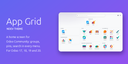
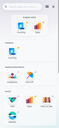
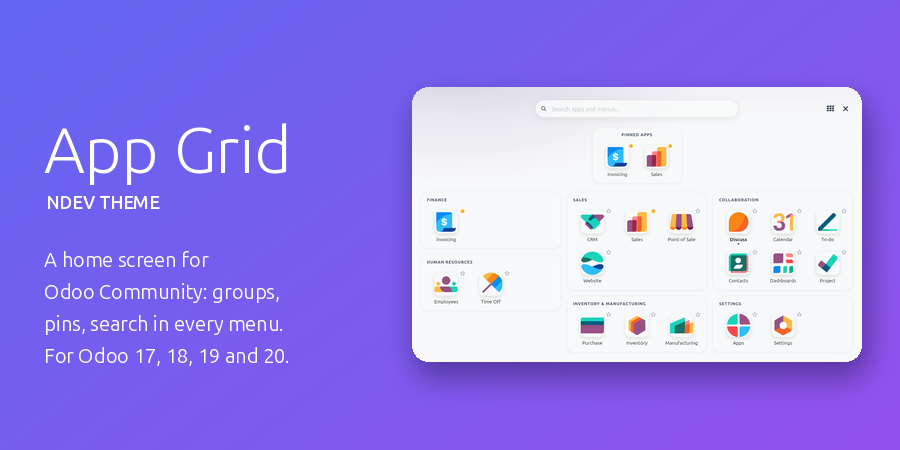
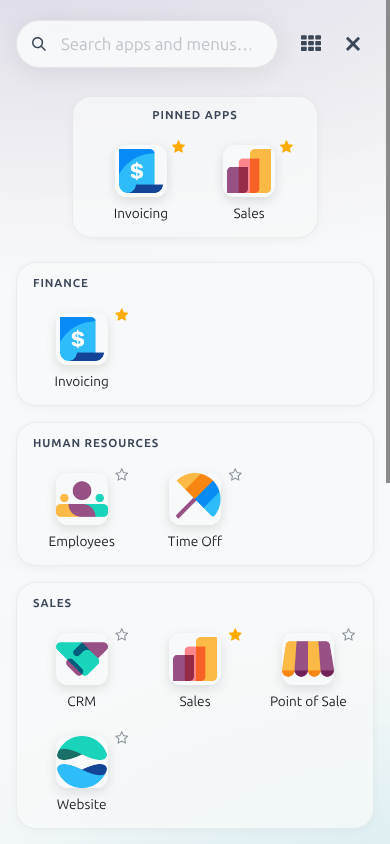
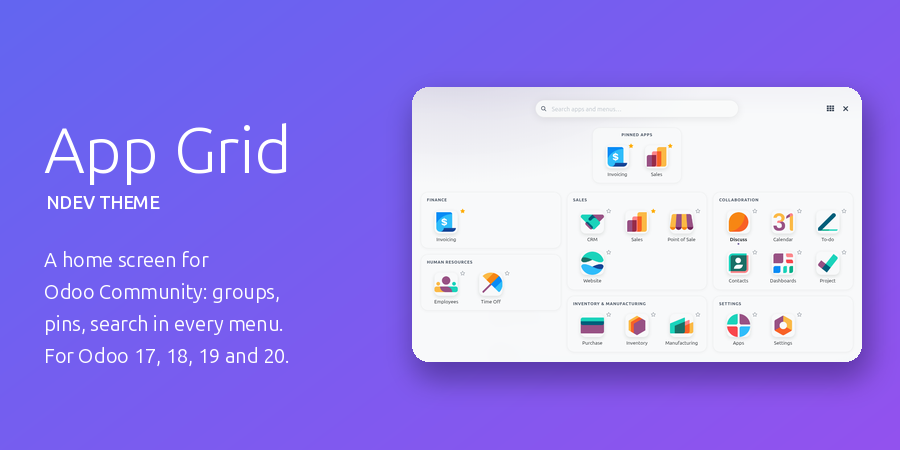
A real home screen for Odoo Community. The small apps dropdown becomes a full-screen grid of app tiles grouped by area, with your pinned and recent apps on top and a search that reaches every menu item.
Every app at a glance
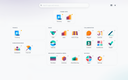
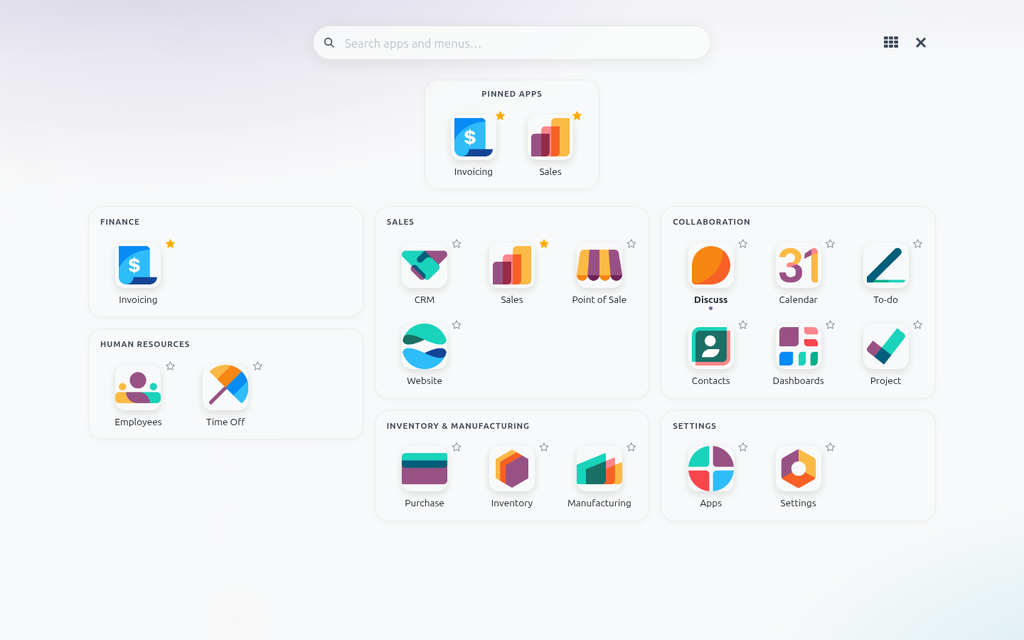
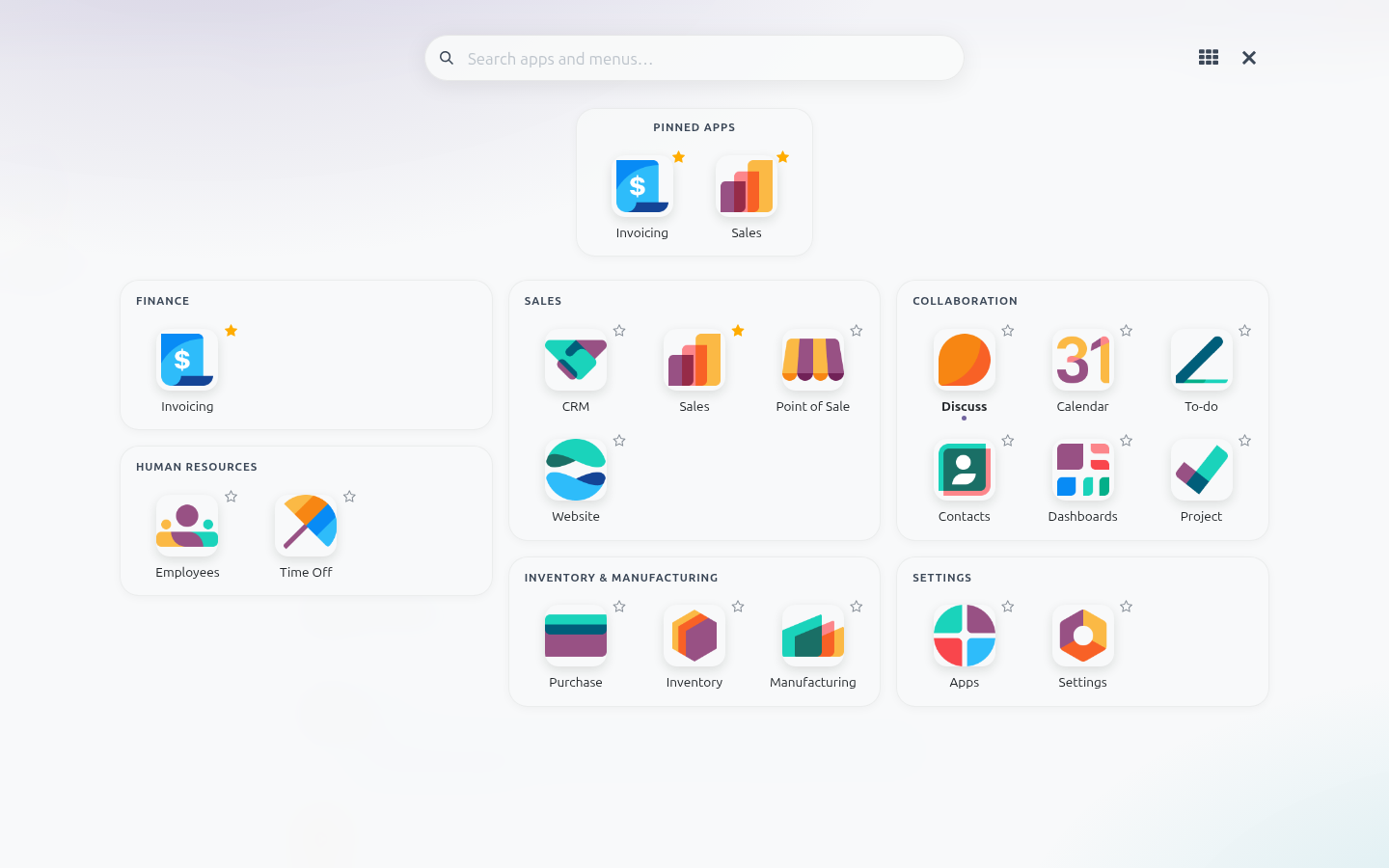
Apps are laid out as cards: Finance, Human Resources, Sales, Inventory & Manufacturing, Industries, Collaboration and Settings. Star an app to pin it to the top and drag the pinned ones into your own order; the apps you opened lately sit right next to them.
Search every menu, not just the apps
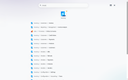
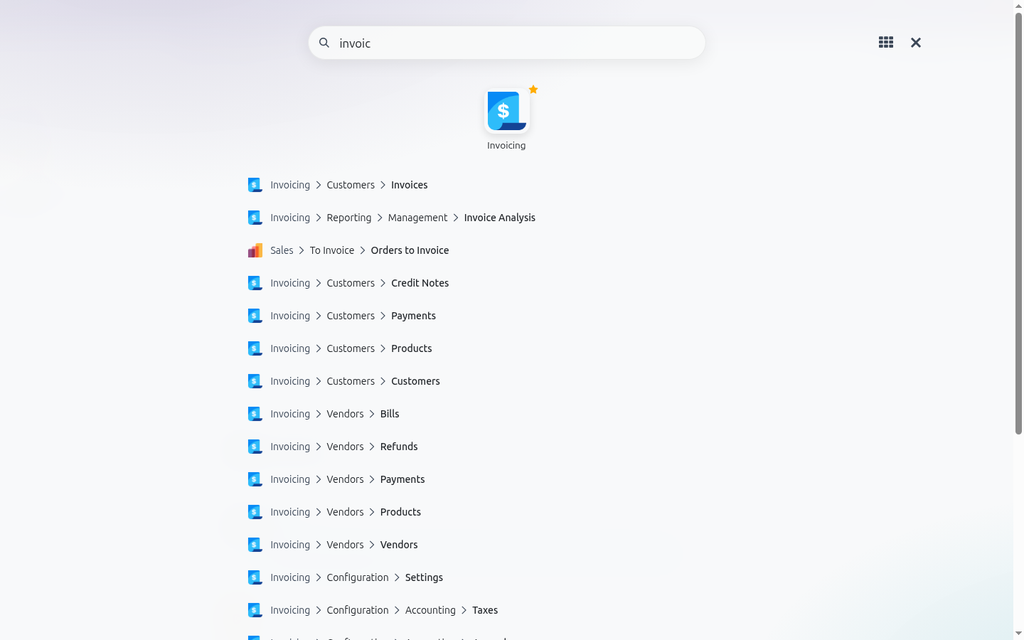
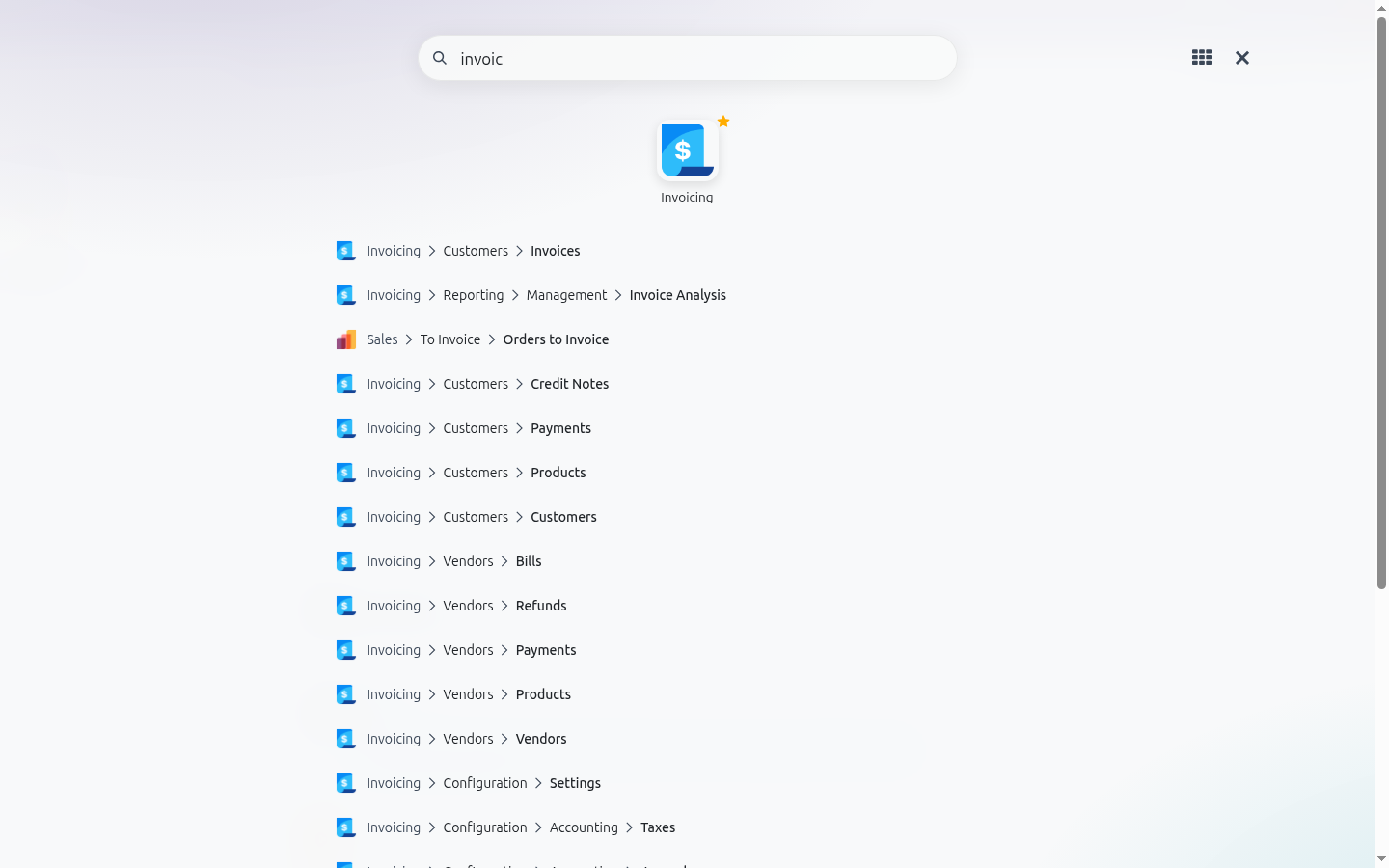
Start typing and the grid turns into results: the matching apps, then every menu item with its full path. Press Enter to open the first one. Typed with the wrong keyboard layout? Cyrillic words typed on the English layout, and the other way round, are still found.
One grid, if you prefer
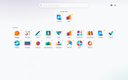
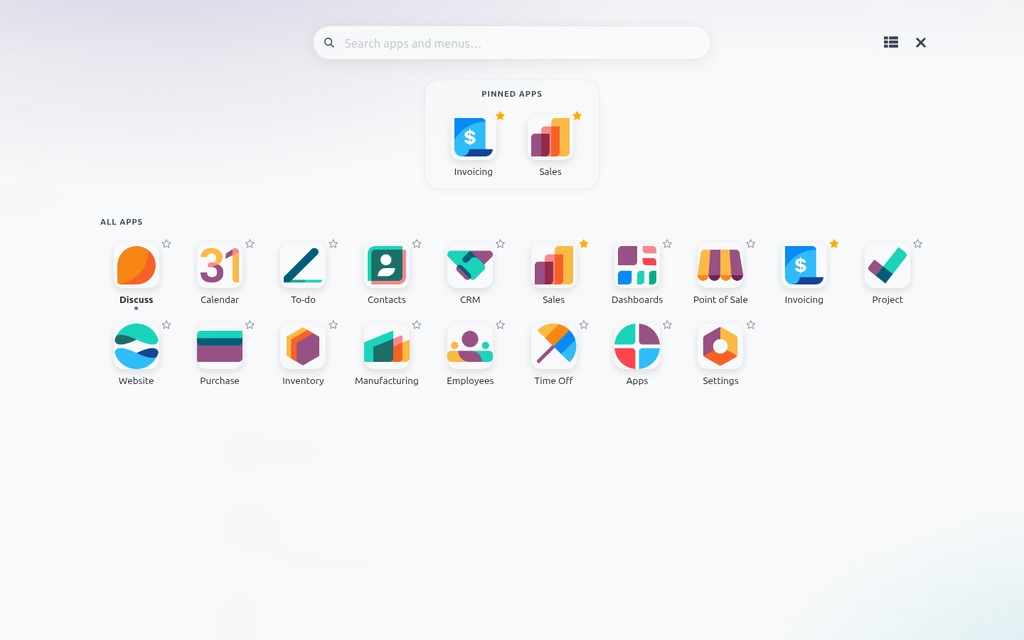
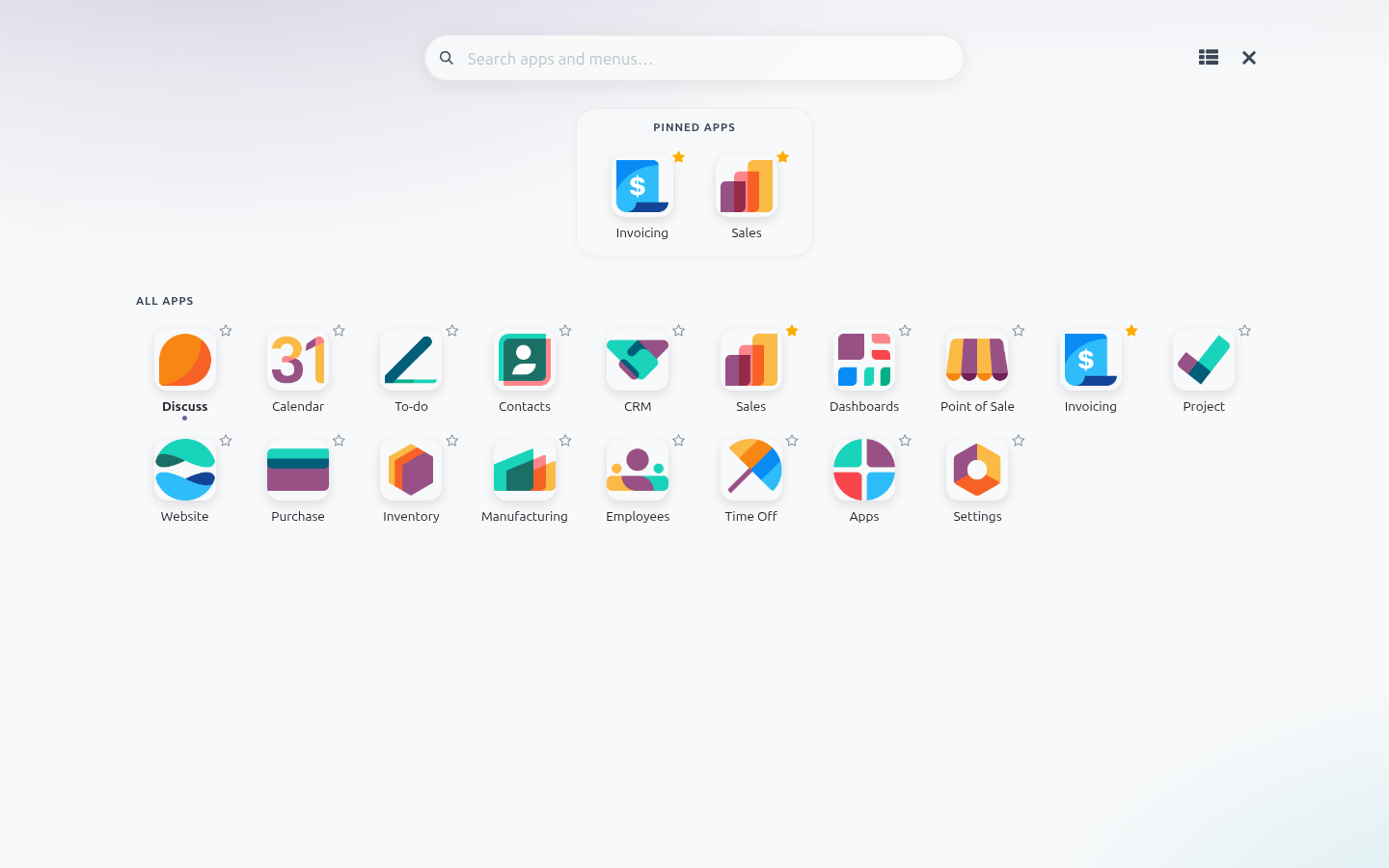
One click switches between the groups and a single plain grid. Each user keeps their own choice.
Your colours, no code
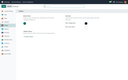
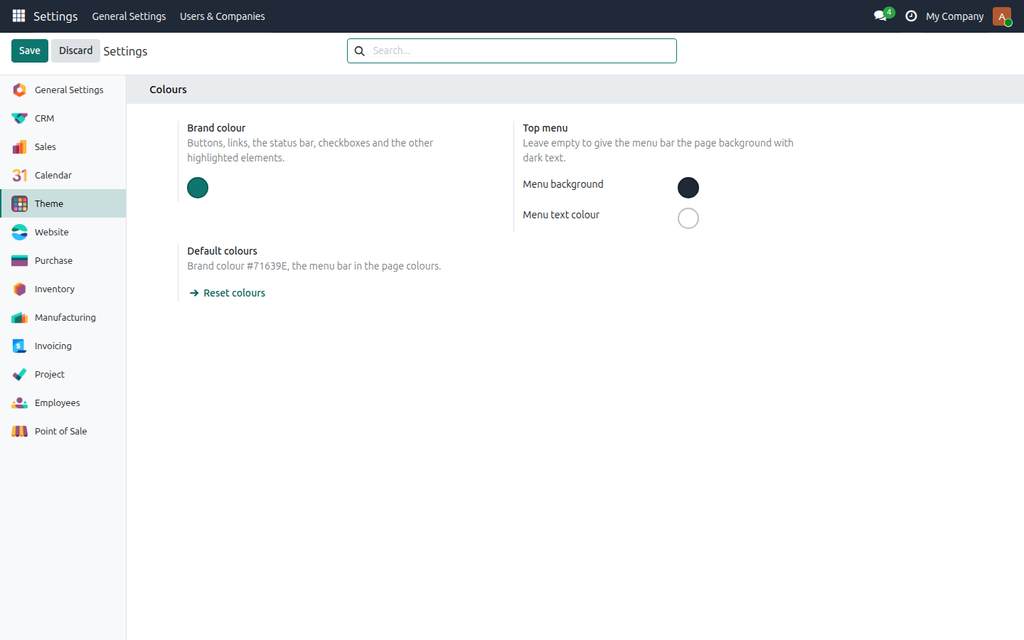
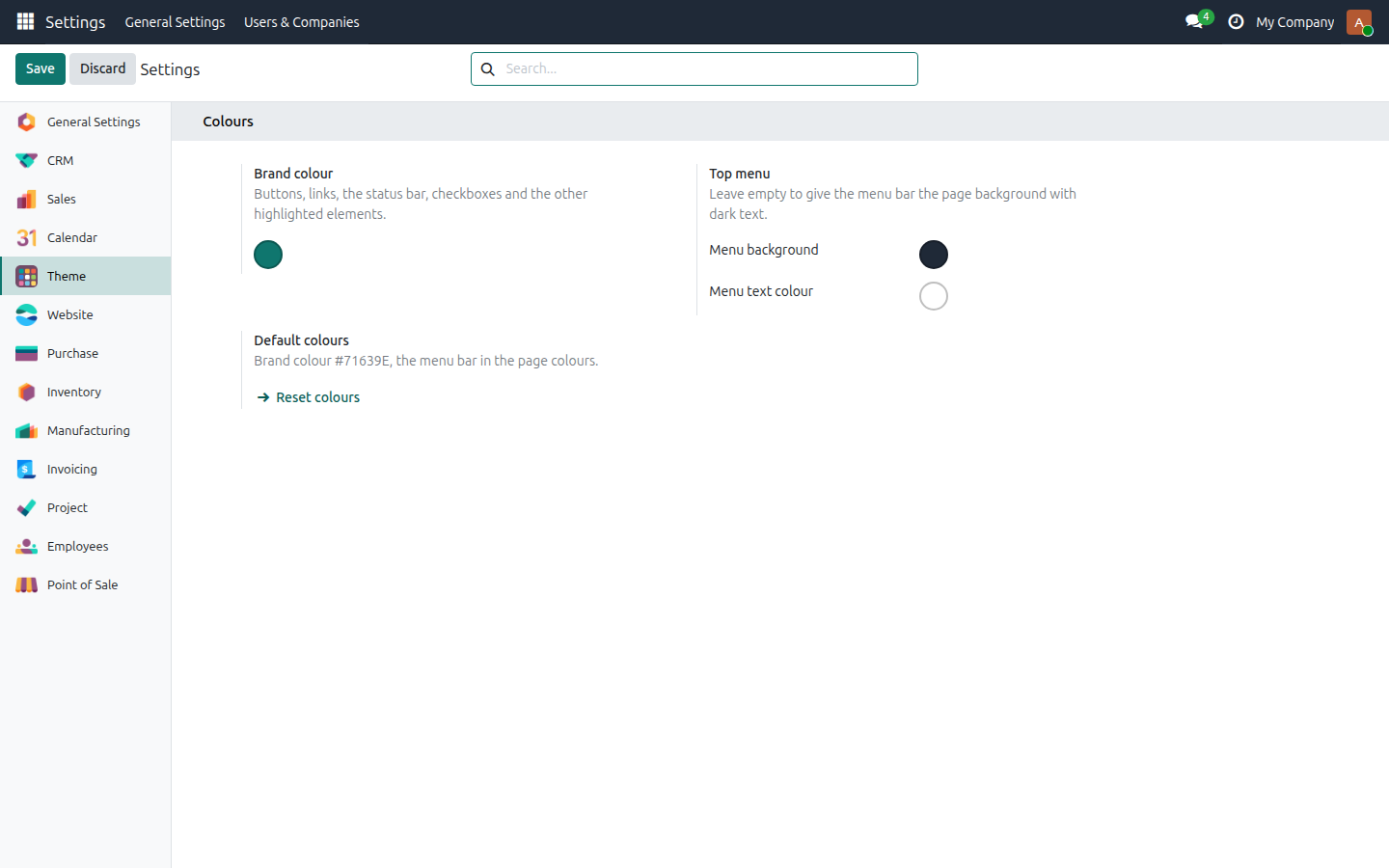
A Theme tab in Settings sets the brand colour of buttons, links, the status bar and the other highlighted elements, and the background and text colour of the top menu. By default the menu bar drops the purple and takes the page background. Every shade Odoo derives for hover and active states follows the colour you pick.
Production or staging? Never mix them up
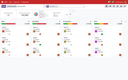
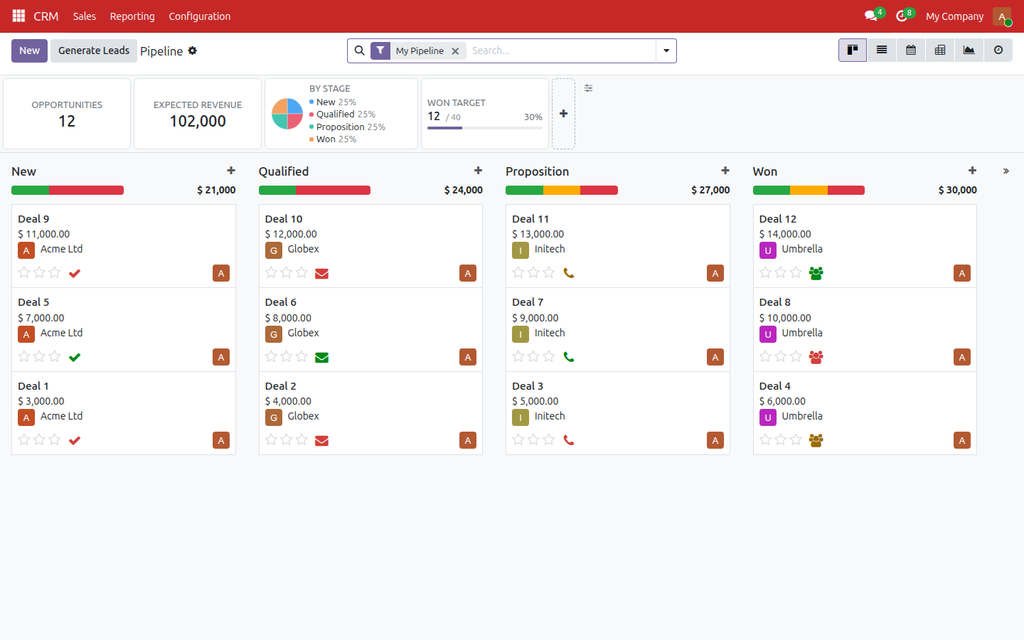
Give every database its own menu colour. Keep production in the calm page colours and paint the staging, test or development copy red: everyone sees at a glance where they are, so nobody confirms a real invoice on a test copy or experiments on live data. The colours belong to the database, so after restoring production onto staging only that one setting needs changing.
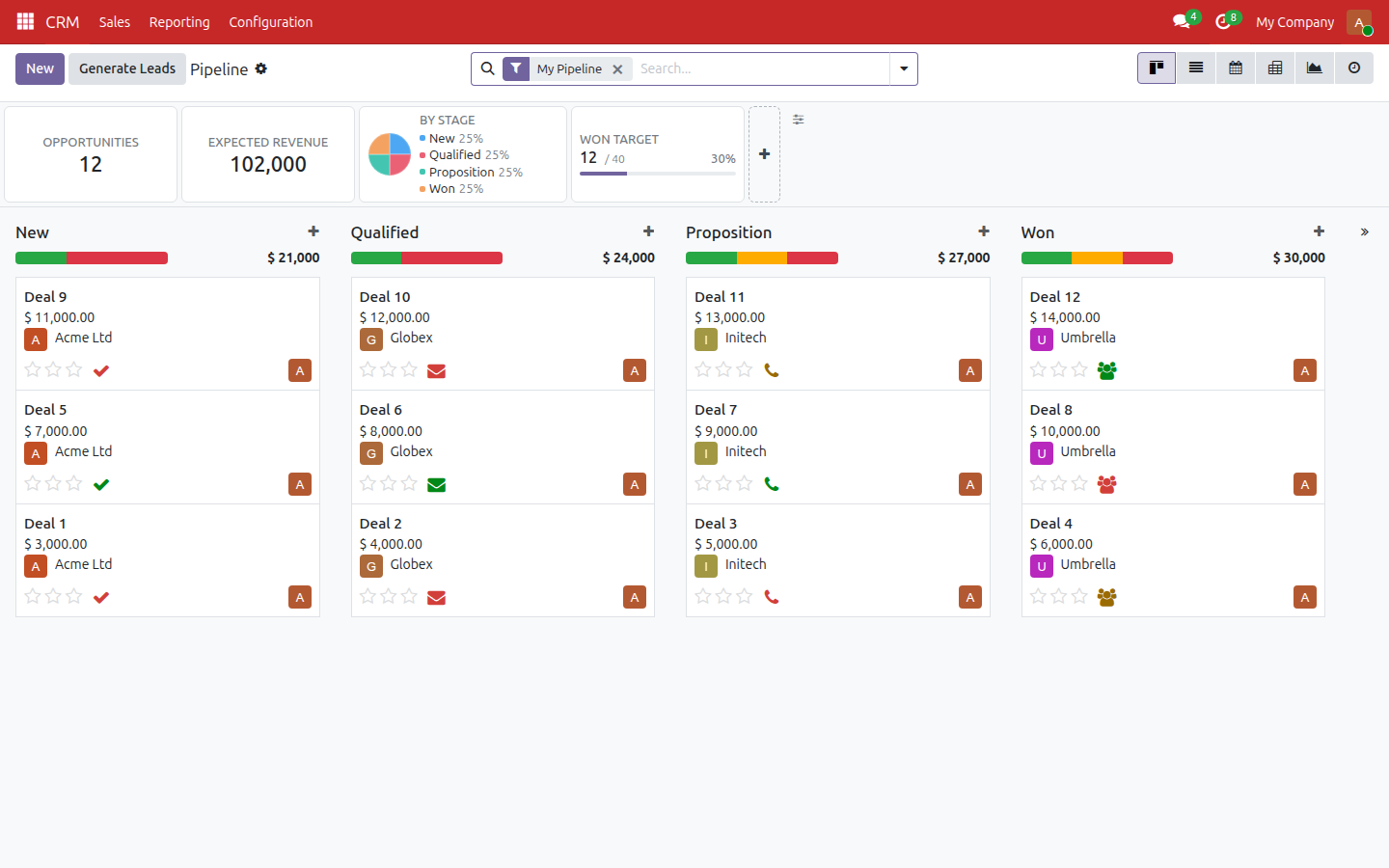
Keyboard first, phone friendly
- Alt+H opens the grid; any key you type goes to the search.
- Arrow keys move between tiles, Enter opens, Escape clears the search and then closes.
- On /odoo the grid opens by itself, like a home screen.
- The grid stays until the chosen app has loaded, so the previous app never flashes in between.
- On phones the All Apps button of the burger menu opens the same grid.
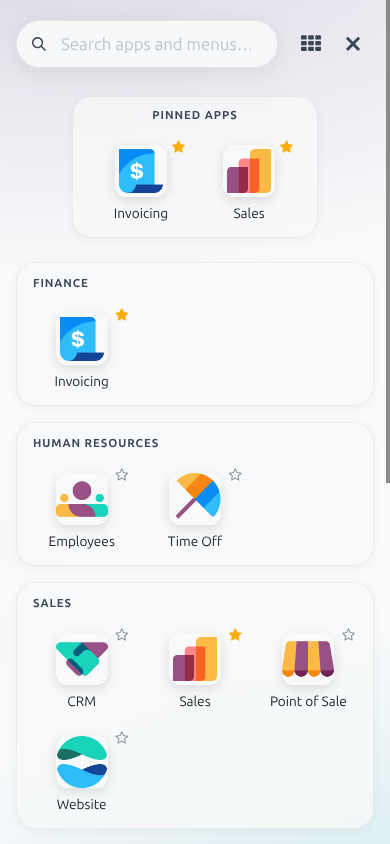
Dark mode, one switch away
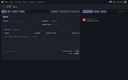
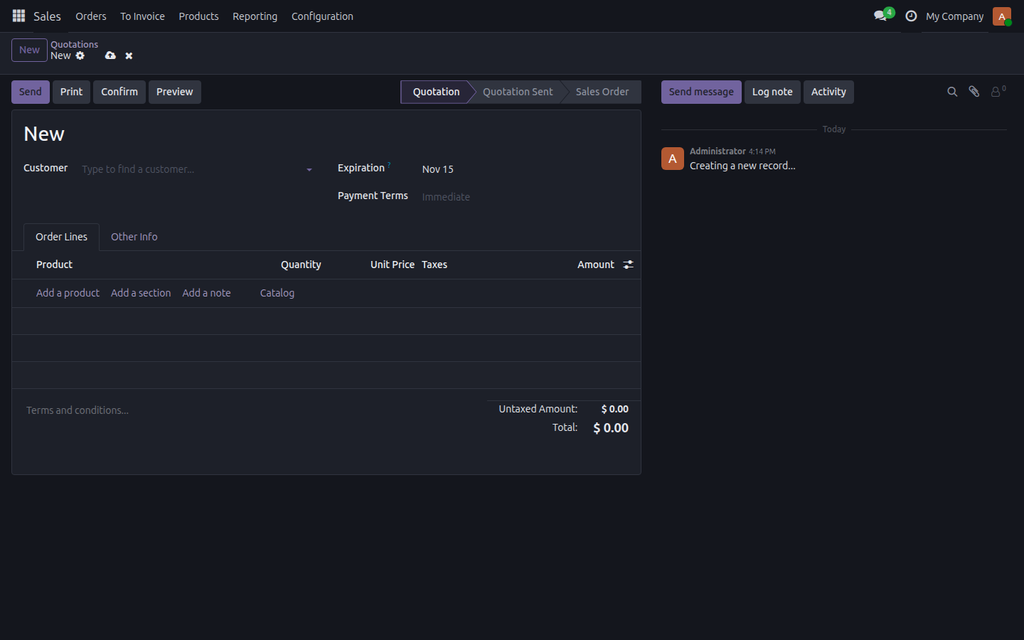
Odoo Community has no dark palette of its own. The theme brings one: a Dark mode switch in the user menu, next to My Preferences, remembered for each user on every device. Forms, lists, kanban, calendar, settings and the app grid all follow it.
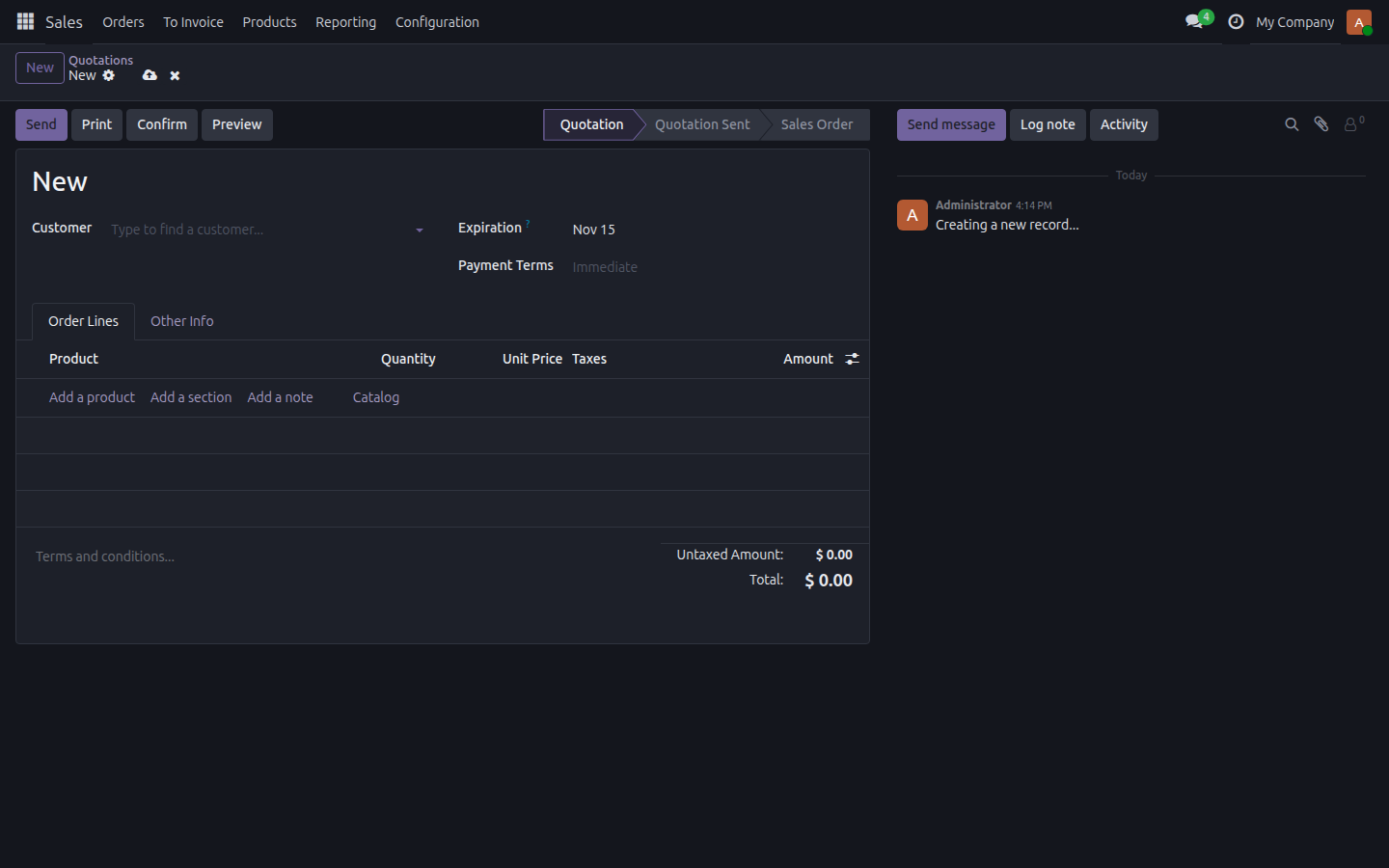
Included: Chatter Width & Filters
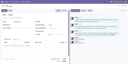
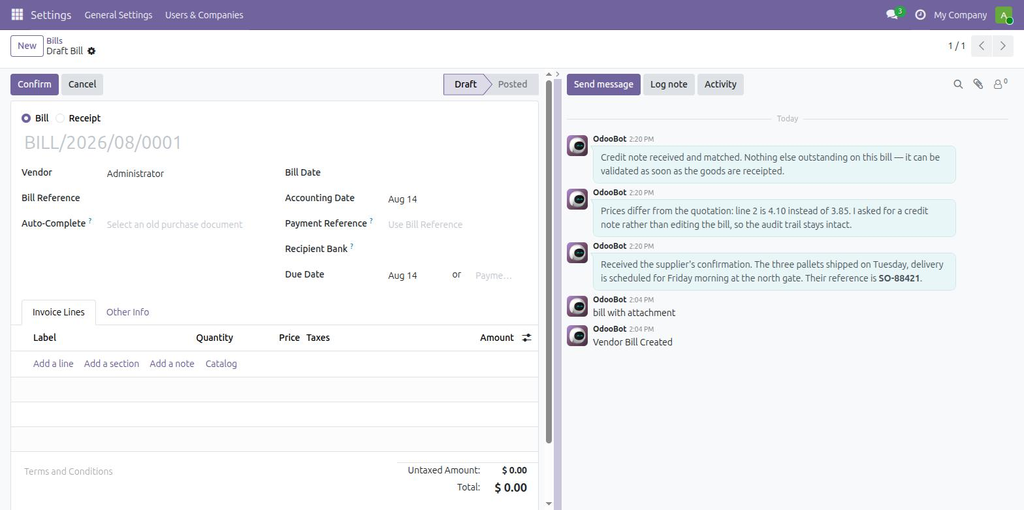
Odoo gives the chatter a fixed width on every form and every monitor. With the theme comes Chatter Width & Filters: drag the chatter to the width you want, or fold it away entirely, and filter its feed to messages, notes, field changes or attachments. The width is remembered per screen, and a folded chatter comes back by itself when someone writes. It is installed together with the theme, nothing to buy or set up.
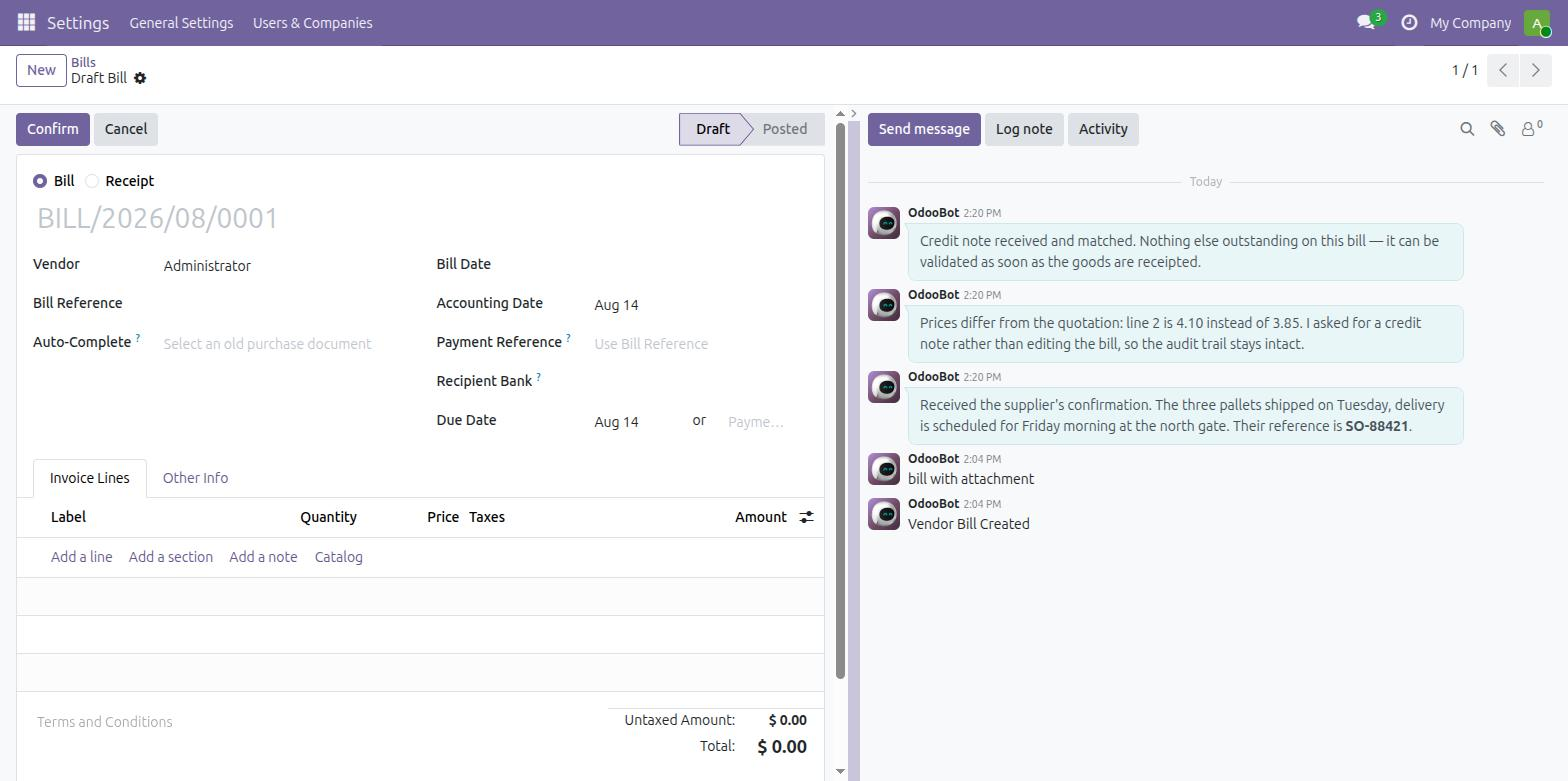
Included: Kanban Swimlanes & Sort
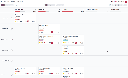
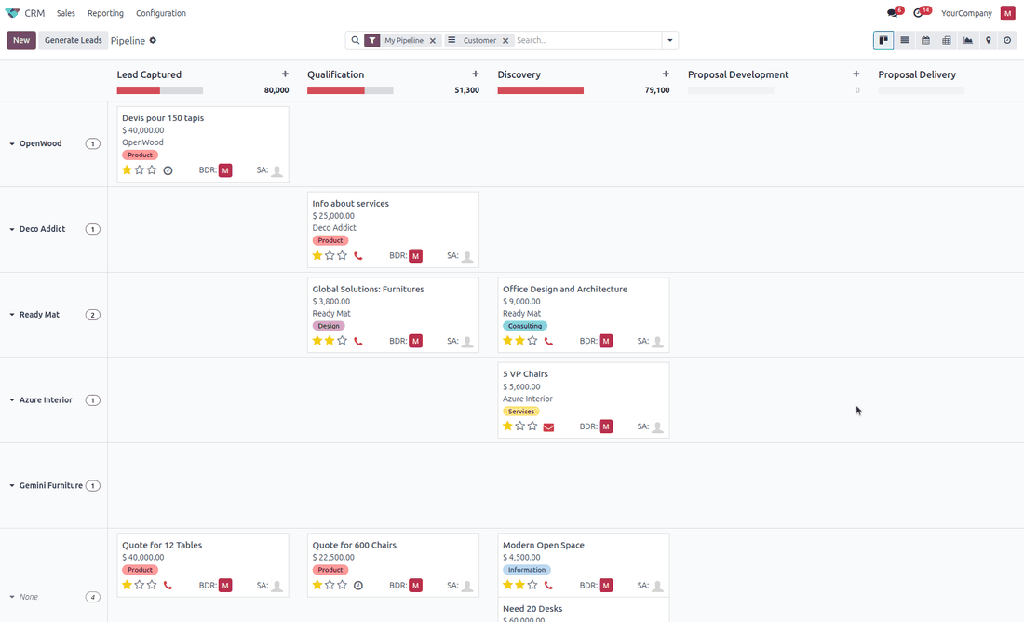
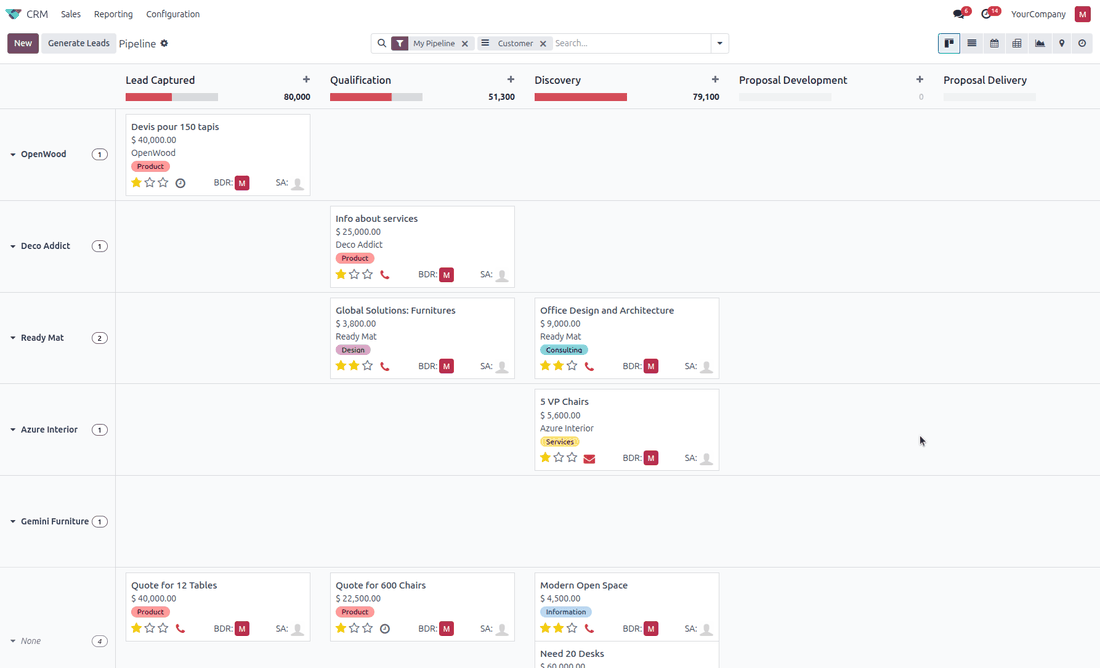
Every kanban view gets two new blocks in the search dropdown, next to Filters and Group By. Order By sorts the cards on any stored field, ascending or descending, on several levels. Pool By splits the board into horizontal swimlanes, for example salesperson by stage. Select several cards to move them together, change a field on all of them, archive or delete them in one go. No view has to be edited; it is installed together with the theme.
Included: List Power Tools
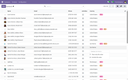
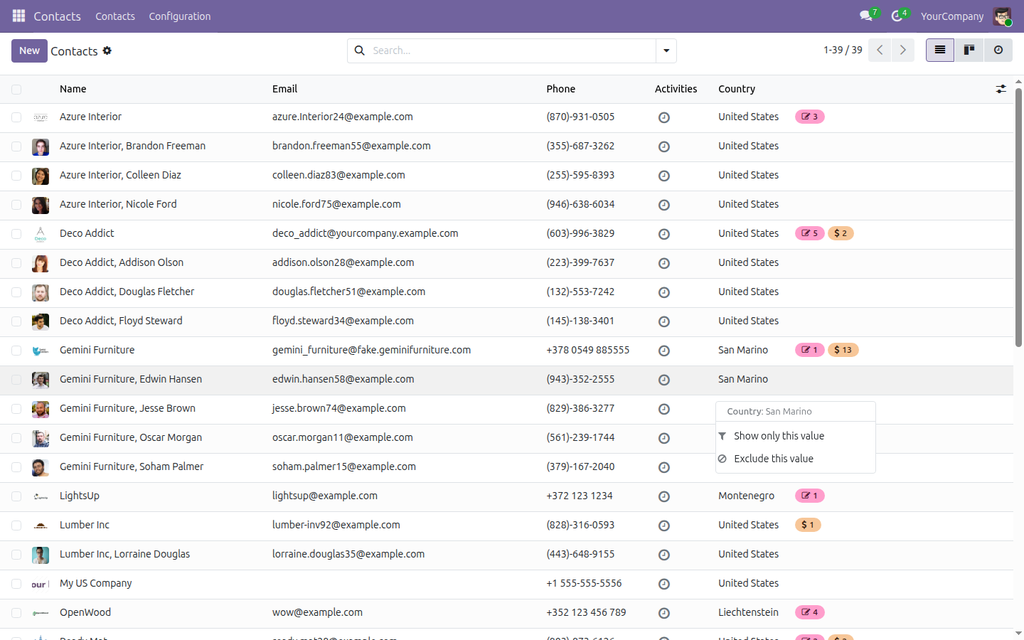
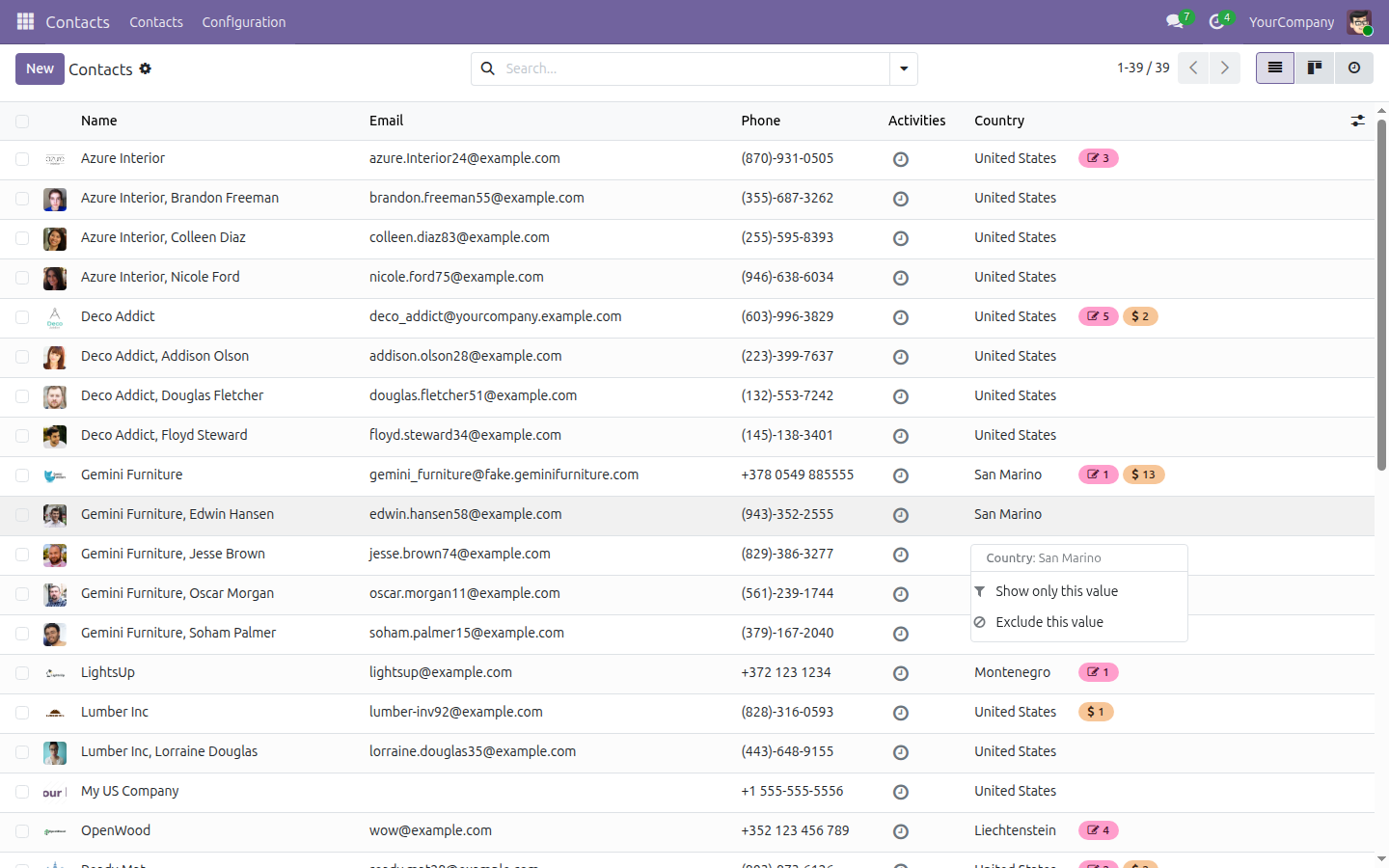
Right-click any cell of a list to show only that value, exclude it, or keep everything above or below it: the filter lands in the search bar like any other. Select rows and press Ctrl+C to paste them straight into Excel or Google Sheets, headers included. Drag the columns into your own order and width; Odoo remembers them for you on every device.
Good to know
- Comes with three of our modules, installed automatically: Chatter Width & Filters (resize or collapse the chatter, filter its feed), Kanban Swimlanes & Sort (lanes, sorting and bulk operations on cards) and List Power Tools (filter by cell, copy to Excel, your own column order and widths).
- Made for Odoo Community; it replaces the apps dropdown of the navigation bar.
- Colours are set in Settings > Theme; the grid and the menu follow them.
- Pinned apps, recent apps and the grouping choice are kept per user in the browser; nothing is stored on the server and nothing leaves your Odoo.
- Interface in English and Ukrainian; light and dark mode.
- Available for Odoo 17, 18, 19 and 20.
Questions and support: info@many2one.online
Technical details
| Technical name | ndev_theme |
|---|---|
| Odoo versions | 20.0, 19.0, 18.0, 17.0 |
| License | OPL-1 |
| Required Odoo apps | base_setup, mail, web |
| Included modules | chatter_flex_width, kanban_pool, list_power_tools, ndev_theme |