
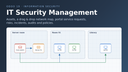

IT Security Management
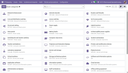
Know what you own, where it stands, what it is plugged into, and what can go wrong with it — assets in a category tree, a drag & drop network map that draws each of them with its own icon, portal service requests, risks, incidents, audits and policies in one app.
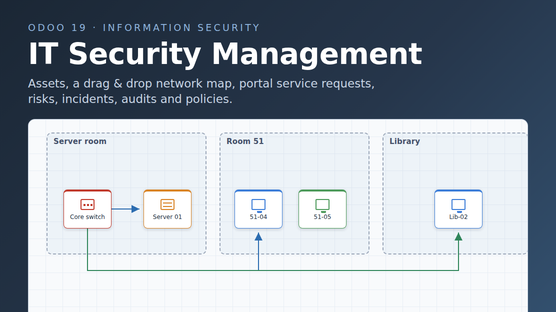
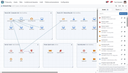
The network map
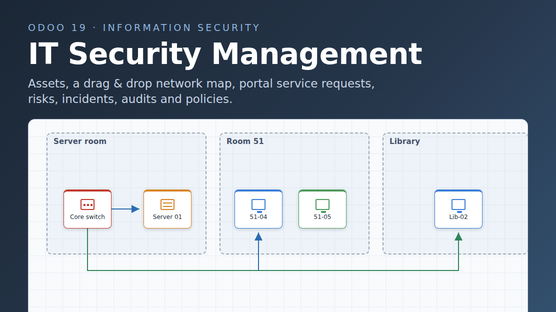
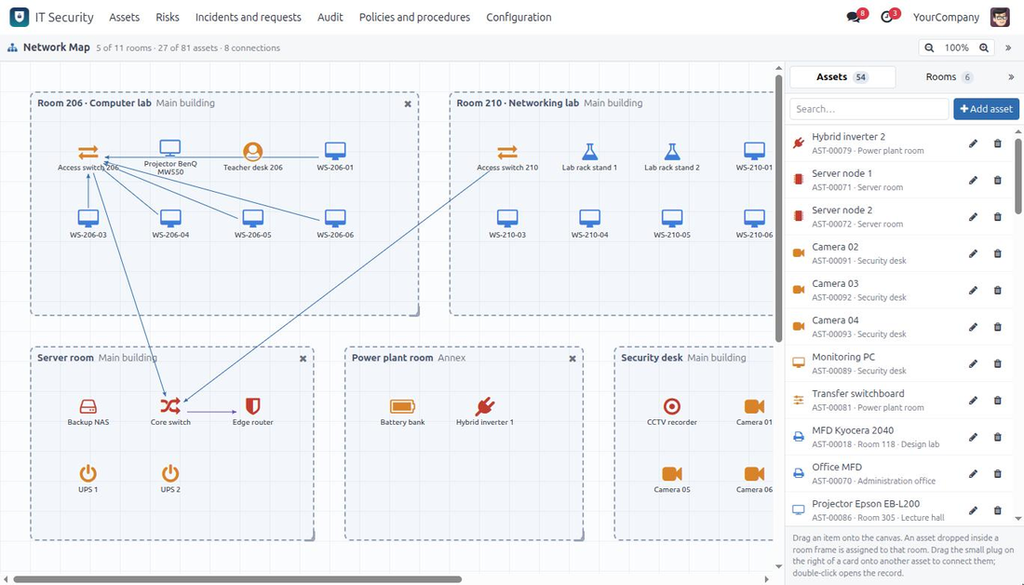
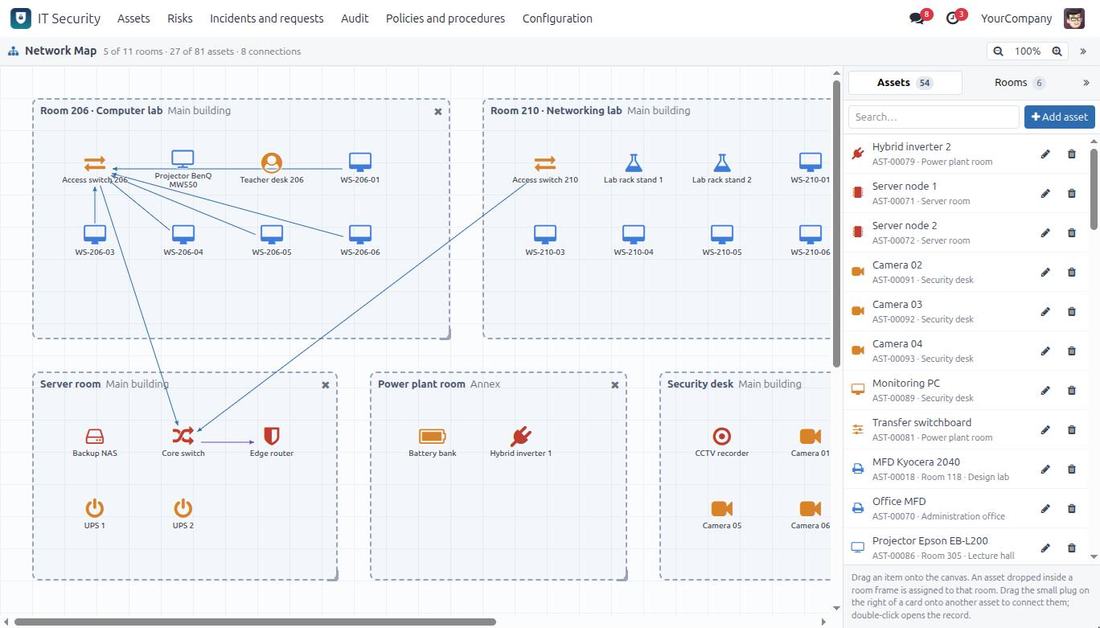
A canvas of the whole site. Drag a room out of the side panel and it becomes a frame you can move and resize; drag equipment into that frame and it is assigned to the room. Pull the small plug on the side of a card onto another card to draw the connection between them. Everything you place disappears from the side list, and comes back the moment you take it off the map.
- Each asset is drawn as the icon of its category and its name, and nothing else — no box around it to crowd the floor plan. A solar panel, a battery, a camera and a switch stop looking alike. Categories without an icon of their own fall back to the icon of the asset type.
- Colour says how critical the asset is — or says whatever you want it to: any asset can carry its own map colour, and the criticality palette takes over again the moment you clear it.
- Rooms cannot overlap; a frame dropped on a busy spot settles into the nearest free position.
- The canvas grows on its own and scrolls while you drag towards its edge.
- Connections are hairlines with small arrowheads: on a site with a hundred links the equipment stays readable.
- Double-click any card to open the record in a dialog — the full form, not a copy of it.
- Read-only for everyone below Analyst: the map opens, nothing moves.
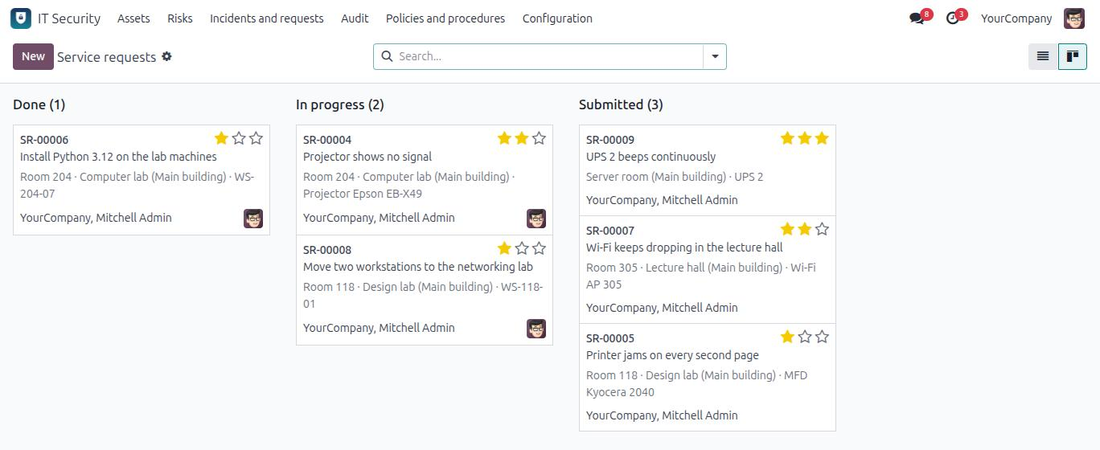
Service requests, from the portal
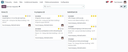
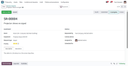
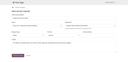
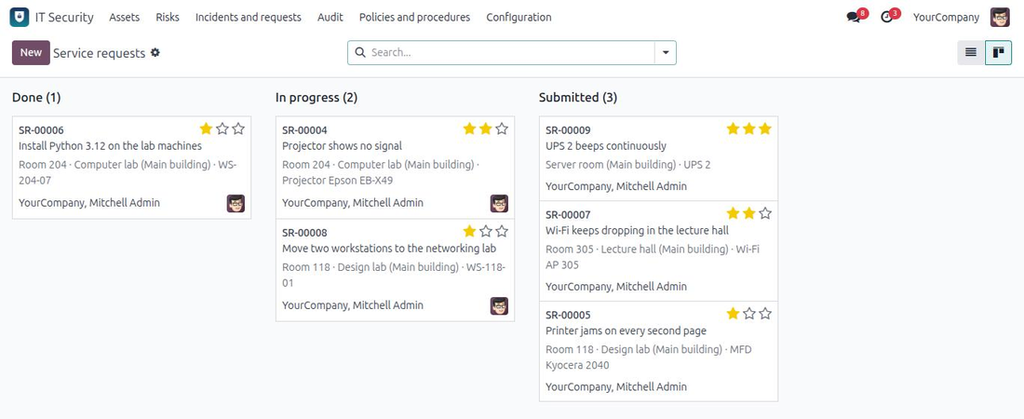
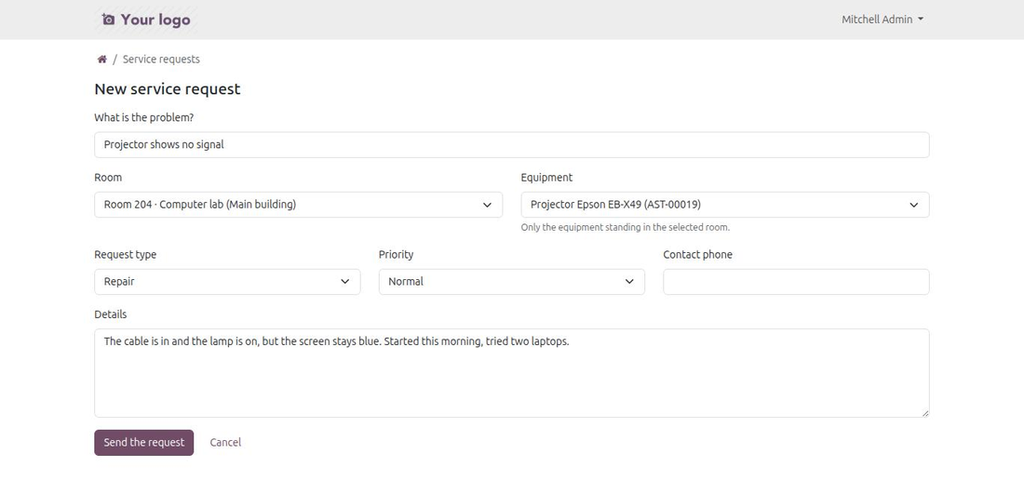
The people who use the equipment are rarely the people who fix it. They open /my/service-requests, pick their room, pick the machine standing in it, describe the problem and send. The IT team is notified in the chatter, the requester follows the request on the portal and receives an e-mail on every status change.
- Portal users and internal employees use the same page — no back-end access needed.
- The equipment list narrows to the chosen room, and the server checks it again on submit.
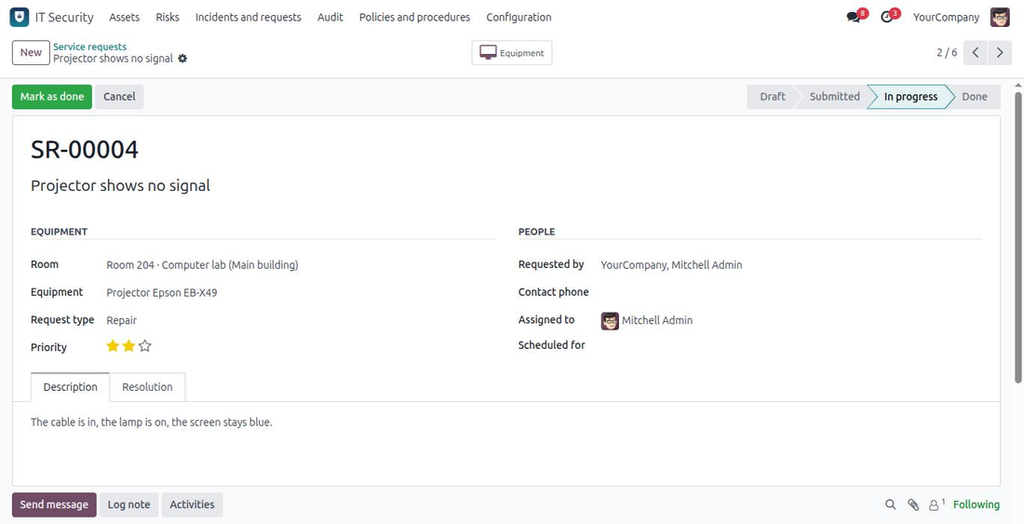
- Eight request types: repair, scheduled maintenance, installation, move, software, network, consumables, other.
- Draft → Submitted → In progress → Done, with an assignee and a resolution.
- A request that turns out to be a security incident links to one.
- Everyone sees their own requests; the IT team sees them all.
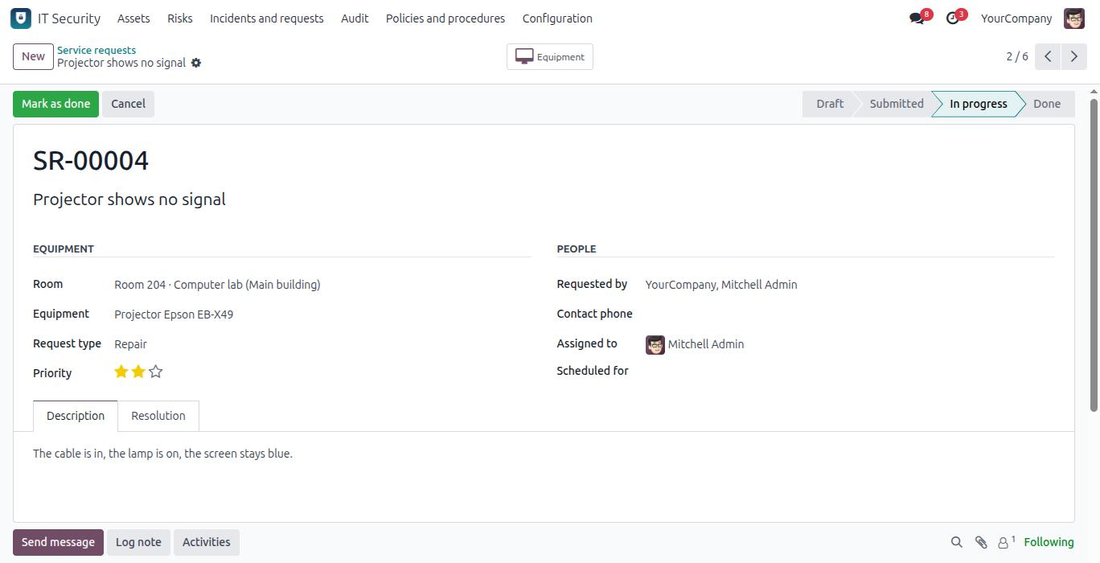
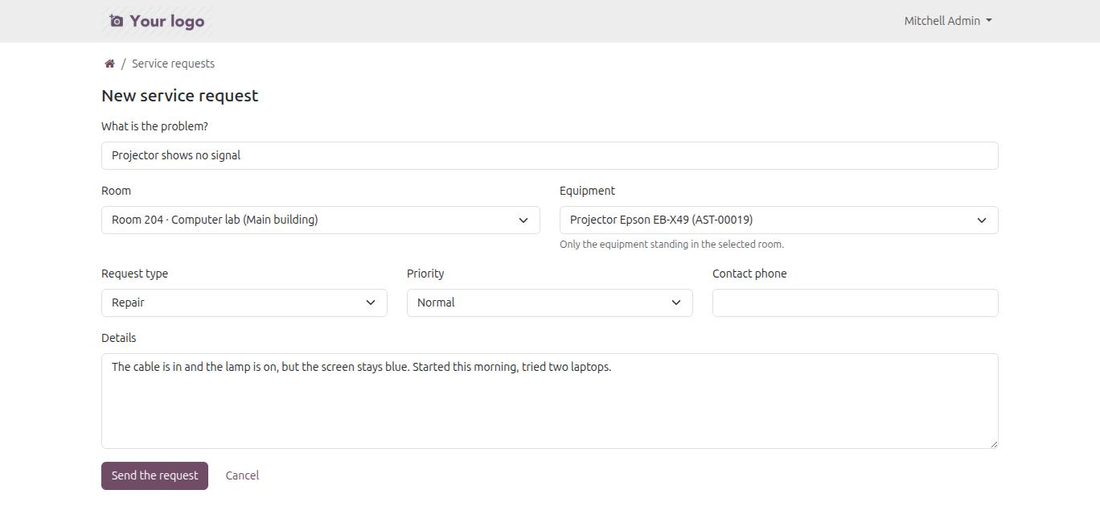
The request form narrows the equipment list to the room the user picked.
Asset inventory
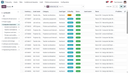
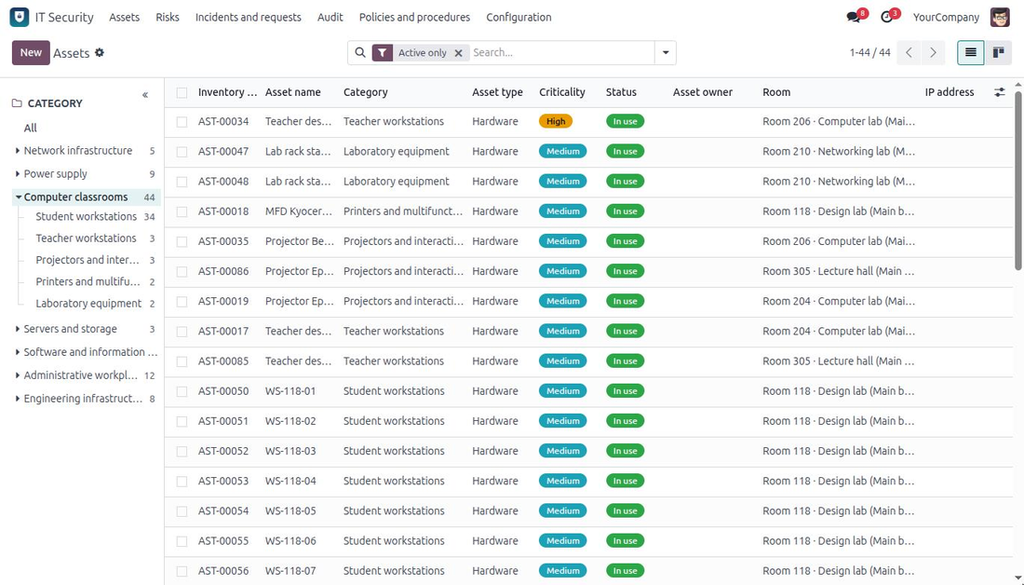
One record per thing worth protecting, whatever kind of thing it is: hardware, software, data, network equipment, services, people, facilities. Each one carries its criticality and confidentiality, its owner and custodian, where it stands, what it costs, and how well it is protected.
- Lifecycle: active, under maintenance, retired, disposed.
- Technical identity: IP, MAC, hostname, OS, serial number, last patch date.
- Security posture: backup and its frequency, antivirus, encryption.
- Licences with expiry dates and seat counts.
- Acquisition, warranty and audit dates, purchase value, current value, annual maintenance cost.
- Parent and child assets, related risks and incidents, network connections.
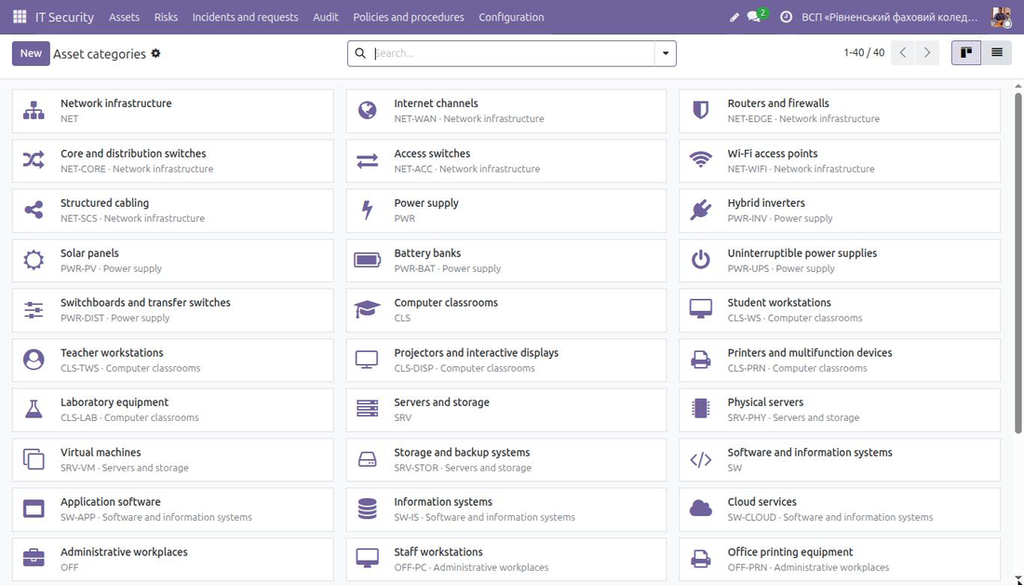
- Categories are a tree, and the panel down the left of the list walks it: pick "Power supply" to see the inverters, the panels and the batteries at once, or one branch of it.
- A map colour per asset, for when the criticality palette is not the thing you need to see on the map.
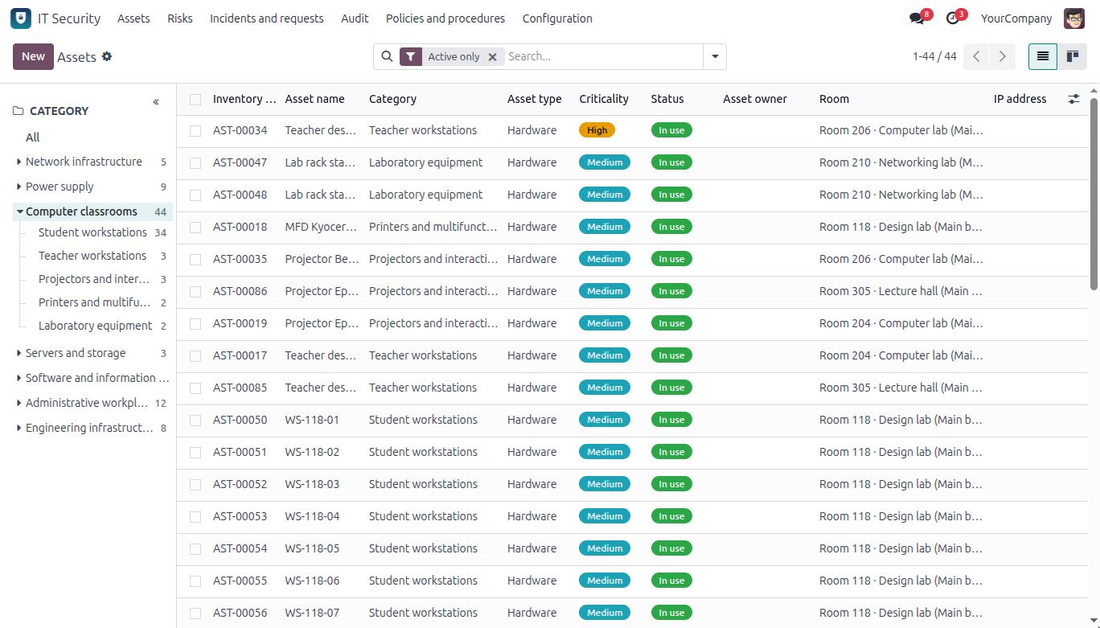
Structured directories, not free text
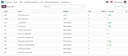
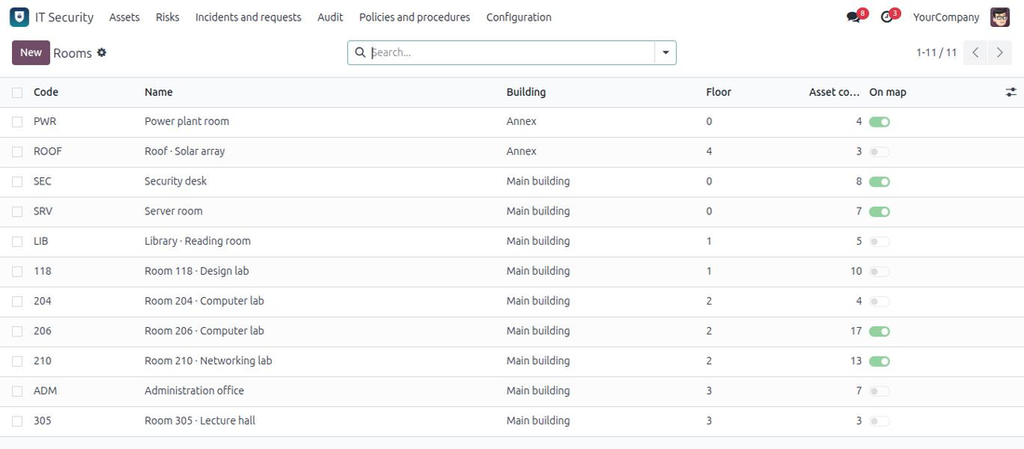
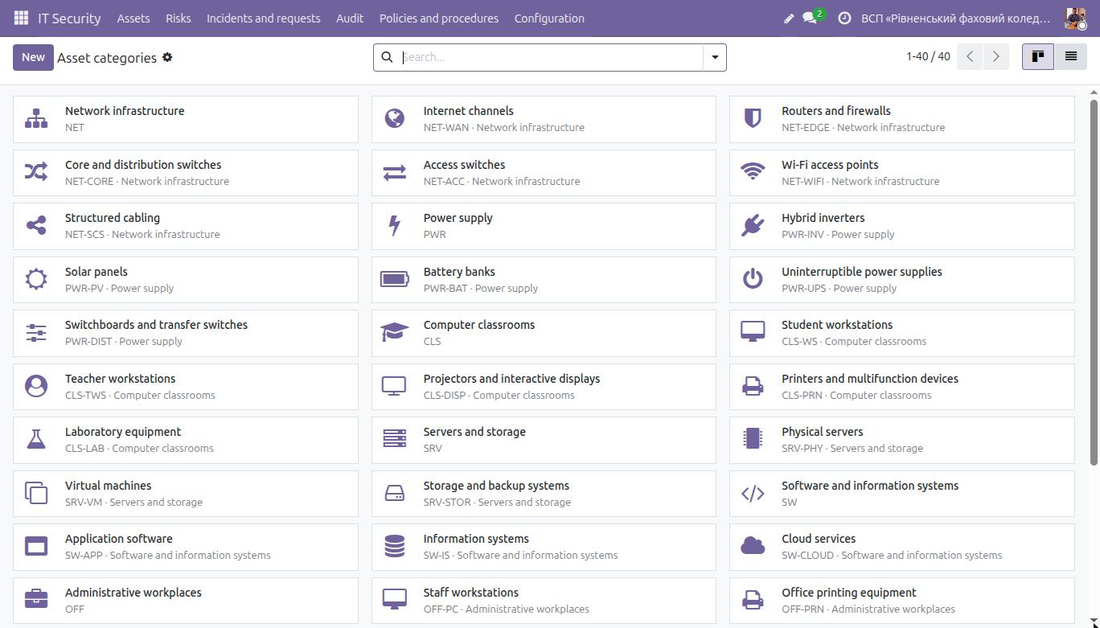
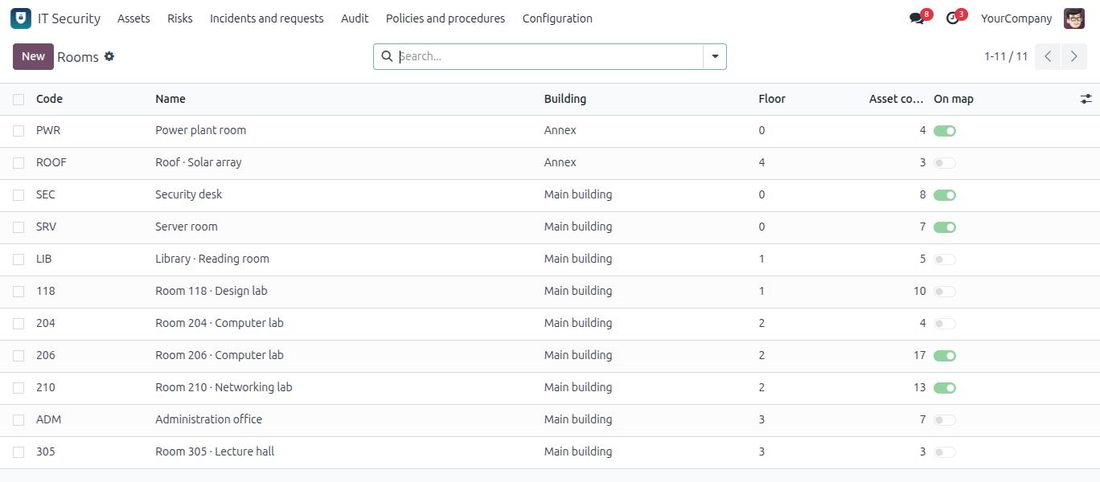
Categories, rooms, physical locations, racks, manufacturers and equipment models are records. A map can only draw a room that exists as a record, it can only give a solar panel its own icon if "solar panels" is a category rather than a word in a name, and a report can only count "Dell PowerEdge R740" if it is one value rather than six spellings of it.
- Category — a tree, with the icon its assets wear on the network map. Ships filled in for an organisation that has several internet providers, backup power of its own and a lot of computer rooms: network (uplinks, routers, core and access switches, Wi-Fi, cabling), power (hybrid inverters, solar panels, batteries, UPS, switchboards), computer classrooms, servers and storage, software and information systems, office workplaces, premises and video surveillance (cameras, recorders, archive, monitoring desk).
- Room — name, code, building, floor; the frame on the network map.
- Physical location and rack — both belong to a room, and the asset form only offers the ones that do.
- Manufacturer → model — a model always belongs to its manufacturer.
Risks, incidents, audits, policies
The rest of the management system, kept in the shape auditors expect.
- Risks — likelihood × impact scoring, risk level, treatment strategy and plan, owner, review date, pivot and graph views out of the box.
- Incidents — the full response cycle from confirmation through containment, eradication and recovery to closure, with a response deadline computed from the category.
- Audits — reusable checklist templates, per-question results, findings and corrective actions.
- Policies — documents with versions, approval and review dates.
- PDF reports for risks, incidents and audits.
Roles
| Role | Can do |
|---|---|
| User | Reads the registers and the network map, reports incidents and service requests. |
| Analyst | Keeps assets, risks, incidents, audits and policies, edits the network map. |
| Manager | Everything, including deletion and the configuration directories. |
Service requests have their own rule on top: their author sees them, the IT team sees them, nobody else does. Portal users never get access to the asset inventory itself — the request form is fed a narrowed list of room and equipment names.
Good to know
- Odoo 20.0 Community and Enterprise. Depends on hr, mail, project and portal only.
- Ships with a Ukrainian translation; the interface language is English.
- No external Python packages.
- Upgrades are additive: the category tree arrives as new records, and a category you created yourself keeps whatever icon you gave it — or the icon of the asset type, while you leave it empty.
Support
Questions, bugs and feature requests: info@many2one.online
Technical details
| Technical name | it_security_management |
|---|---|
| Odoo versions | 20.0, 19.0, 18.0, 17.0 |
| License | OPL-1 |
| Required Odoo apps | base, hr, mail, portal, project |