

Process Designer
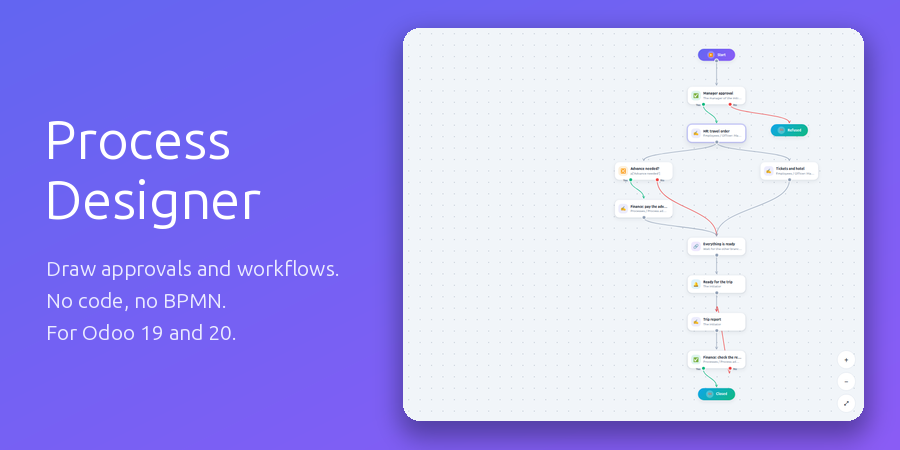
Draw your approvals and routine workflows instead of coding them: steps, branches and parallel paths on a canvas, requests with their own fields, and every step landing with the right person as a regular Odoo activity.
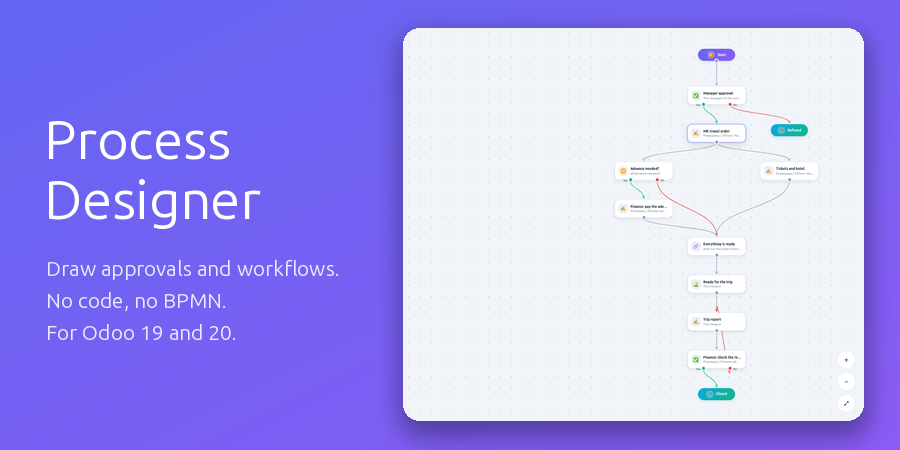
Two minutes with the designer
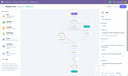
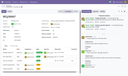
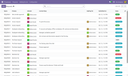
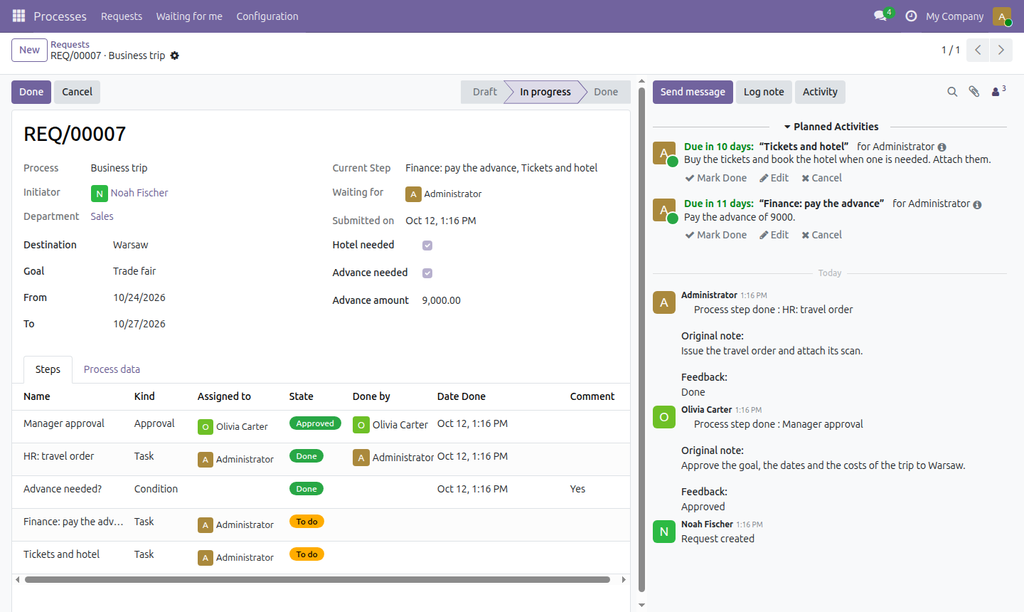
The processes as cards, a diagram opened in the designer, a condition and an approval set up, a connector and an action step added, and a running request followed on its diagram.
A designer people actually use
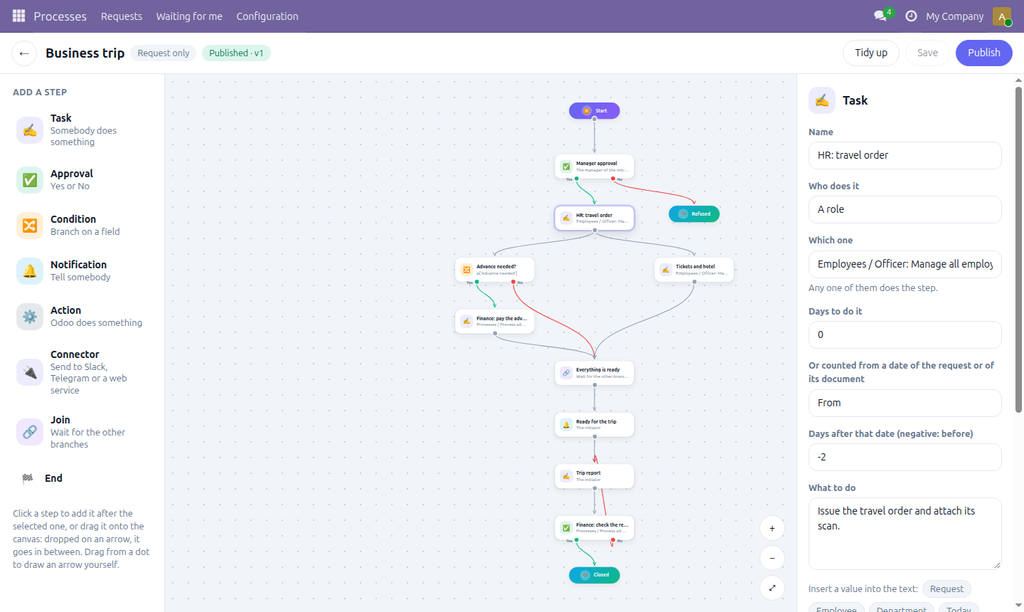
No table of steps and no BPMN notation to learn. Click a step in the palette and it is added after the selected one; drag it onto an arrow and it goes in between; drag from a dot to draw an arrow yourself. An approval leaves by Yes or No, a condition branches on a field, several arrows from one step run in parallel and a Join waits for all of them. Tidy up lays the diagram out for you.
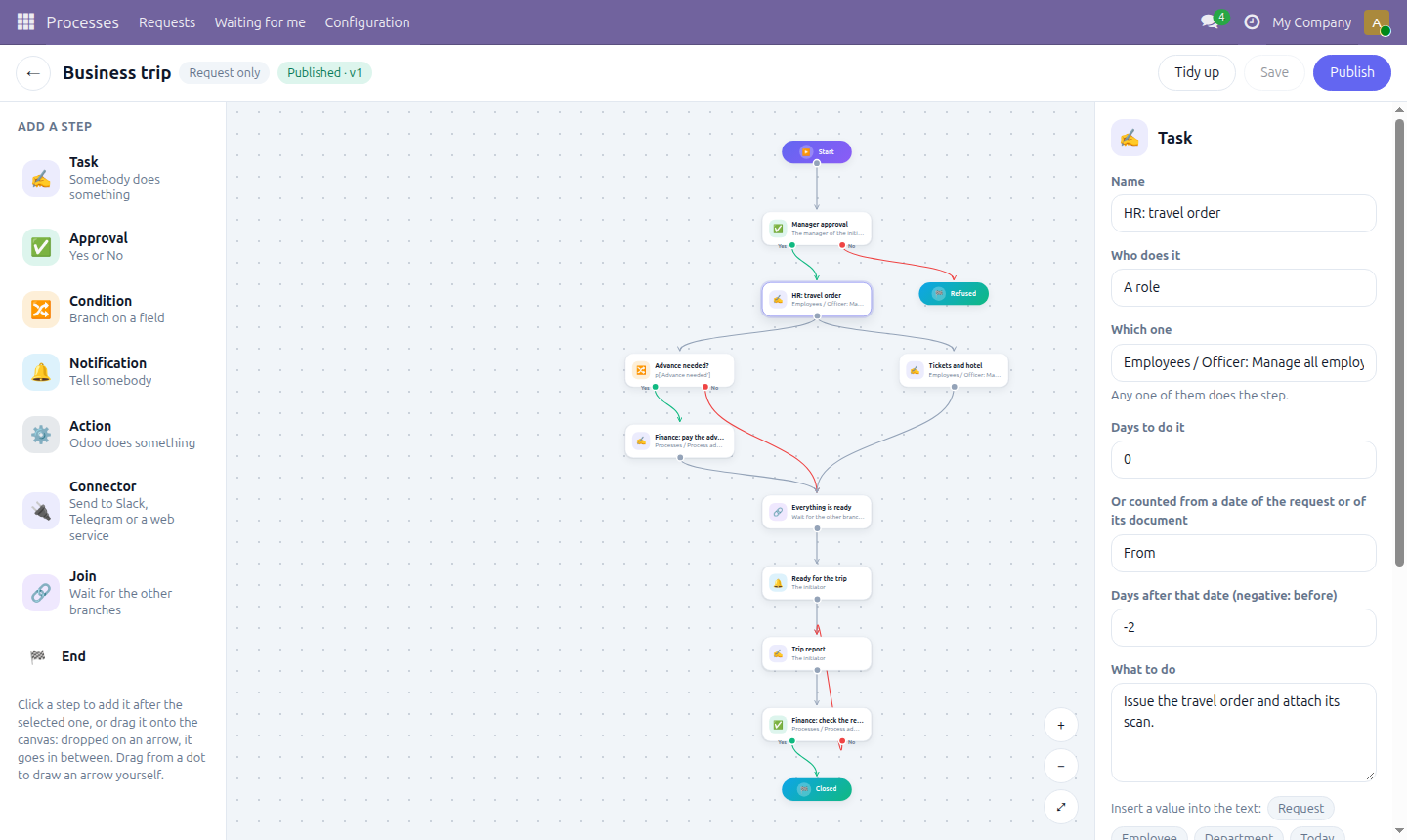
A business trip: approval, travel order, then the advance and the tickets in parallel.
Who does a step
The initiator, their manager, the head of their department, a user group, a job position, a named person — or whoever a field of the request points to, such as the mentor chosen for a newcomer. When several people get a step, any one of them does it. A deadline is counted from today or from a date of the request: “two days before the trip starts”.
Requests with their own fields
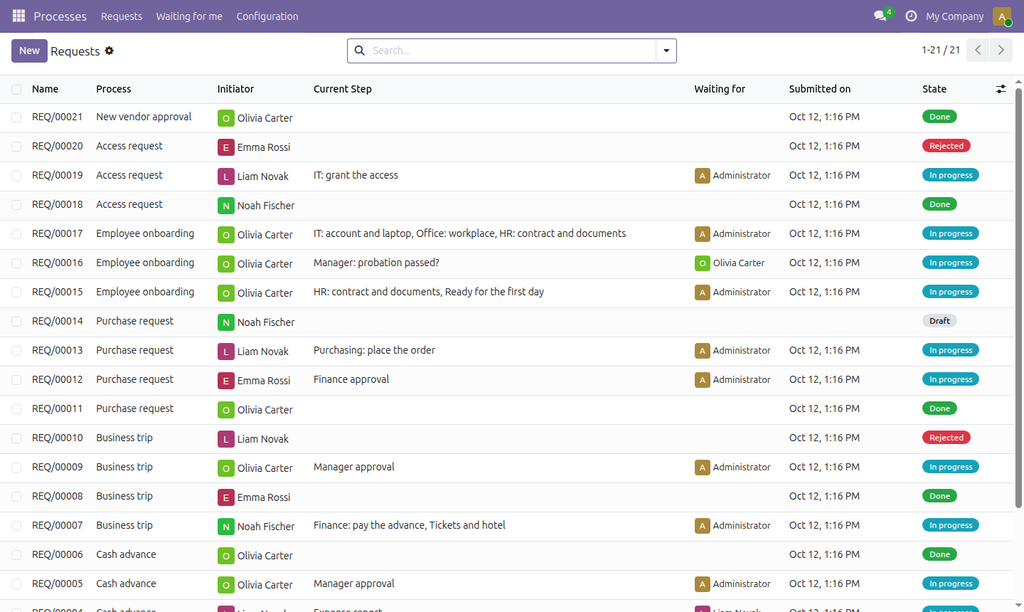
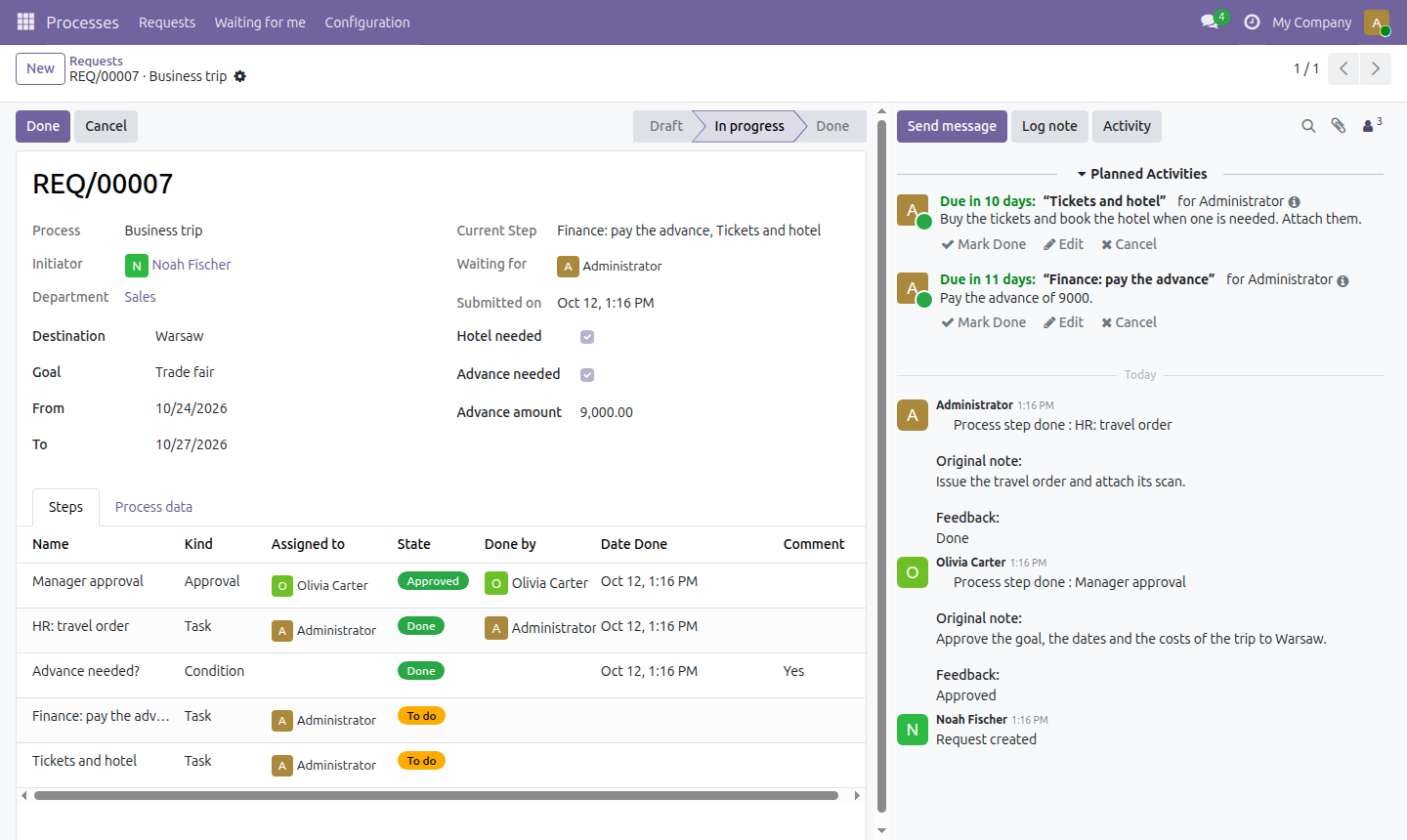
A request is one generic document. Each process adds its fields to it with Odoo properties — amount, destination, dates, a choice from a list — without any development. The request shows where it stands, who it waits for and every decision taken so far; people do their step from the request, the chatter or the activity menu in the top bar.
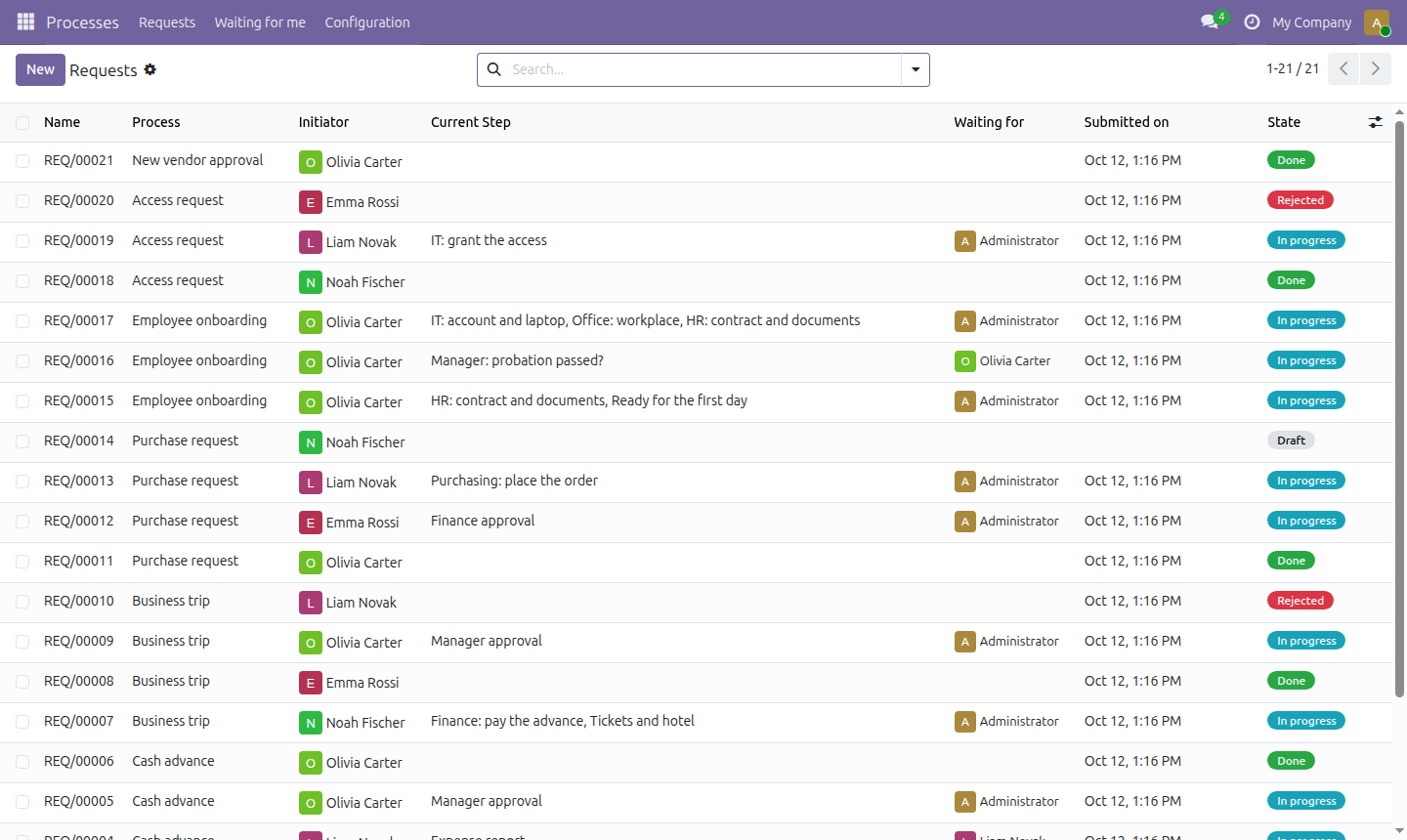
Every process at a glance
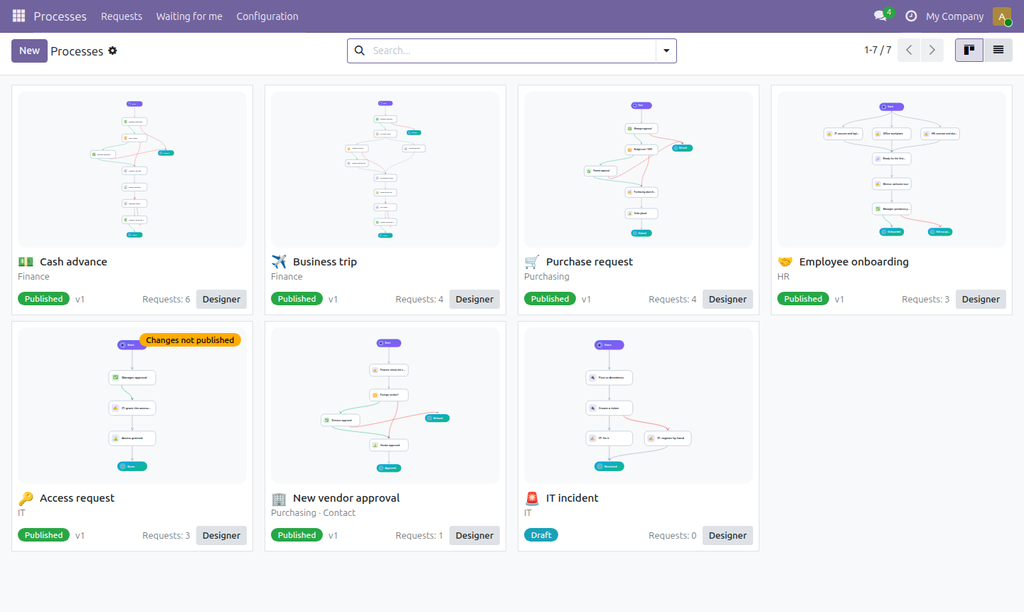
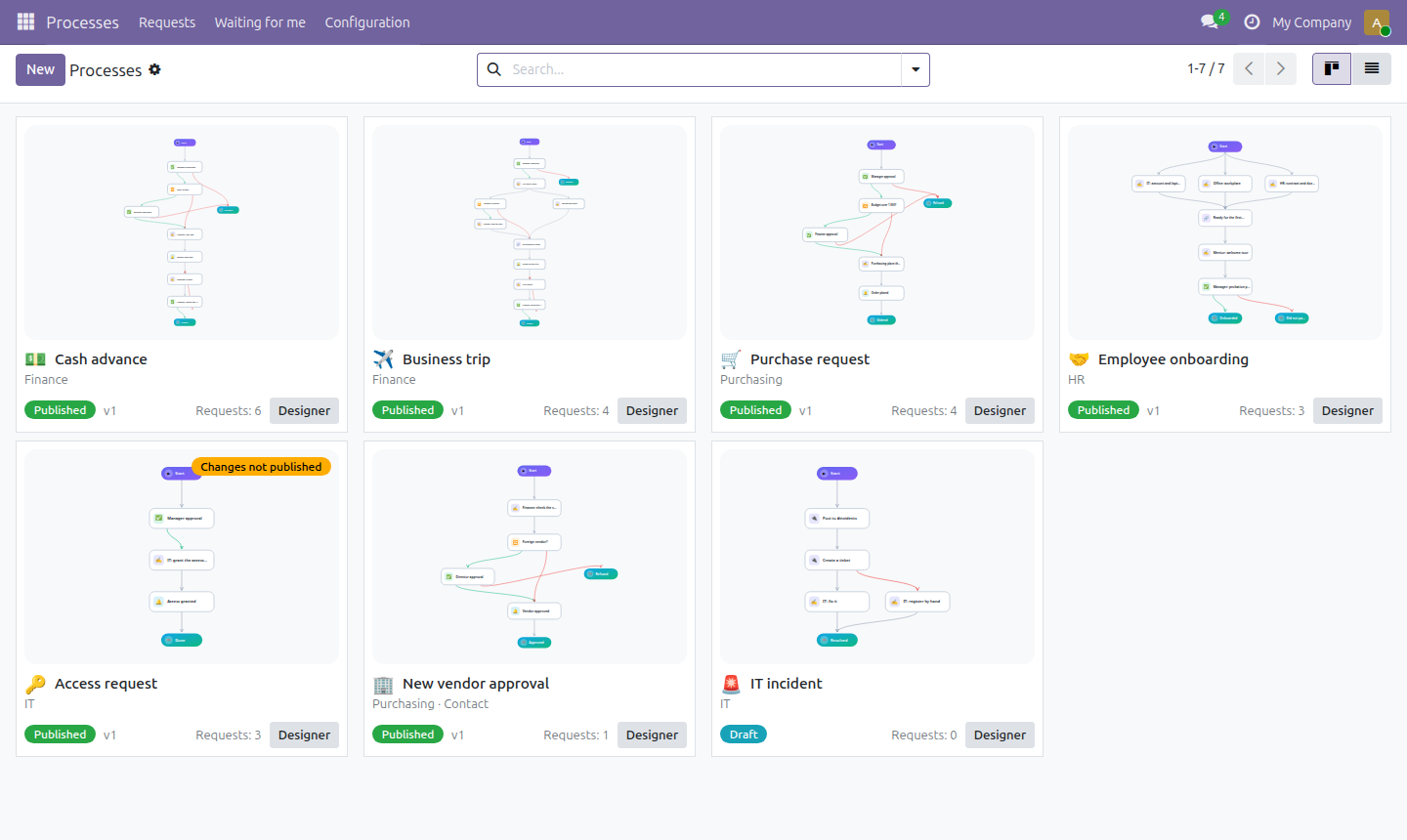
The processes open as cards with the picture of their diagram, redrawn each time the diagram is saved. A running request follows the version it was started with, so a diagram can be changed and published again at any time; a card tells when changes are waiting to be published.
Started from anywhere in Odoo
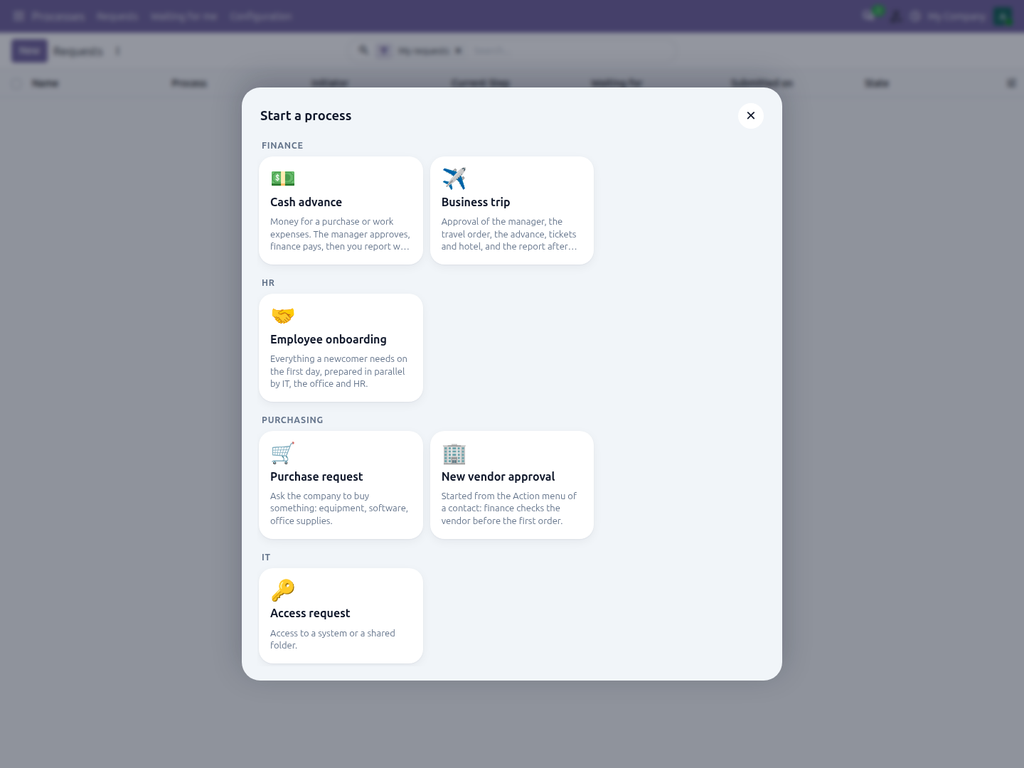
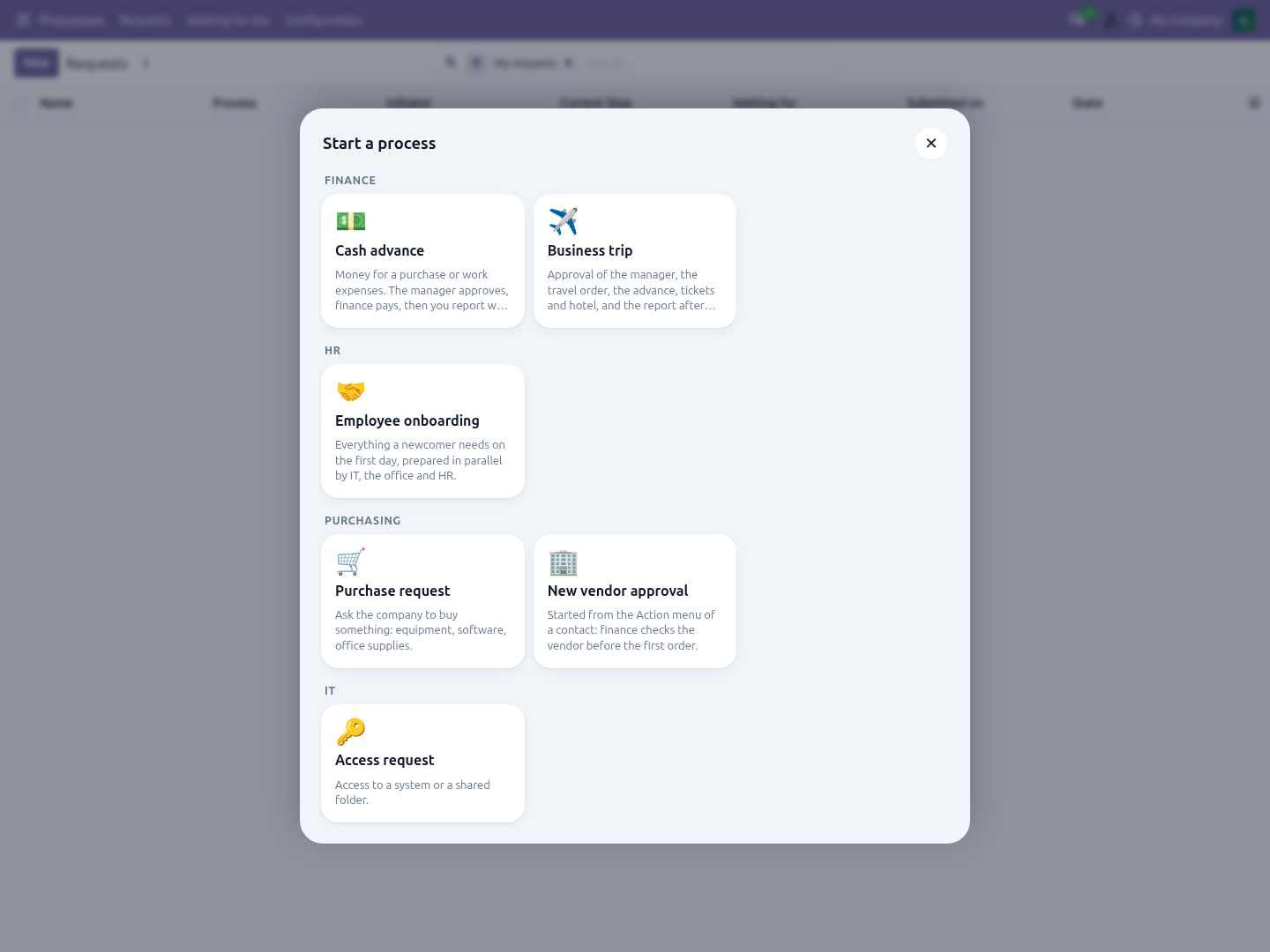
A button in the top bar, next to the activities, opens the catalog of the processes the employee may start, grouped by category. Choosing one opens a new request. The names of the processes and of their steps, the instructions and the notifications are translated in the designer, so everyone reads them in their own language.
More than approvals
- Any Odoo document. Bind a process to a model — a contact, a sale order, a purchase order — and start it from the Action menu of the record. Conditions, deadlines and assignees read the fields of the document.
- Server actions as steps: Odoo confirms, creates or updates something when the process gets there.
- Connector steps post to a Slack channel or a Telegram chat, or send JSON to any web service and keep its answer; a failure can take its own Error arrow. They run in the background and never hold a user.
- Values in texts. Instructions and messages take values in double braces: the amount of the request, the name of the document, the answer of a web service.
- Process data. Steps keep values that later conditions read, including the decision and the comment of every approval.
Access
Employees see the published processes they may start, their own requests, the requests of their subordinates and the ones waiting for them. The Process administrator group draws the processes and sees every request. Tokens and addresses of connectors are visible to Odoo administrators only.
Good to know
- Depends only on Discuss and Employees; works on Community and Enterprise.
- Conditions are short Python expressions on the fields; the designer offers the fields to click, so they are rarely typed by hand.
- Slack and Telegram need a bot token of your own; nothing is sent to third parties.
- Interface in English and Ukrainian.
Questions and support: info@many2one.online
Technical details
| Technical name | process_designer |
|---|---|
| Odoo versions | 20.0, 19.0, 18.0, 17.0 |
| License | OPL-1 |
| Required Odoo apps | hr, mail |