Voice & Sketch Tasks
Dictate a task (Whisper speech-to-text), sketch it as a diagram, and let portal users work on a kanban board of the project
- Odoo versions 17.0 – 20.0
- Licence OPL-1
- Delivery Download right after payment
- Code Full source code
Voice & Sketch Tasks
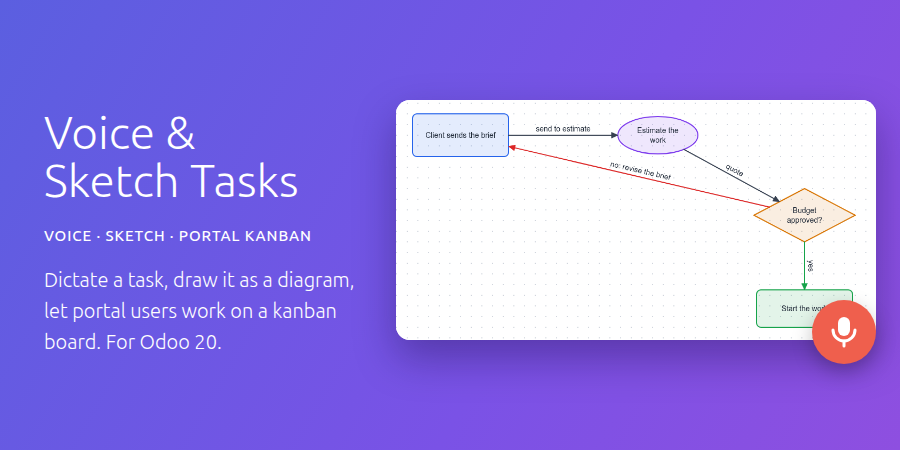
Describe a task the way you would explain it to a colleague: say it, or draw it. Dictate it and Whisper writes the text, sketch the process as boxes and arrows, and let your portal users do the same from a kanban board of the project.
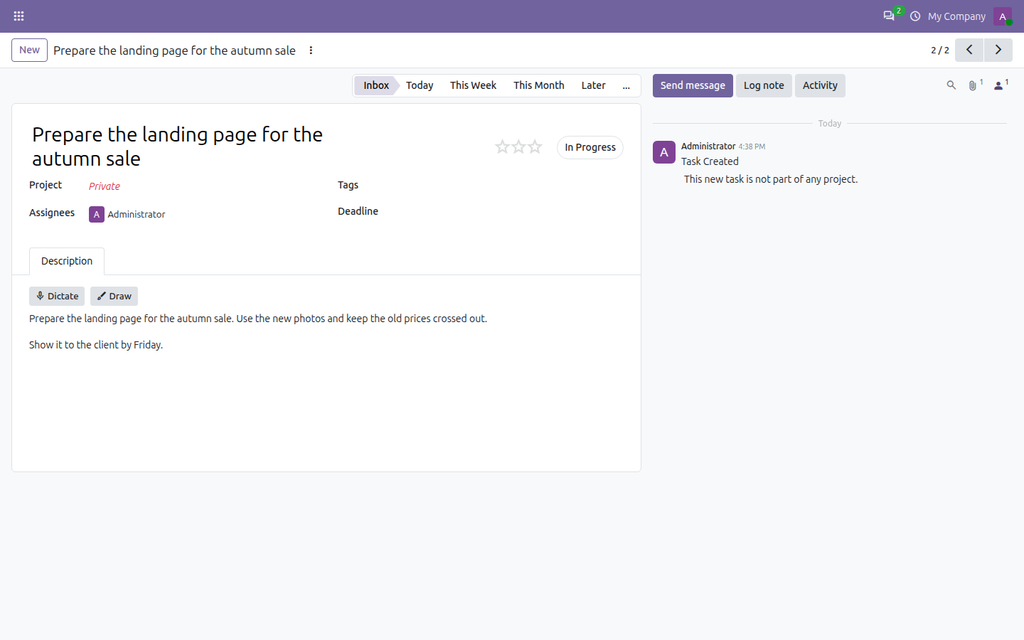
Dictate the task
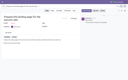
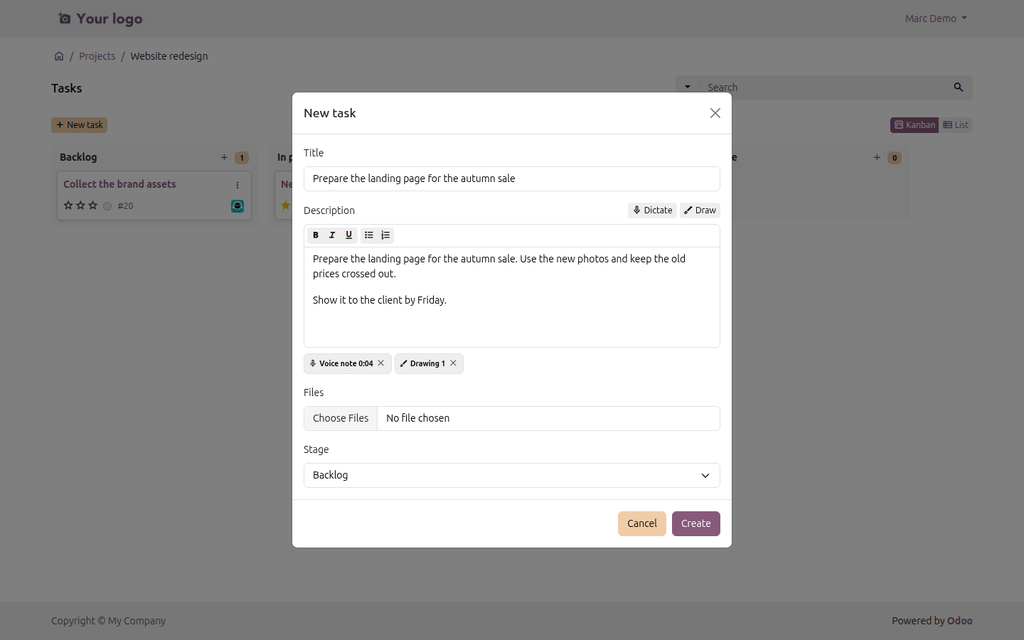
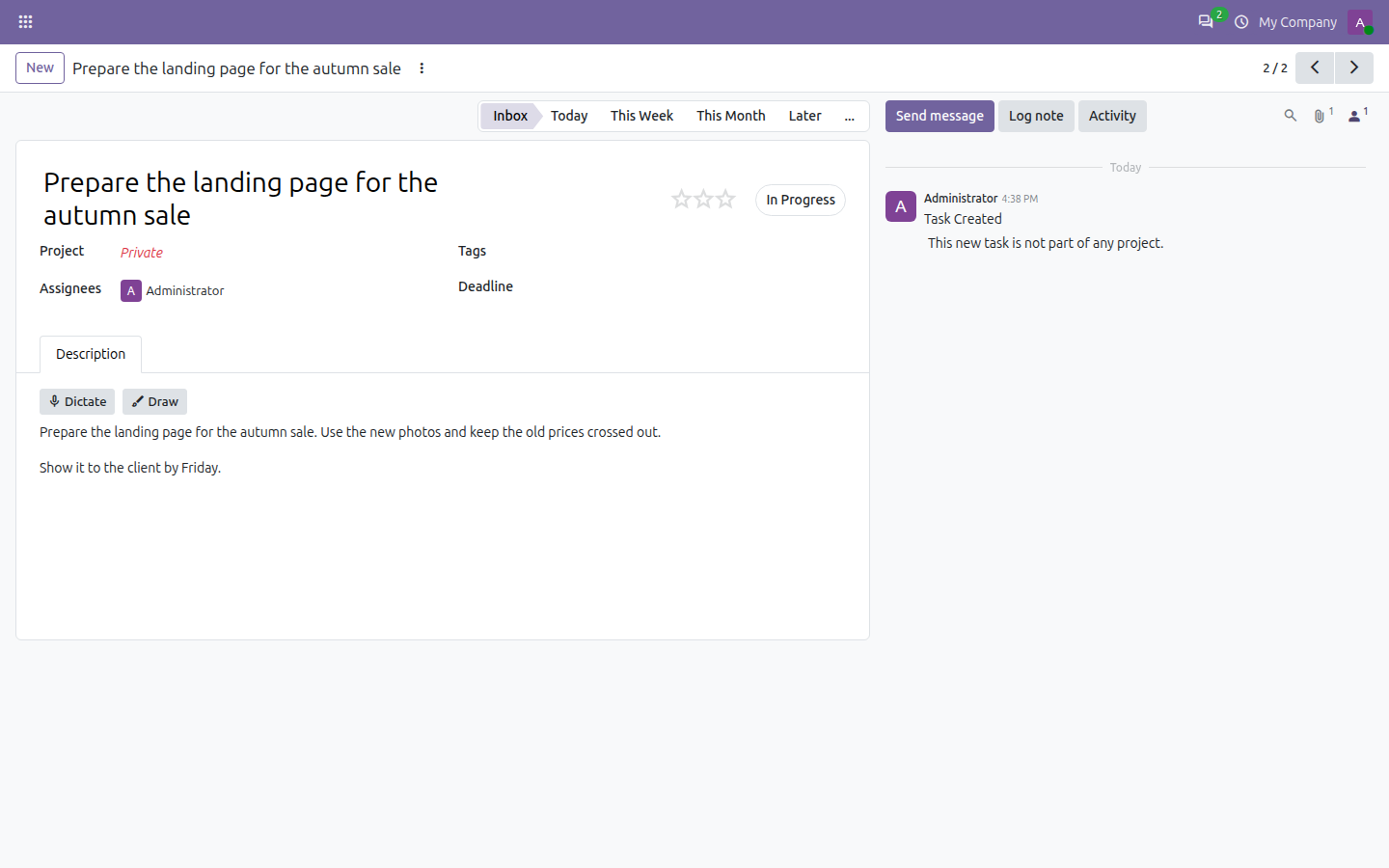
Click Dictate above the description of a task, or in the quick create card of a kanban column, and just talk. When you stop, the recording comes in the chatter of the task with its text, and the text, recognised by Whisper, is added to the description. Starting a new task with an empty title? The first sentence you said becomes the title.
The original recording stays on the task, so nothing is lost when a word is misheard. Speech is recognised in the language of the user, or detected automatically if you prefer.
Draw it like a designer
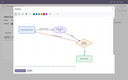
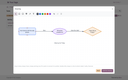
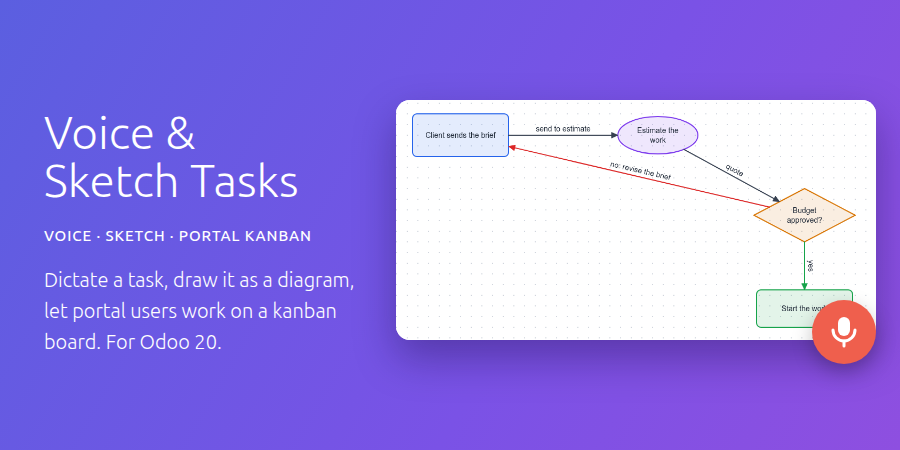
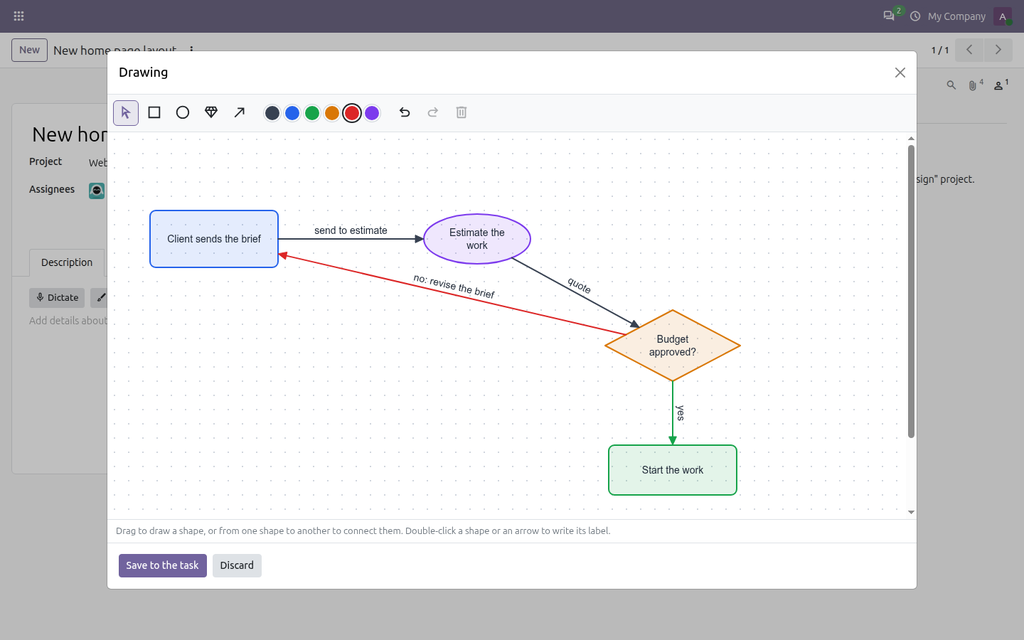
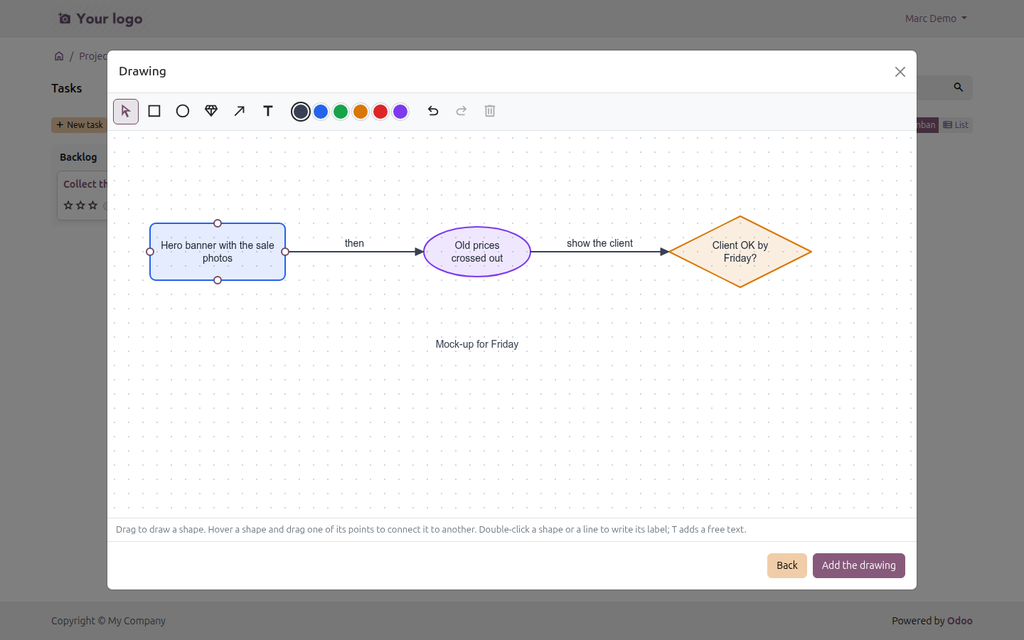
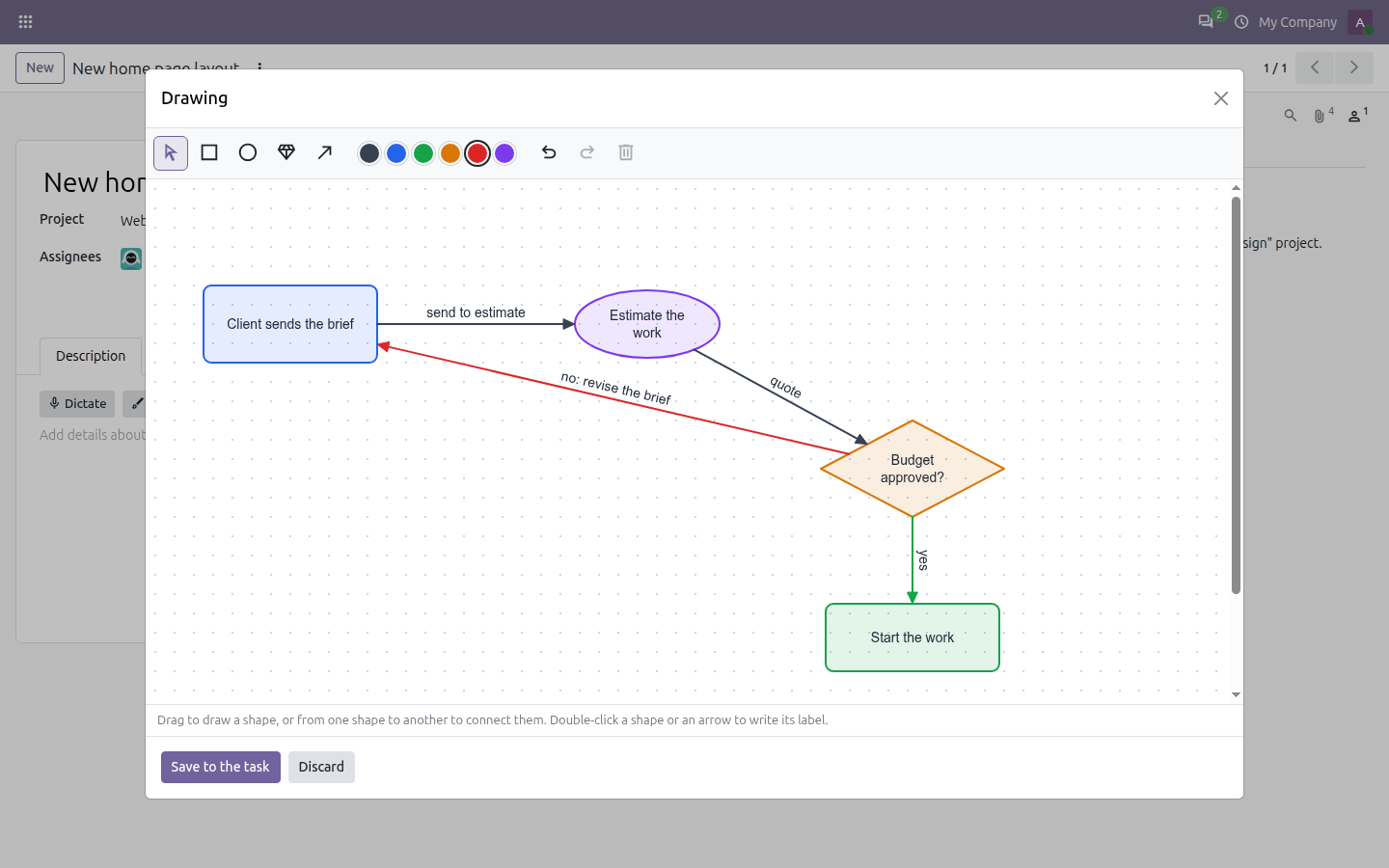
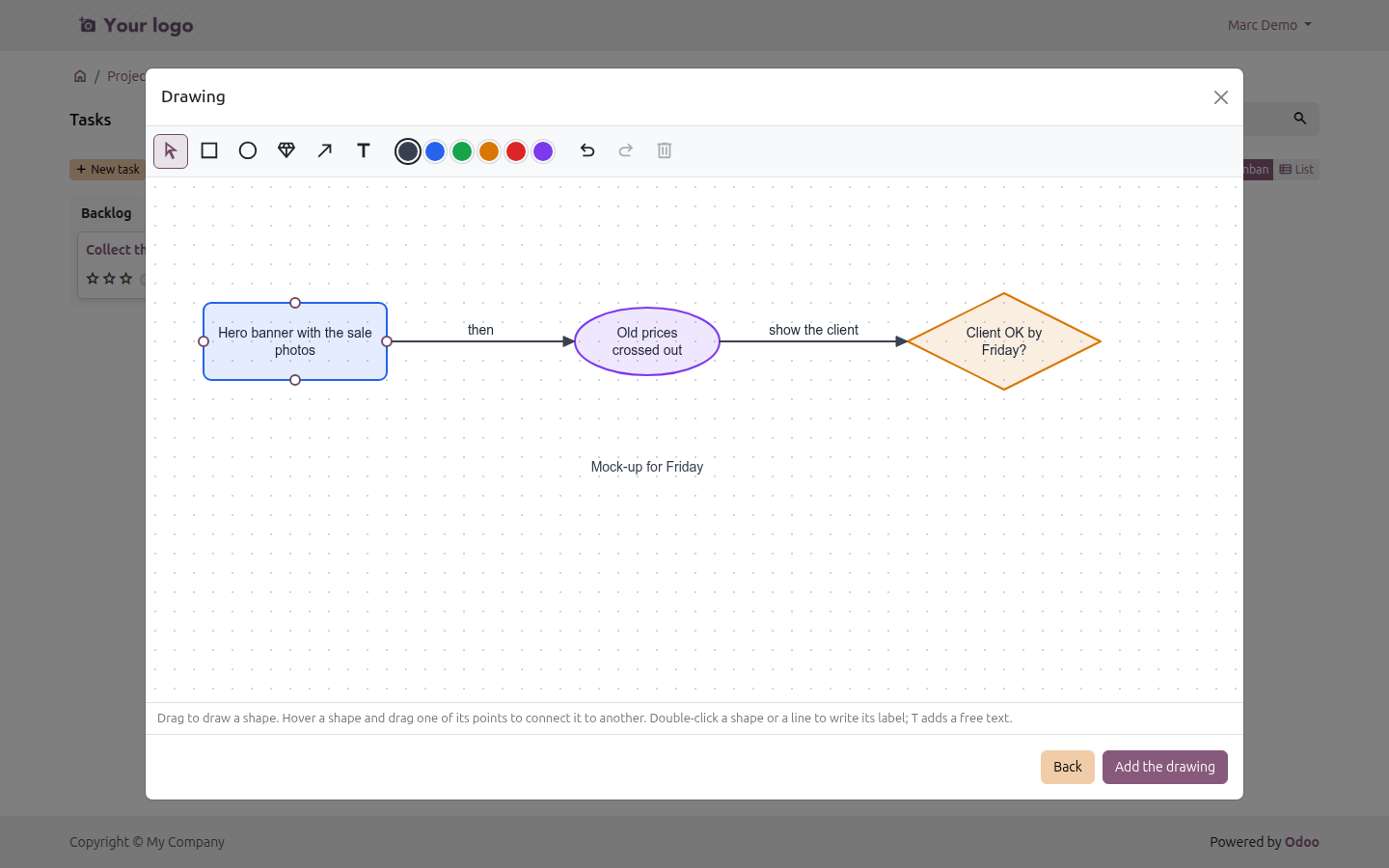
Draw opens a small diagram editor. Rectangles, ellipses and diamonds carry their label inside, wrapped to the shape. Hover a shape and its connection points light up on the edges: drag one to another shape and the arrow sticks to both, follows them when they move and carries its label above the line (double-click the line to edit it). Free text labels go anywhere. Six colours, resize handles, undo and redo, keyboard shortcuts (V, R, O, D, A, T, Delete, Ctrl+Z).
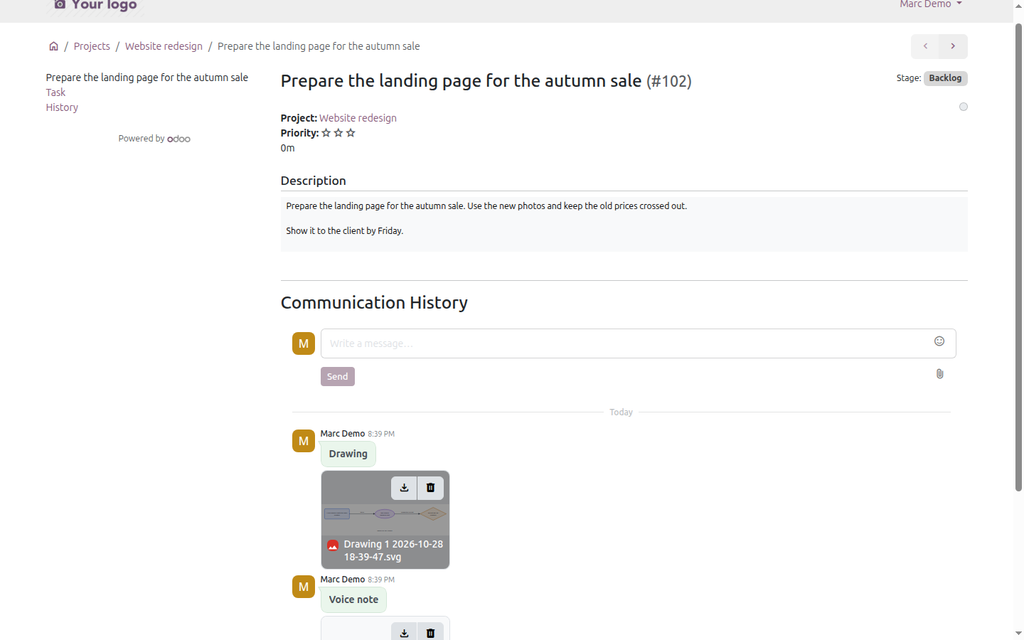
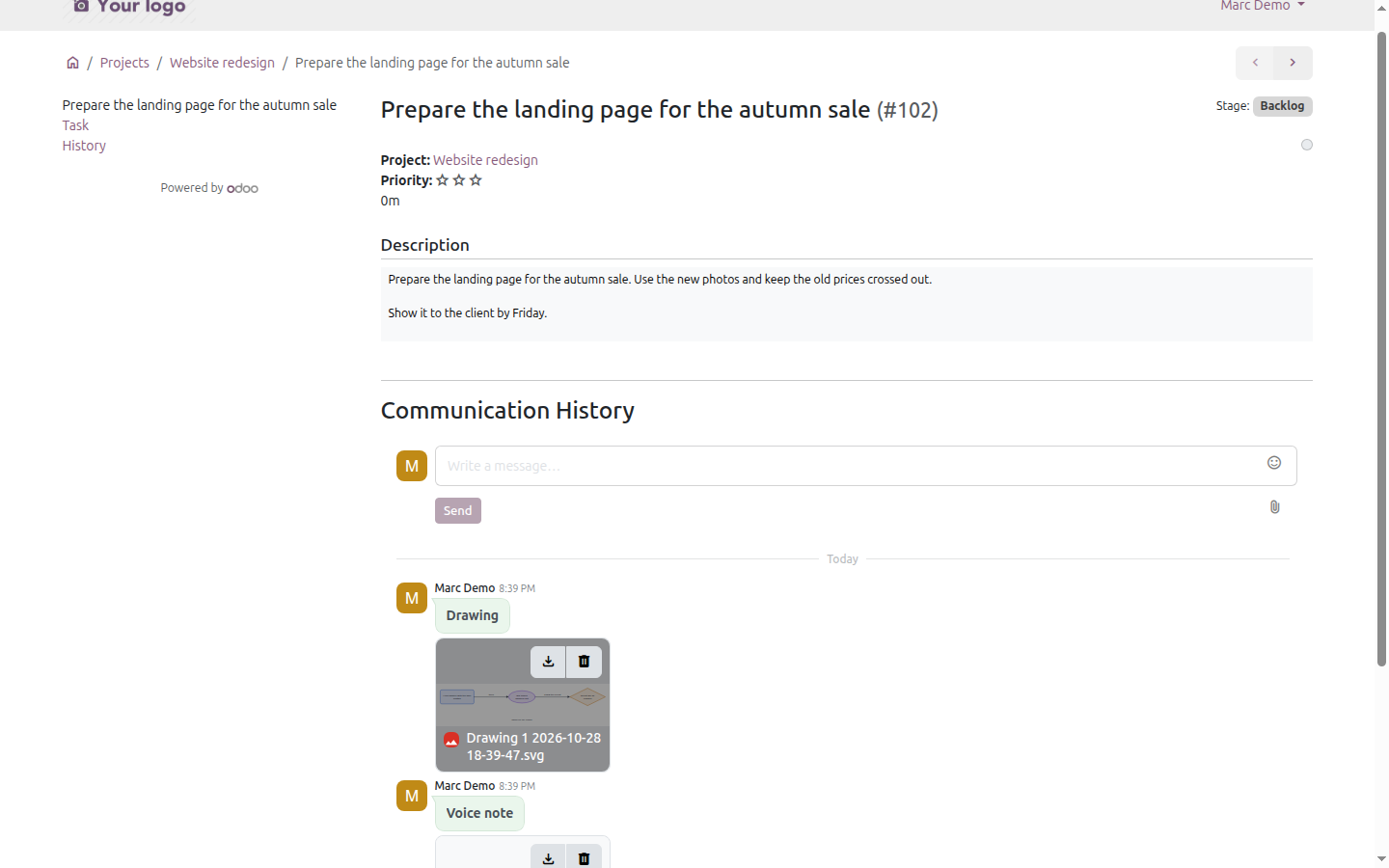
Save to the task posts the drawing in the chatter as an SVG image, cropped to what you drew: sharp at any zoom, light to store, and it opens in any browser or vector editor.
A kanban board on the portal
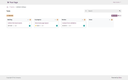
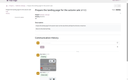
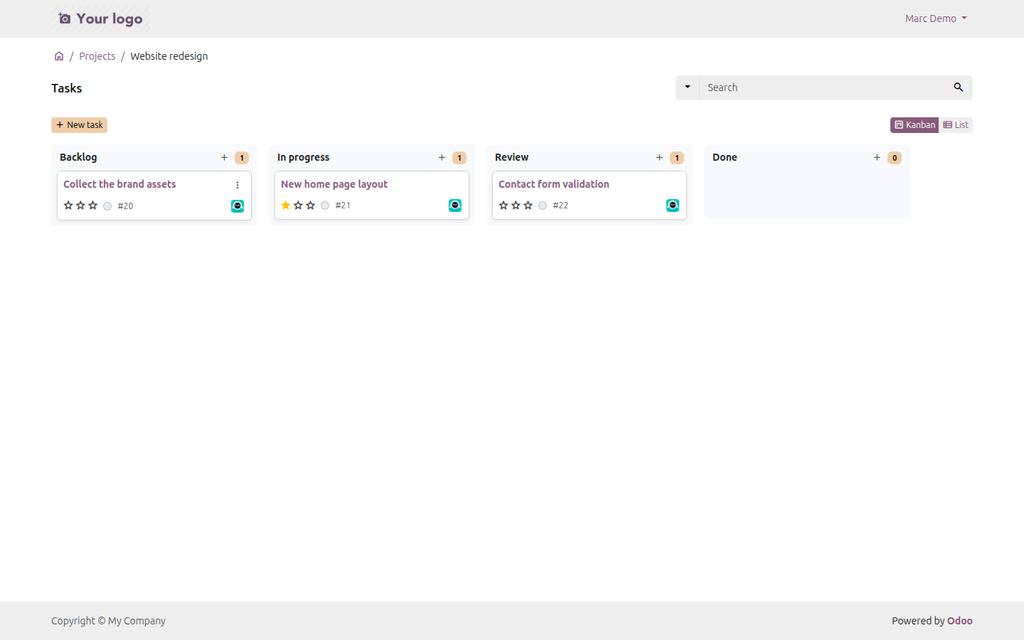
The portal page of a project shows its tasks as a board, one column per stage, next to the standard list. Your customers move the tasks they follow or created by drag and drop (or with the Move to menu of the card, handy on phones), fold the stages they do not need, and add new tasks right from a column.
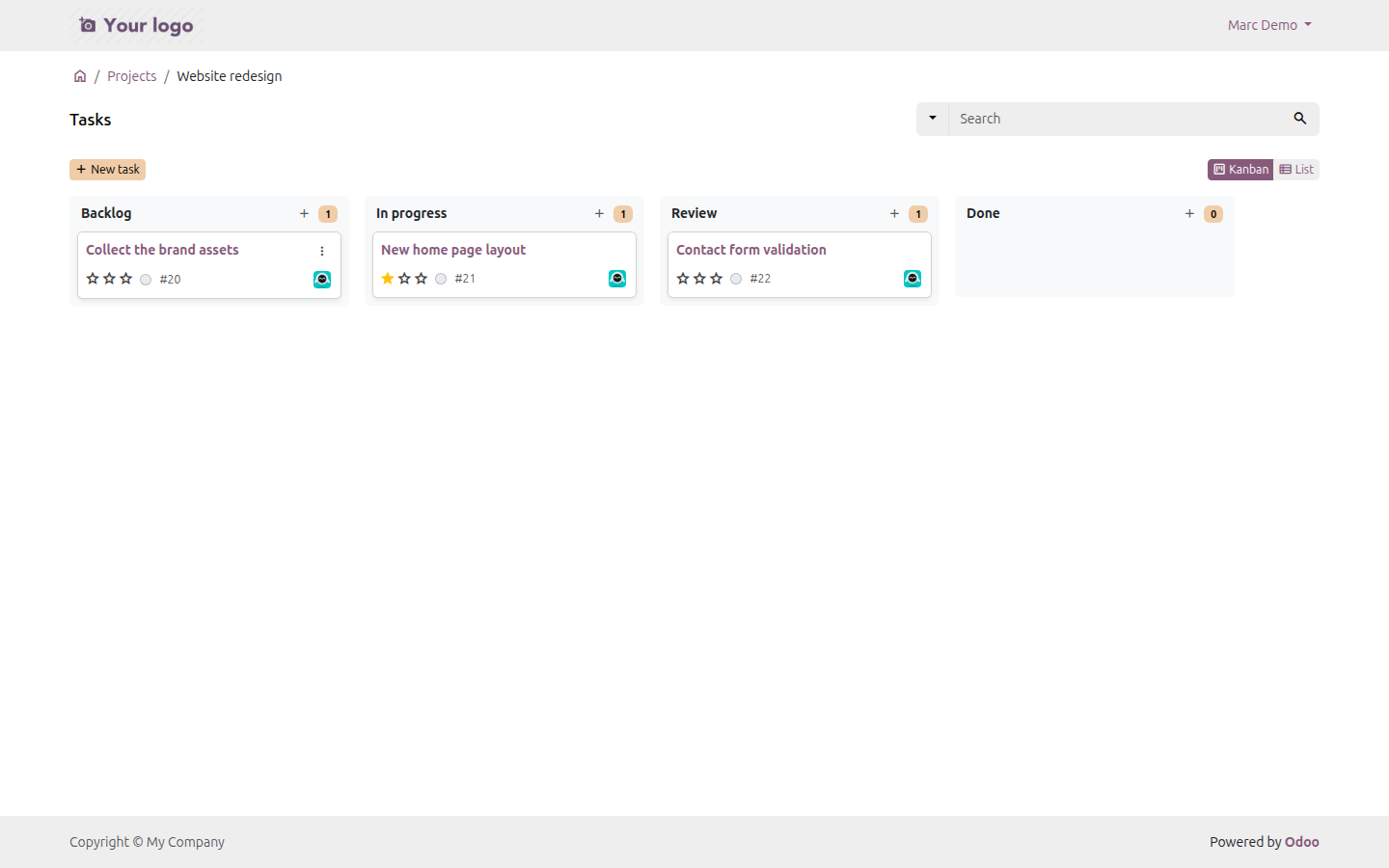
Customers dictate and draw too
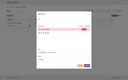
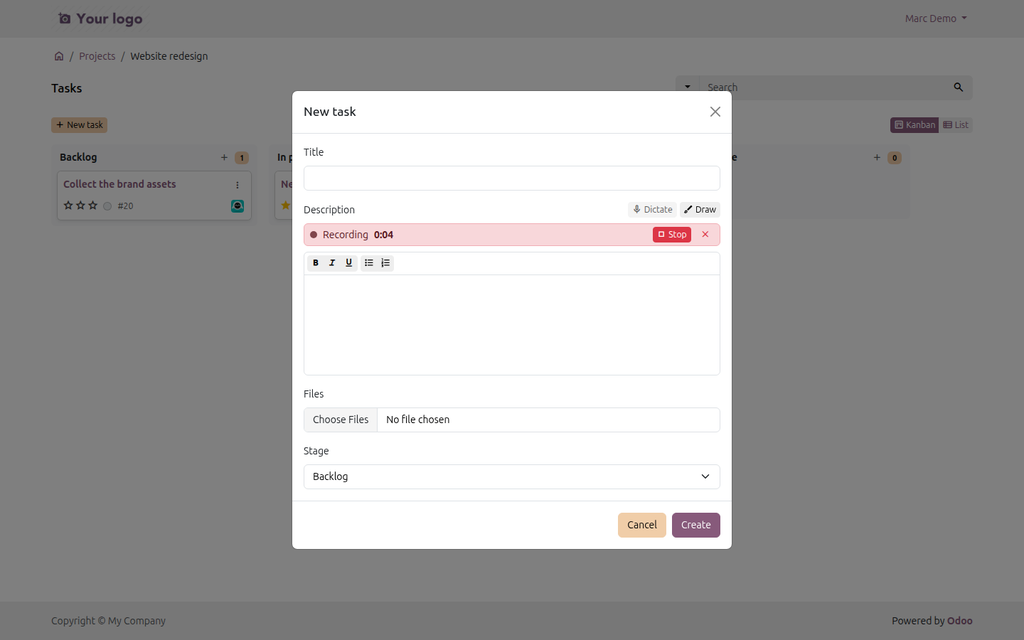
How a portal user creates a task on the board of a project, step by step.
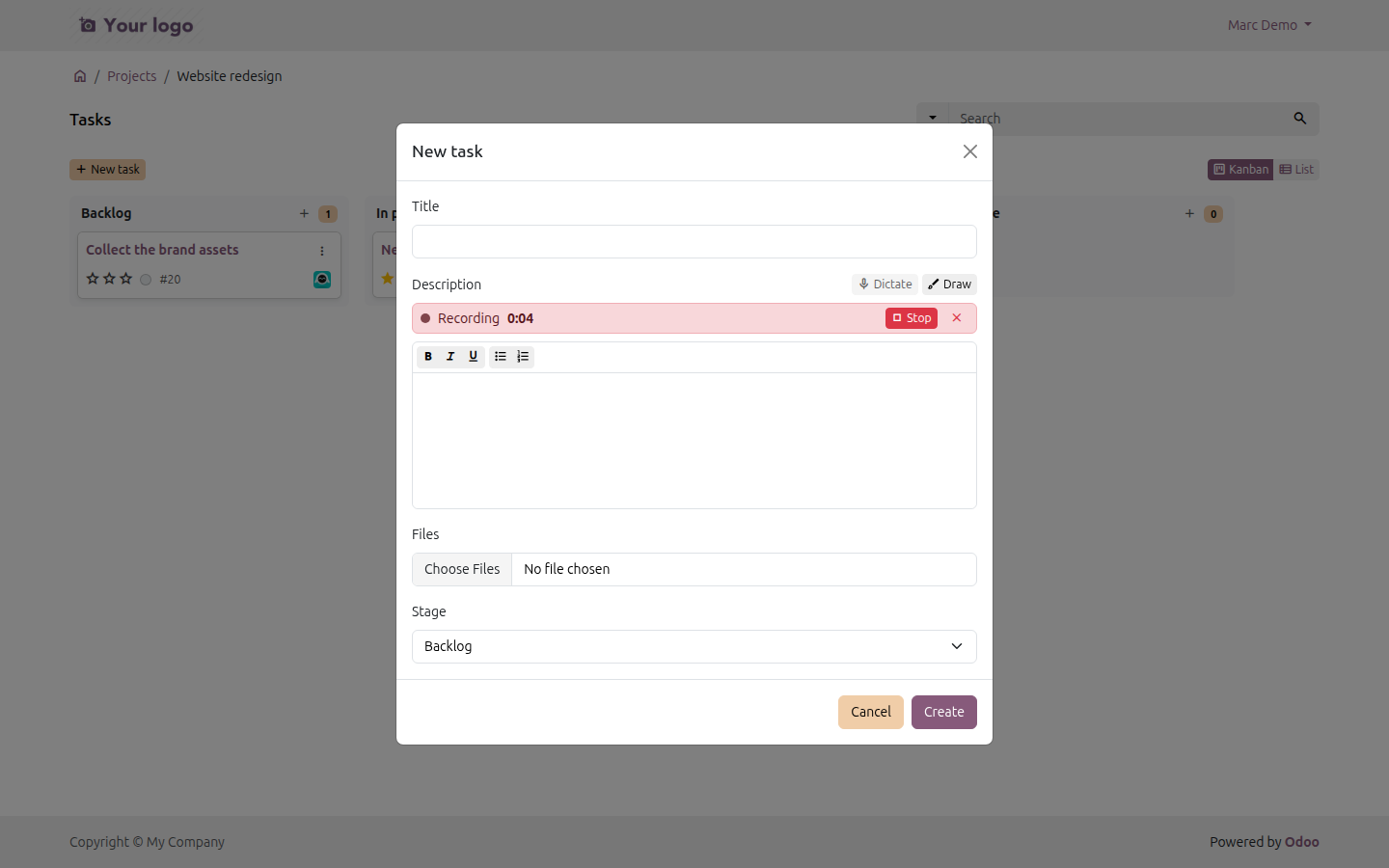
1. Record. New task (or the + of a column) opens the dialog. Dictate starts the microphone; Stop ends the recording, the cross throws it away.
2. Draw. Draw turns the dialog into the diagram editor: shapes with their labels, arrows from the connection points of one shape to another, free text. Add the drawing goes back to the form.
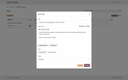
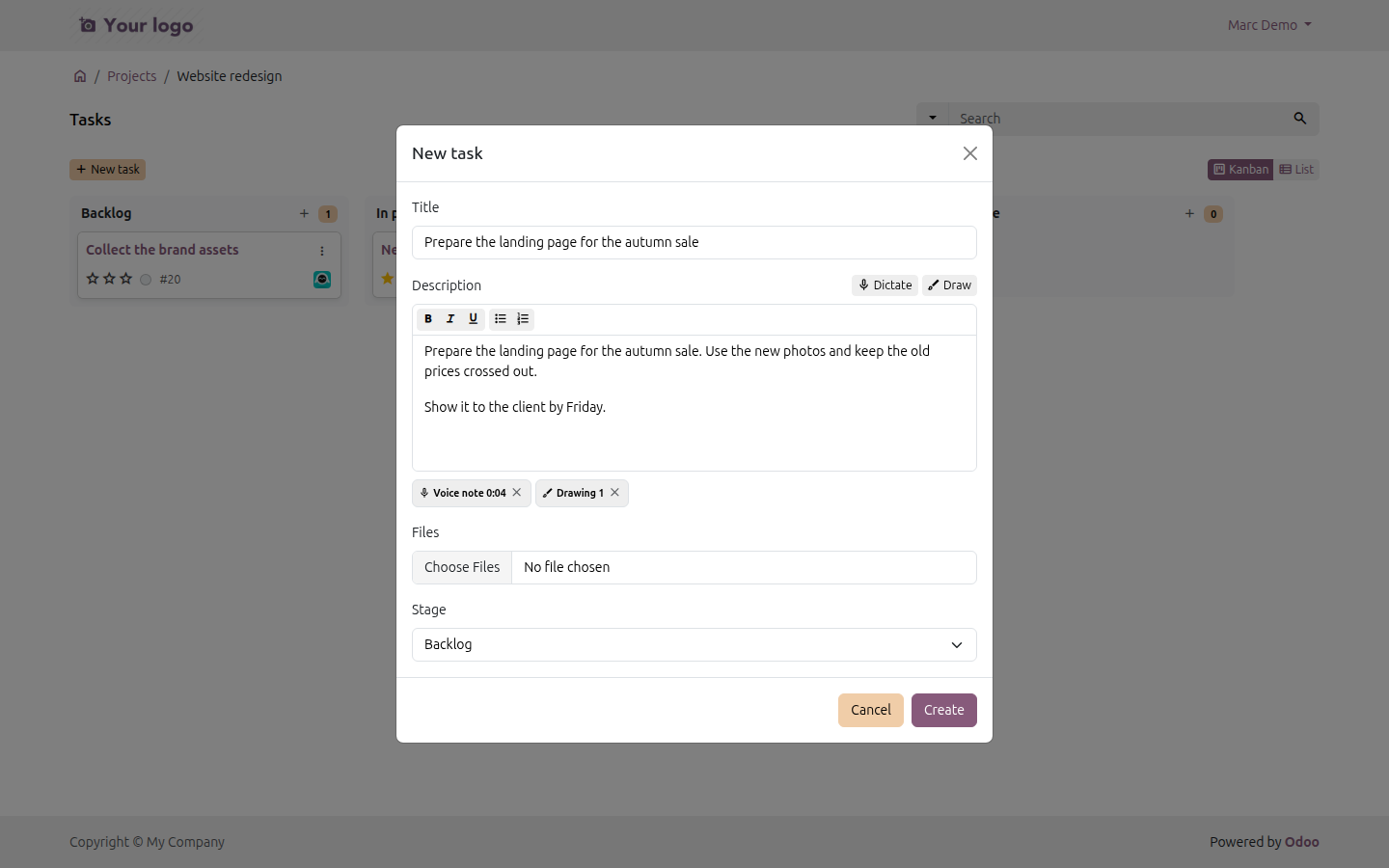
3. Check and create. The dictated text is already in the description and the first sentence in the title, both editable. The voice note and the drawing are listed under it; the cross removes one. Create adds the task to the board.
4. On the task. The recording and the drawing are in the communication history of the task, as messages of the customer, next to the files they added.
Your own Whisper
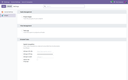
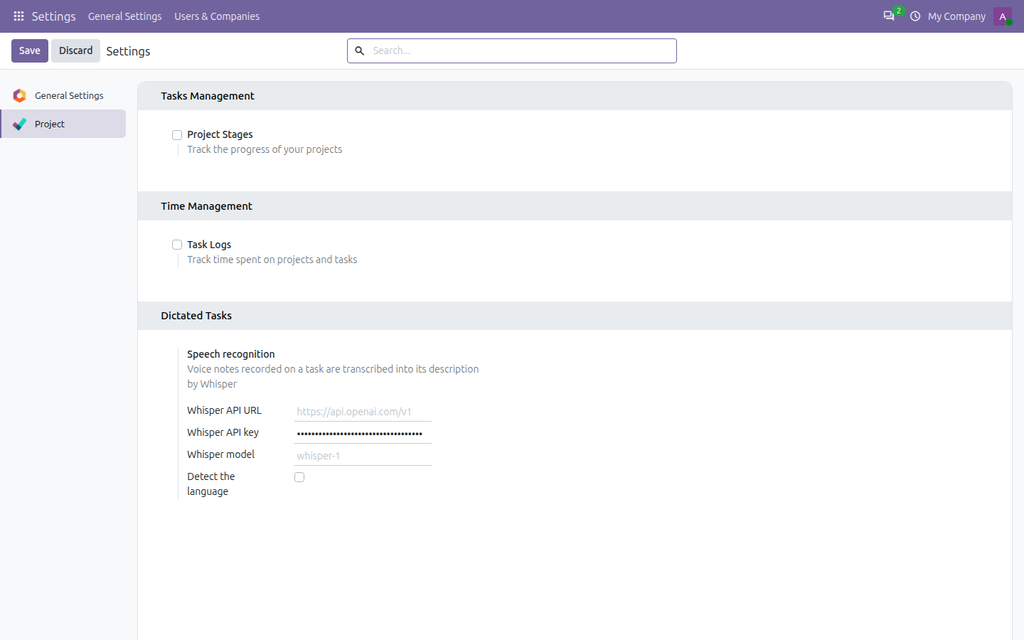
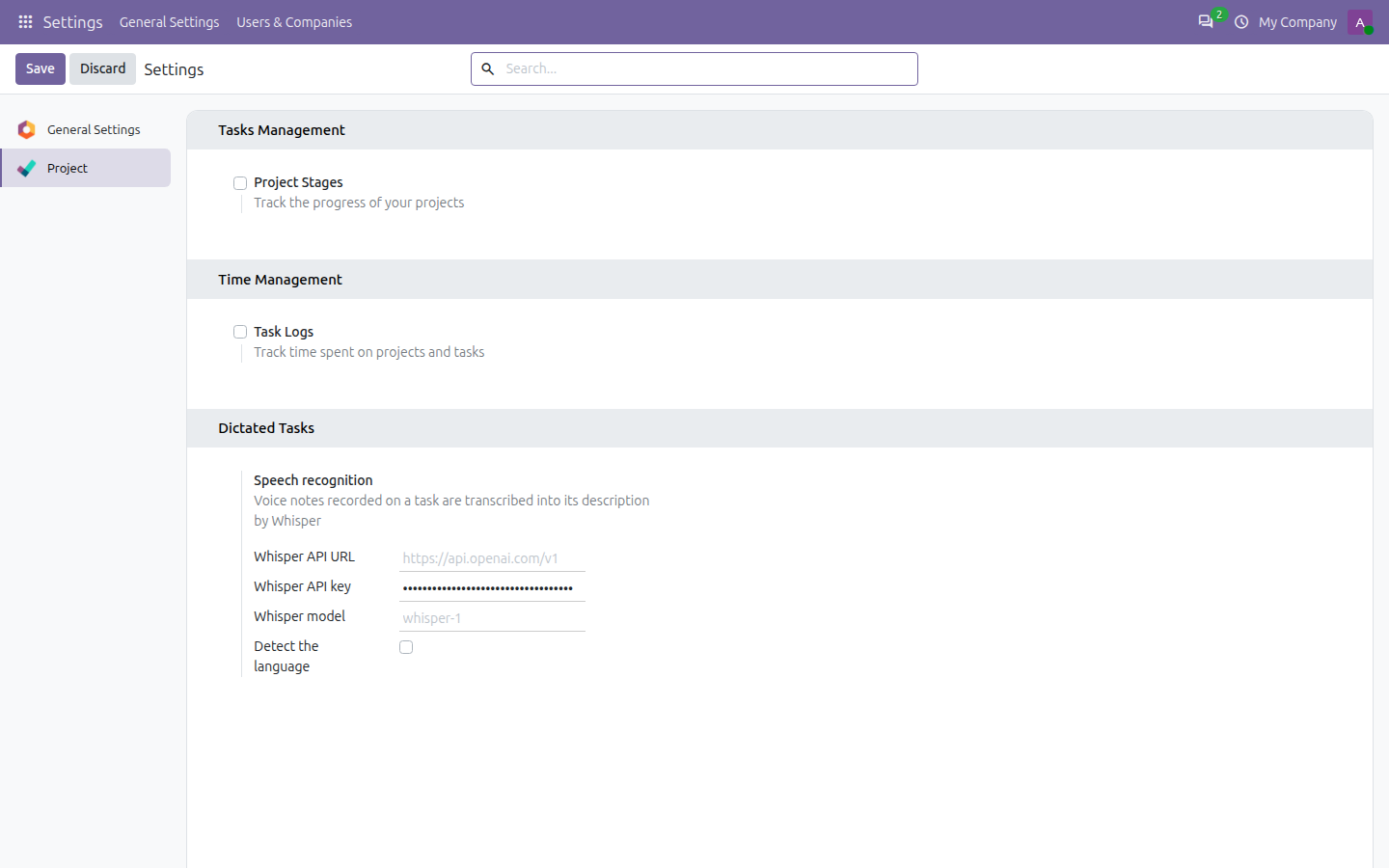
Speech recognition is set in Settings > Project > Dictated Tasks with the same four fields for every provider: URL, key, model and language. Without it the recordings are still attached, only not transcribed.
- OpenAI - just the key; whisper-1, gpt-4o-transcribe or gpt-4o-mini-transcribe, billed per minute of audio.
- Azure OpenAI / Azure AI Foundry - deploy whisper in a region that offers it, paste the deployment URL and the key of the resource; your Azure credits pay for it.
- Your own server - no fees, the audio never leaves your network: whisper.cpp on a Mac with Apple Silicon (large-v3 transcribes a short note in a couple of seconds) or faster-whisper on a GPU, reached through Tailscale or an SSH tunnel.
Step-by-step instructions for each of them are in the README of the module.
Good to know
- Recording works in current Chrome, Edge, Firefox and Safari, on desktop and phone, over https. One recording can last up to 10 minutes.
- Speech recognition is billed by your provider (OpenAI charges per minute of audio). The audio goes from your Odoo server to the provider you set, never through us.
- Drawings are checked on the server: only plain shapes, lines and text are accepted, so an image saved in a task can never carry a script.
- Portal users who follow a shared project see the board (in Odoo 20: its collaborators in View mode). Collaborators who edit tasks in Odoo's Project Sharing find the Dictate and Draw buttons on the task form there.
- Dictation and drawing are switched on and off separately in Settings > Project: a tool that is off has no button anywhere, and the server refuses it too.
- For Odoo 17, 18, 19 and 20 (tested on Community). Depends only on the Project app. Interface in English and Ukrainian.
Questions or ideas? Write to info@many2one.online.
Technical details
| Technical name | ndev_task_creator |
|---|---|
| Odoo versions | 20.0, 19.0, 18.0, 17.0 |
| License | OPL-1 |
| Required Odoo apps | project |